// blog › kubernetes
KUBERNETES
WordPress on Kubernetes: from tutorial to production
On this page
- Two Deployments, two Services, two PersistentVolumeClaims and one Secret make the whole application.
- WordPress finds MySQL by the Service's name, not by a pod address.
- Each volume is ReadWriteOnce, so each Deployment can run only one pod: this design cannot scale out as drawn.
- For production, the tutorial itself points to a packaged Helm chart; we also suggest a managed database.
Running WordPress on Kubernetes is the classic first stateful application: a web tier, a database, a password and two disks. The official Kubernetes tutorial builds exactly that, and it is a good map of how the pieces connect. It is also, by its own account, not for production. This post draws the tutorial's architecture, explains each object, and then lists what we would change, and why, before real visitors arrive.
The problem: state in a system built for replaceable pods
Kubernetes is happiest with pods it can kill and replace at will. WordPress keeps uploads and plugins on disk, and MySQL keeps everything on disk. Those files must survive a pod being restarted, rescheduled or deleted. PersistentVolumes exist for this: storage whose life is independent of any pod.
The design, object by object
Everything sits in one namespace (open the diagram).
- Secret. The database password lives in a Secret called
mysql-pass, generated by kustomize'ssecretGenerator. Both Deployments read it as an environment variable. - MySQL. A Deployment runs one
mysql:8.0pod with the Recreate strategy, its data on a 20Gi ReadWriteOnce claim mounted at/var/lib/mysql. A headless Service,wordpress-mysqlon port 3306, gives it a stable name. - WordPress. A Deployment runs one
wordpress:6.2.1-apachepod, also with Recreate, its files on another 20Gi claim at/var/www/html. ItsWORDPRESS_DB_HOSTis simplywordpress-mysql. - Front door. A Service of type LoadBalancer exposes WordPress on port 80.
- Storage. With no StorageClass named, the claims use the cluster's default class to provision volumes.
Why Recreate?
A ReadWriteOnce volume can be mounted read-write by one node at a time. A rolling update would start the new pod before stopping the old one, and the new pod might wait on a volume the old one still holds. Recreate stops the old pod first, at the cost of a short outage on every release.
From tutorial to production: what we would change
- Mind the storage class. On local test clusters the default class can be
hostPath, which keeps data on one node and loses it if the pod moves. The tutorial warns about this; use a real network-backed class. - Use a managed database, or a StatefulSet. A database in a Deployment with one replica has no failover. A managed MySQL service takes backups, patching and failover off your hands. If it must run in the cluster, a StatefulSet with an operator is the better shape.
- Scale WordPress by moving its files. To run several WordPress pods, the shared files must be on ReadWriteMany storage, or media must go to object storage through a plugin. Then use a rolling update and a HorizontalPodAutoscaler.
- Put an Ingress or Gateway in front. One cloud load balancer per Service gets expensive. An Ingress controller shares one entry point, terminates TLS and routes by host name.
- Lock down the database. A NetworkPolicy that lets only WordPress pods reach port 3306 stops anything else in the cluster from trying.
- Keep secrets out of git. A literal password in
kustomization.yamlis fine on a laptop and wrong in a repository. Use an external secrets store. - Set requests and limits, and back up the volumes. A volume is not a backup.
Cost and security notes
- Each LoadBalancer Service usually creates a paid cloud load balancer. Count them.
- Persistent volumes are billed by size whether full or not; 20Gi is the tutorial's choice, not a recommendation.
- Run WordPress as a non-root user where the image allows, and keep plugins few and patched. Most WordPress compromises come through plugins, not Kubernetes.
When not to use Kubernetes for WordPress
- A single blog or brochure site: managed WordPress hosting, or one virtual machine, is cheaper and simpler.
- No one on the team runs Kubernetes already: the cluster becomes the hardest part of hosting a blog.
- The site is mostly static: generate it and serve it from a CDN instead.
How to draw it in archhy
- Open the Services drawer and choose the Kubernetes pack, which is available to everyone. Search by kubectl short names:
deploy,svc,pvc. - Place a Cluster container, then a Namespace inside it, and lay the objects out in three rows: control (Deployments, Secret), traffic (Services and pods), storage (claims and the StorageClass).
- Label the rail from WordPress to MySQL with the environment variable,
WORDPRESS_DB_HOST = wordpress-mysql. It explains service discovery better than a paragraph. - Make the Deployment rails dashed (they manage, they do not carry traffic) and the Secret rails dotted and purple.
- For a fuller cluster picture, start from File ▸ New from sample ▸ Kubernetes cluster. Download an SVG for your README.
Related: blue/green releases on Amazon ECS and a zone-redundant web app on Azure App Service.
Frequently asked questions
Can WordPress run on Kubernetes?
Yes. A Deployment runs WordPress, a database runs alongside or as a managed service, and PersistentVolumeClaims keep files and data across pod restarts.
Why can't I scale the WordPress Deployment to three replicas?
Its volume is ReadWriteOnce, so only one node can mount it read-write. Use ReadWriteMany storage or move media to object storage first.
Should MySQL run in Kubernetes?
It can, ideally as a StatefulSet with an operator, but a managed database is usually simpler and safer for production.
How does WordPress find the MySQL pod?
Through the Service name. The WORDPRESS_DB_HOST variable is set to wordpress-mysql, and cluster DNS resolves it.
based on Redrawn and discussed from the Kubernetes documentation tutorial Example: Deploying WordPress and MySQL with Persistent Volumes and its WordPress manifest (The Kubernetes Authors). The diagram and the production advice are archhy's own.
more on kubernetes
How to prompt archhy: 10 Kubernetes diagram examplesWrite clearer architecture briefs in archhy, then try ten original Kubernetes prompts covering traffic, scaling, GitOps, storage and multi-cluster views.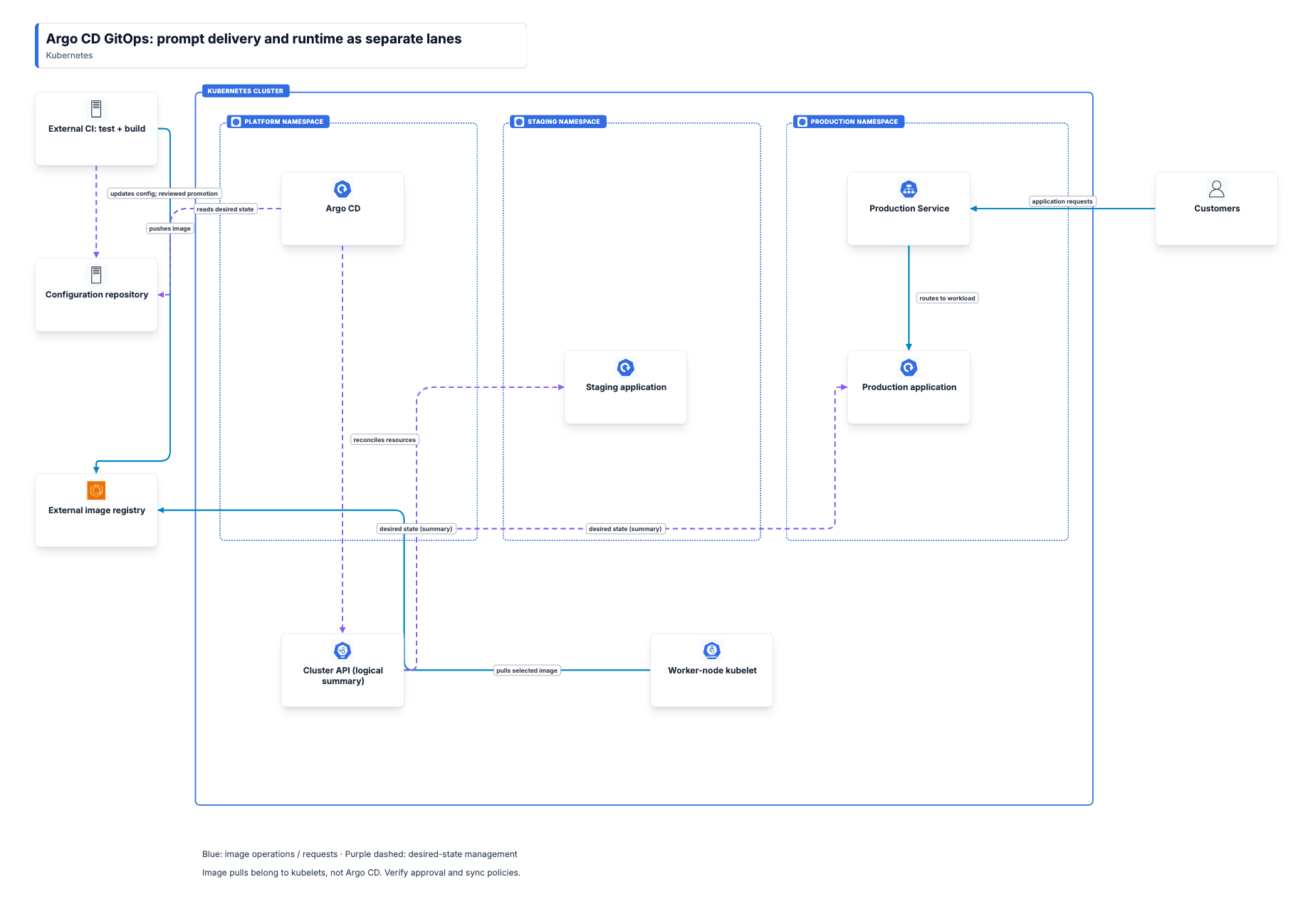 Argo CD GitOps: prompt delivery and runtime as separate lanesAn Argo CD GitOps diagram should show how desired state reaches the cluster while keeping customer traffic separate. This example draws a short delivery chain and makes production promotion a repository change that a reviewer can identify.
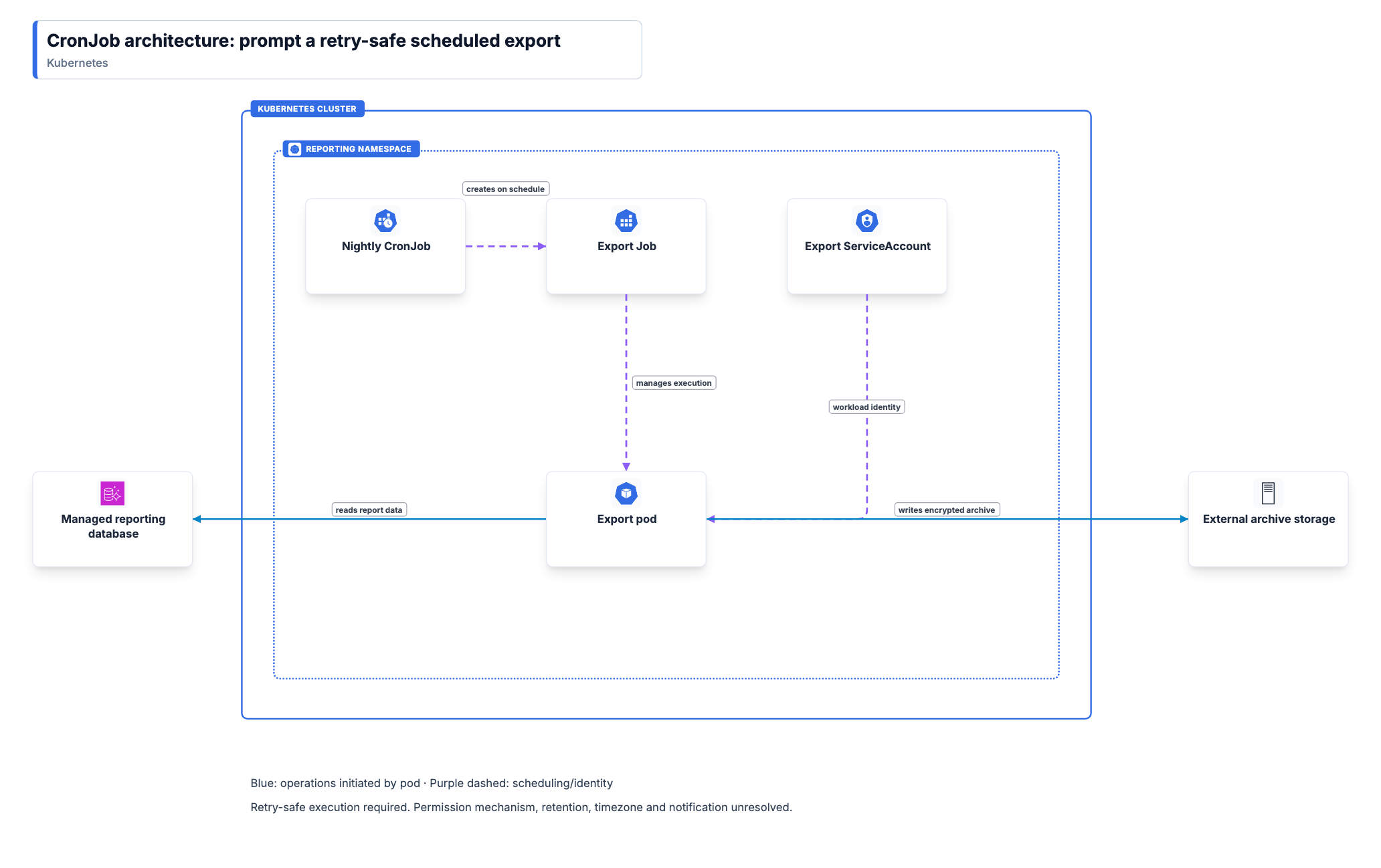 CronJob architecture: prompt a retry-safe scheduled exportA Kubernetes CronJob diagram can explain more than a clock pointing at a pod. This example follows a reporting export from its schedule to an archive, while showing where permissions and recovery assumptions belong.