AWS · ARCHITECTURE PATTERNS
ECS blue/green deployment pipeline with CodeDeploy
On this page
- Blue/green buys an instant rollback: the old tasks keep running until the new ones have proved themselves.
- The ECS service's deployment controller must be CodeDeploy for this pipeline, or CloudFormation and CodeDeploy fight over the task definition.
- Test the green tasks on a test listener before any user reaches them.
- Since July 2025, ECS also has built-in blue/green. For a new service, compare it before building this.
An ECS blue/green deployment runs the new version of your service beside the old one, tests it on a separate listener, and only then moves real traffic across, so a bad release is undone by moving traffic back. This post draws a complete pipeline for it on AWS, from a merge to main through CodePipeline, CodeBuild and CloudFormation to CodeDeploy and Amazon ECS on Fargate, and explains the awkward parts AWS's own example had to work around.
The problem: releasing containers safely
A rolling update replaces tasks a few at a time. If the new version is broken, some users see errors before anyone notices, and rolling back is another rolling update. Teams that release often, or whose errors are expensive, want a cleaner switch and a way back that takes seconds.
The design
The diagram shows the pipeline across the top and the running service below (open the diagram).
The pipeline
- Source. A merge in CodeCommit or GitHub starts CodePipeline, which stages the source in S3.
- Build. CodeBuild packages the CloudFormation templates, runs static analysis on the code and templates, runs unit tests, builds the image and pushes it to Amazon ECR.
- Infrastructure. A CloudFormation action deploys nested stacks: the ECS cluster and service, task definition, load balancer listeners and target groups, and the CodeDeploy application and deployment group. Its outputs, such as the task definition's ARN, are passed on as pipeline variables.
- Deployment files. A second CodeBuild step writes the two files CodeDeploy needs:
appspec.yml, naming the container, its port and the test hook, andtaskdef.json, built from the latest task definition. - Deploy. CodePipeline's ECS-to-CodeDeploy action hands those files to CodeDeploy.
The switch
The Application Load Balancer has a production listener and a test listener. CodeDeploy starts a green task set beside the blue one and sends test traffic to it. A Lambda function on the AfterAllowTestTraffic hook runs your checks. If they pass, CodeDeploy shifts production traffic all at once, in a canary step, or linearly. If the deployment fails, CodeDeploy rolls back automatically.
The awkward parts
AWS's example is honest about where CloudFormation and CodeDeploy do not fit neatly:
- CloudFormation could not create the CodeDeploy deployment group for ECS, so a Lambda-backed custom resource does it.
- If CloudFormation pushed each new task definition to the service, it would collide with CodeDeploy. The service's deployment controller is set to CodeDeploy, and a custom resource hands CloudFormation the previous task definition so that new revisions reach the service only through CodeDeploy.
- CloudFormation's own blue/green hook for ECS does not support nested stacks, and cannot ship infrastructure and application changes in one deployment, which is why this design does it by hand.
The price is code you now own: custom resources, scripts and buildspec logic to maintain.
Trade-offs, cost and security
- Double capacity, briefly. Blue and green run side by side during each deployment, so you pay for two task sets for that window. On Fargate that is a short, predictable cost.
- Databases do not switch. Both versions talk to the same database while traffic moves. Make schema changes backwards compatible: add first, remove in a later release.
- Keep the test listener private. Restrict it by security group to your test hook and your team, so the public cannot reach an unreleased version.
- Long connections. WebSocket and other long-lived connections stay on blue until they close. Plan a drain time.
- Least privilege. The pipeline's roles can change production. Scope them tightly and require review on the main branch.
When not to use it
- A new service in 2025 or later: look first at ECS's built-in blue/green deployments, which run the new release beside the old one with lifecycle hooks and rollback, and need far less custom code.
- Infrastructure not in CloudFormation: the workarounds here are CloudFormation-specific. AWS points CDK users to a separate guide.
- Low-risk internal tools: a rolling update with the ECS deployment circuit breaker is simpler and usually enough.
How to draw it in archhy
- From the Services drawer (AWS pack), place an AWS Cloud, a Region and a VPC with public and private subnets, and put the load balancer in a public subnet.
- Draw a dotted boundary across the top for CodePipeline and lay its stages left to right; Space evenly makes the gaps equal.
- CodeCommit, CodeBuild, ECR, CloudFormation, CodeDeploy and Fargate have no palette item of their own: place Generic Resources, each with a clear name; their official AWS icons are not in the palette.
- Draw two rails from the load balancer: solid and animated to blue, dashed and green to green. That one difference tells the whole story.
- Label CodeDeploy's rail with the traffic-shifting choice, then download an SVG for your runbook.
Related: multi-Region disaster recovery and a static site on S3 and CloudFront.
Frequently asked questions
How does blue/green deployment work on Amazon ECS?
A new (green) task set starts beside the current (blue) one, receives test traffic, and once checks pass the load balancer moves production traffic to it. Blue stays available for a fast rollback.
Do I need CodeDeploy for ECS blue/green?
Not any more. CodeDeploy was the usual route, but since July 2025 ECS offers built-in blue/green deployments.
What is the difference between canary and linear traffic shifting?
Canary moves a small share of traffic first and the rest after a wait; linear moves equal shares at fixed intervals; all at once moves everything in one step.
How do I test the green version before users see it?
Give the load balancer a test listener, point it at the green tasks, and run checks from a lifecycle hook such as AfterAllowTestTraffic.
based on Redrawn and discussed from Blue/Green Deployments to Amazon ECS using AWS CloudFormation and AWS CodeDeploy by Ajay Mehta and Santosh Kale (AWS DevOps & Developer Productivity Blog, 19 June 2024), with the newer option from AWS's announcement of built-in blue/green deployments in Amazon ECS (17 July 2025). The diagram and commentary are archhy's own.
more on aws
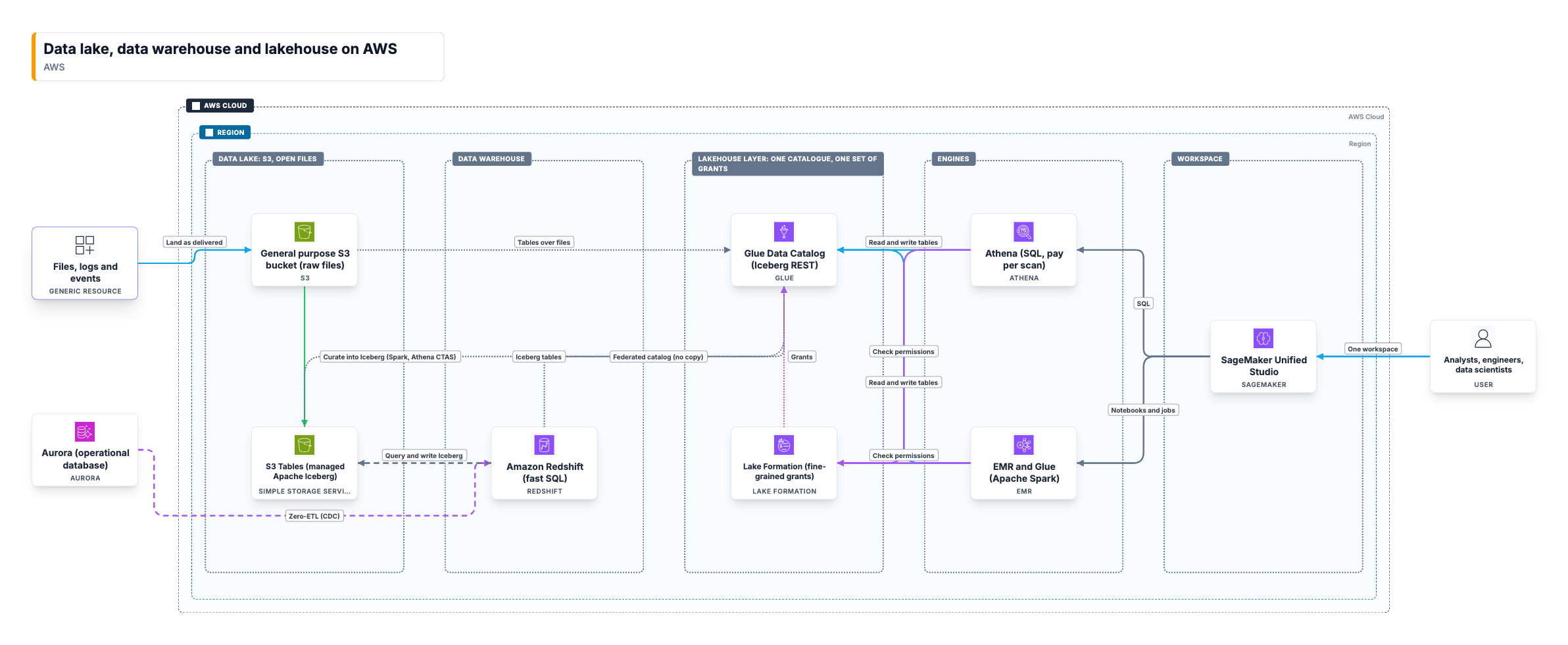 Data lake vs data warehouse vs lakehouse on AWSS3, Glue and Athena vs Amazon Redshift vs Apache Iceberg tables under one catalogue: what each is on AWS, where each fits in one diagram, and which to start with.
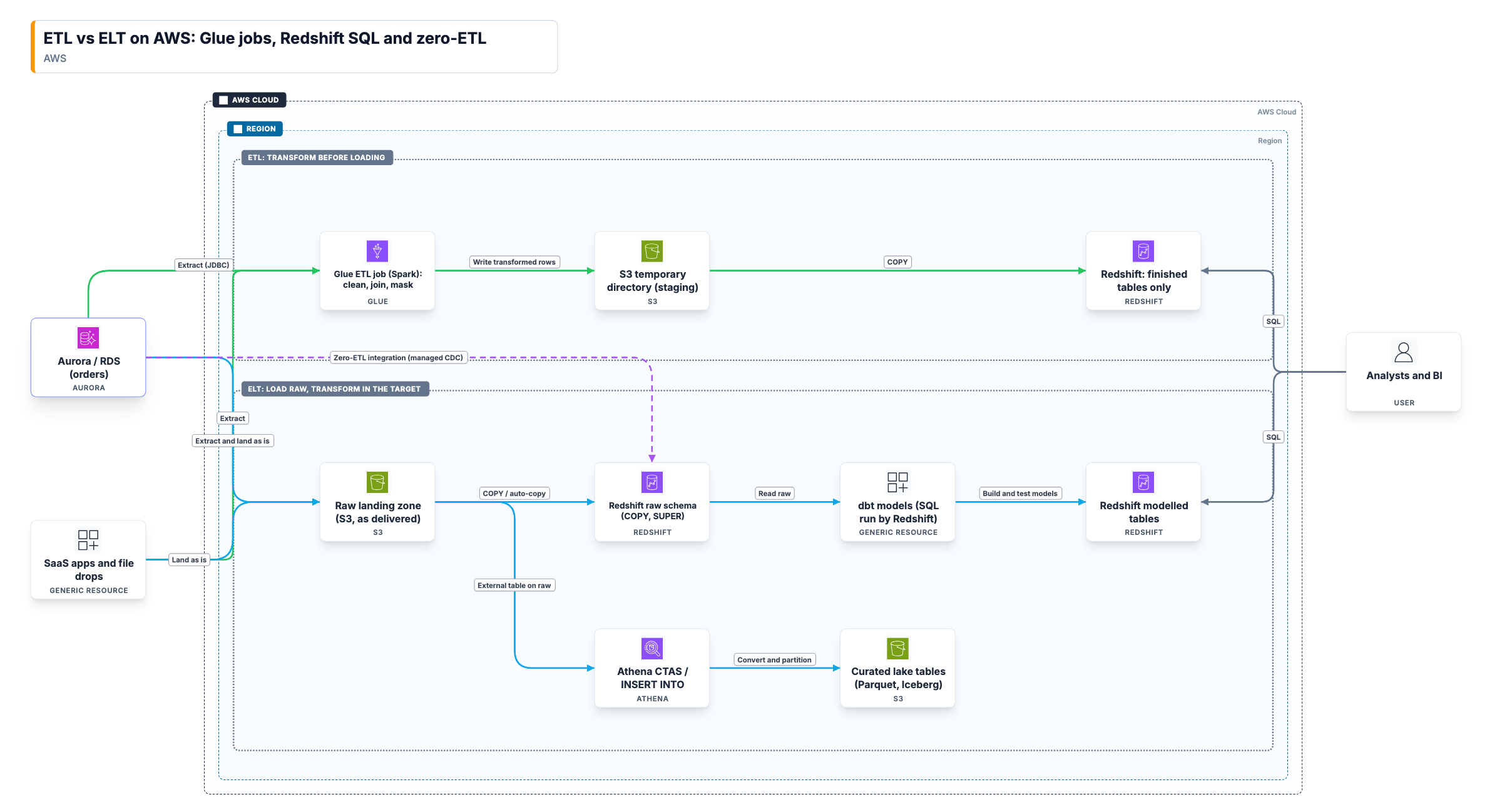 ETL vs ELT on AWS: Glue jobs, Redshift SQL and zero-ETLETL vs ELT on AWS, drawn side by side: Glue Spark jobs that transform before loading, raw loads transformed in Redshift or with Athena, and where zero-ETL fits.
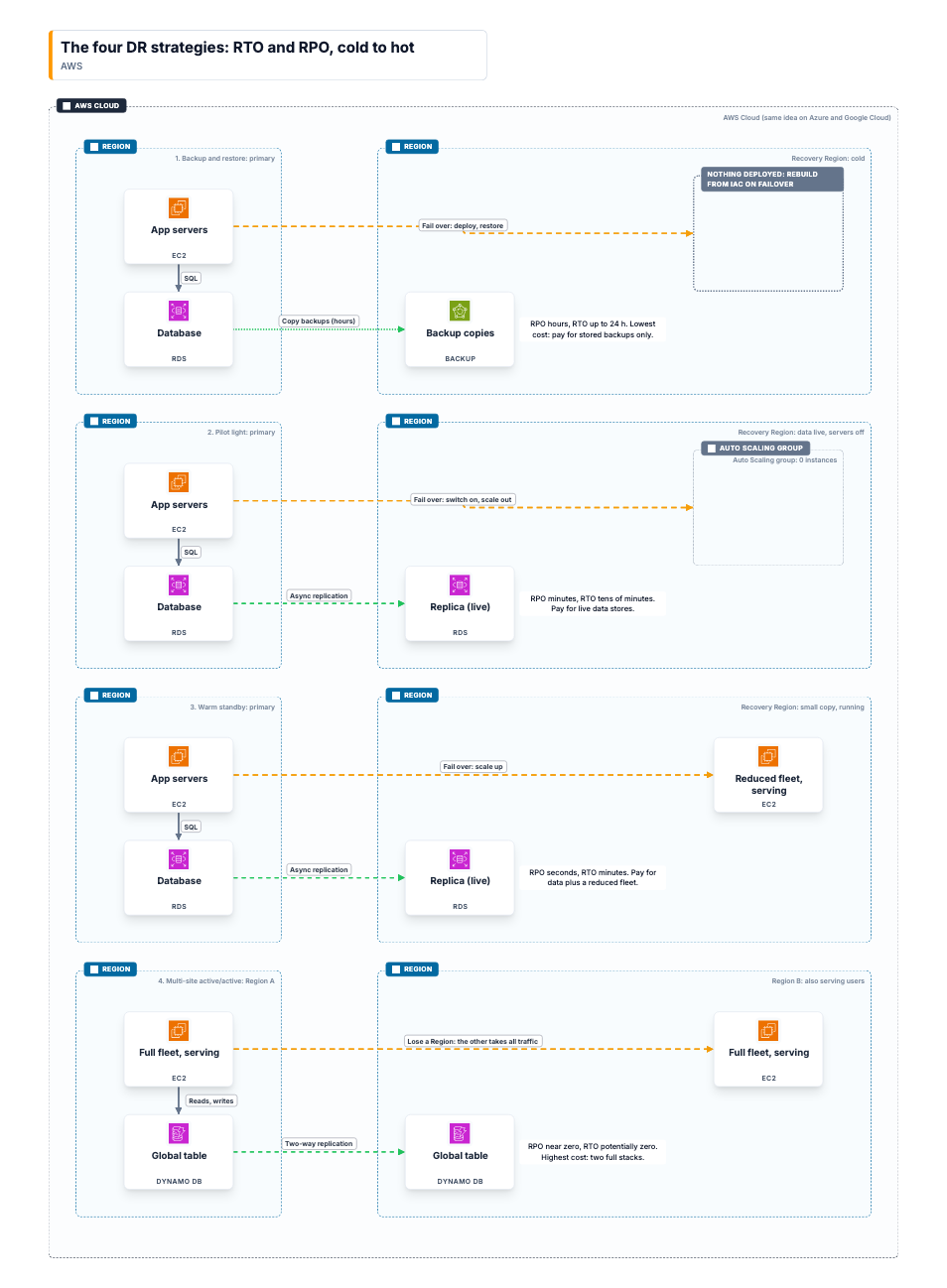 RTO and RPO explained: the four disaster recovery strategiesWhat RTO and RPO mean, with a worked example, and the four disaster recovery strategies from backup and restore to active/active: what runs, what it costs, and how to choose.