// blog › kubernetes
KUBERNETES · USING ARCHHY
Argo CD GitOps: prompt delivery and runtime as separate lanes
On this page
- CI builds an image; Argo CD reconciles desired state.
- Worker-node kubelets pull images from the registry.
- Production promotion and customer requests belong to different stories.
An Argo CD GitOps diagram should show how desired state reaches the cluster while keeping customer traffic separate. This example draws a short delivery chain and makes production promotion a repository change that a reviewer can identify.
Part 6 of our Kubernetes prompting series. The diagram below is an authored Archhy example of the brief, not a claimed output from a particular AI model. Open it in the editor to inspect and adapt the native objects.
The prompt
Draw a GitOps delivery view for staging and production namespaces. A CI pipeline tests code, builds an image and pushes it to an external registry, then updates a configuration repository. Argo CD in platform reconciles the repository into the cluster API. Represent image pulls by worker-node kubelets. Show application traffic in a separate lane. Label production promotion as a reviewed repository change.
On a computer, use AI → Generate with AI, Cloud: Auto, then Generate and Save. On a phone, AI → Generate applies the result with Undo available. Keep a copy of existing work before generating. Use an available configured model; results need inspection and may differ from this authored example.
Read delivery from left to right
A developer change starts CI. The pipeline tests, builds and pushes an image to an external registry, then updates the configuration repository. Argo CD reads desired state and reconciles the cluster API. The diagram labels these relationships rather than drawing a single release arrow that hides all the steps. The illustrative reviewed promotion is a change to production configuration in Git.
Do not make Argo CD a registry client for workloads
A worker-node kubelet pulls the selected image from the registry. The diagram includes that relationship separately from Argo CD reconciliation. This is a useful correction to request explicitly: image distribution, deployment intent and application requests are different mechanisms. The picture is not a complete account of all cluster controllers; its API-to-workload relationship is marked as a logical desired-state summary.
Keep staging and production visible
The cluster contains platform, staging and production boundaries. Application groups stand in for detailed Deployments and pods so the view stays readable. Customer requests reach the production Service and workload without passing through Git, CI or Argo CD. This avoids the common mistake of letting a delivery pipeline become the apparent production request path.
Use follow-ups for promotion policy
Ask a second question about approval, image digest pinning or drift only when it matters to your team. A diagram cannot prove a review was performed or that automated sync is configured correctly. Replace the example promotion note with your actual rule. If you want to explain a failed rollout, create a view of observed state and recovery rather than adding every exception to this introductory delivery chain.
Use distinct labels for image identity and configuration revision if the team needs auditability. The source of truth should be identifiable without relying on colour or the relative position of boxes. When a reviewer asks what was deployed, the next view can show the actual immutable image reference and the configuration revision together.
Check the result
- Argo CD points to the cluster API, not to customer requests.
- The image-pull relationship names the kubelet.
- The diagram distinguishes Git desired state from a running workload.
Inspect every arrowhead at both canvas and exported size. Solid blue rails show the operation named by their labels; dashed purple rails show management or configuration. Other colours are explained by the diagram legend. A rail describes a logical relationship, not necessarily a literal network hop.
Try one precise edit
Keep all nodes and positions. Label production promotion as a reviewed configuration repository change. Add a note that the exact approval and sync policies must be verified.
Use Edit with AI with Preserve layout on. Check the result against the previous diagram, undo if needed, then save the native version you want to keep. The diagram is an explanation aid, not executable configuration or a deployment check.
Continue the series
All ten prompts and the prompting method. Previous: CronJob architecture: prompt a retry-safe scheduled export. Next: OpenTelemetry on Kubernetes: prompt the telemetry pipeline.
Frequently asked questions
Does Argo CD carry application traffic?
No. It reconciles desired configuration; customer traffic reaches application endpoints independently.
Who pulls a pod image?
The kubelet on the node arranges the image pull through the container runtime, not Argo CD.
based on Original Archhy teaching example, informed by Argo CD documentation. The example assumptions are named in the article and diagram; it is not a reproduction of a reference deployment.
more on kubernetes
How to prompt archhy: 10 Kubernetes diagram examplesWrite clearer architecture briefs in archhy, then try ten original Kubernetes prompts covering traffic, scaling, GitOps, storage and multi-cluster views.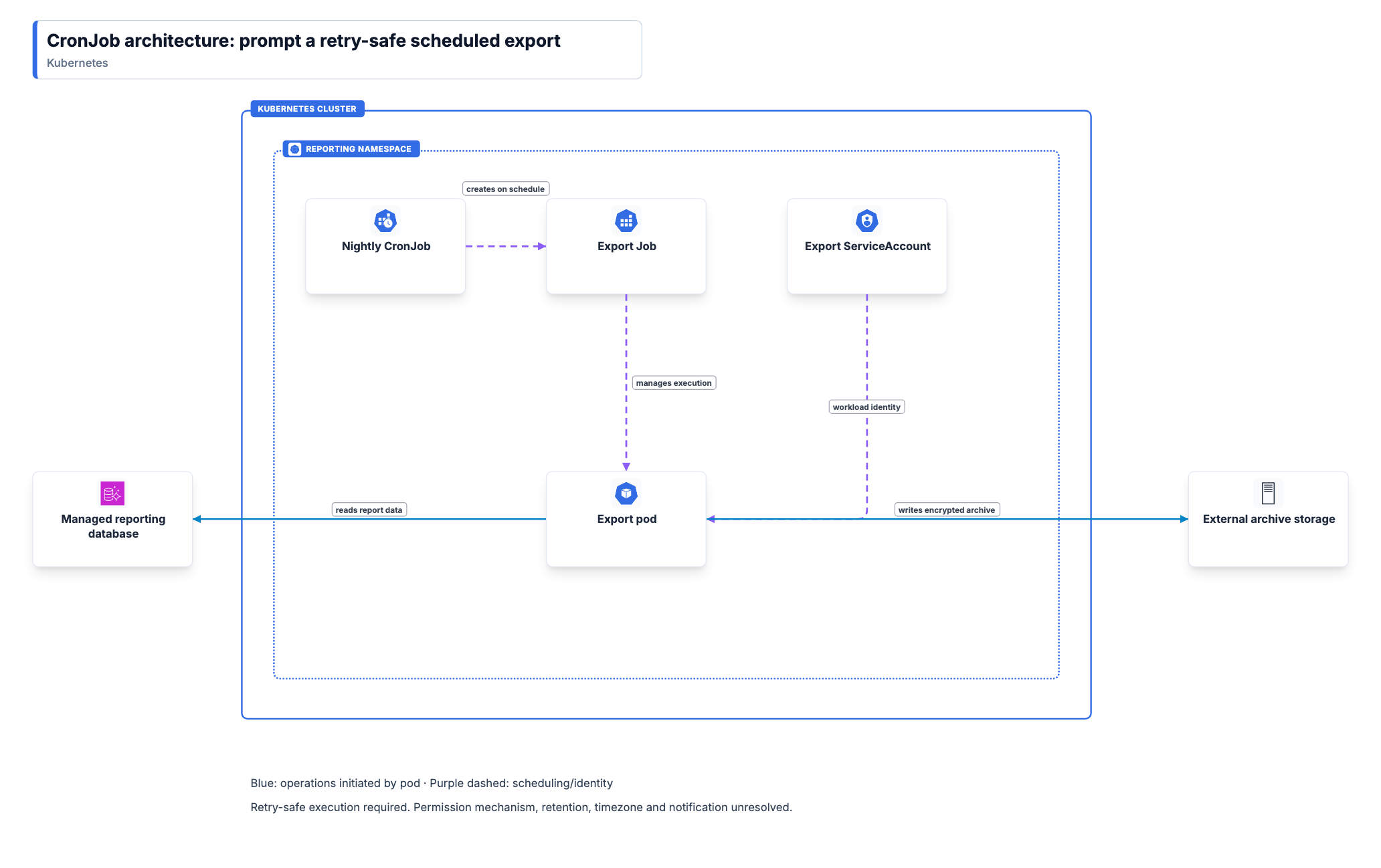 CronJob architecture: prompt a retry-safe scheduled exportA Kubernetes CronJob diagram can explain more than a clock pointing at a pod. This example follows a reporting export from its schedule to an archive, while showing where permissions and recovery assumptions belong.
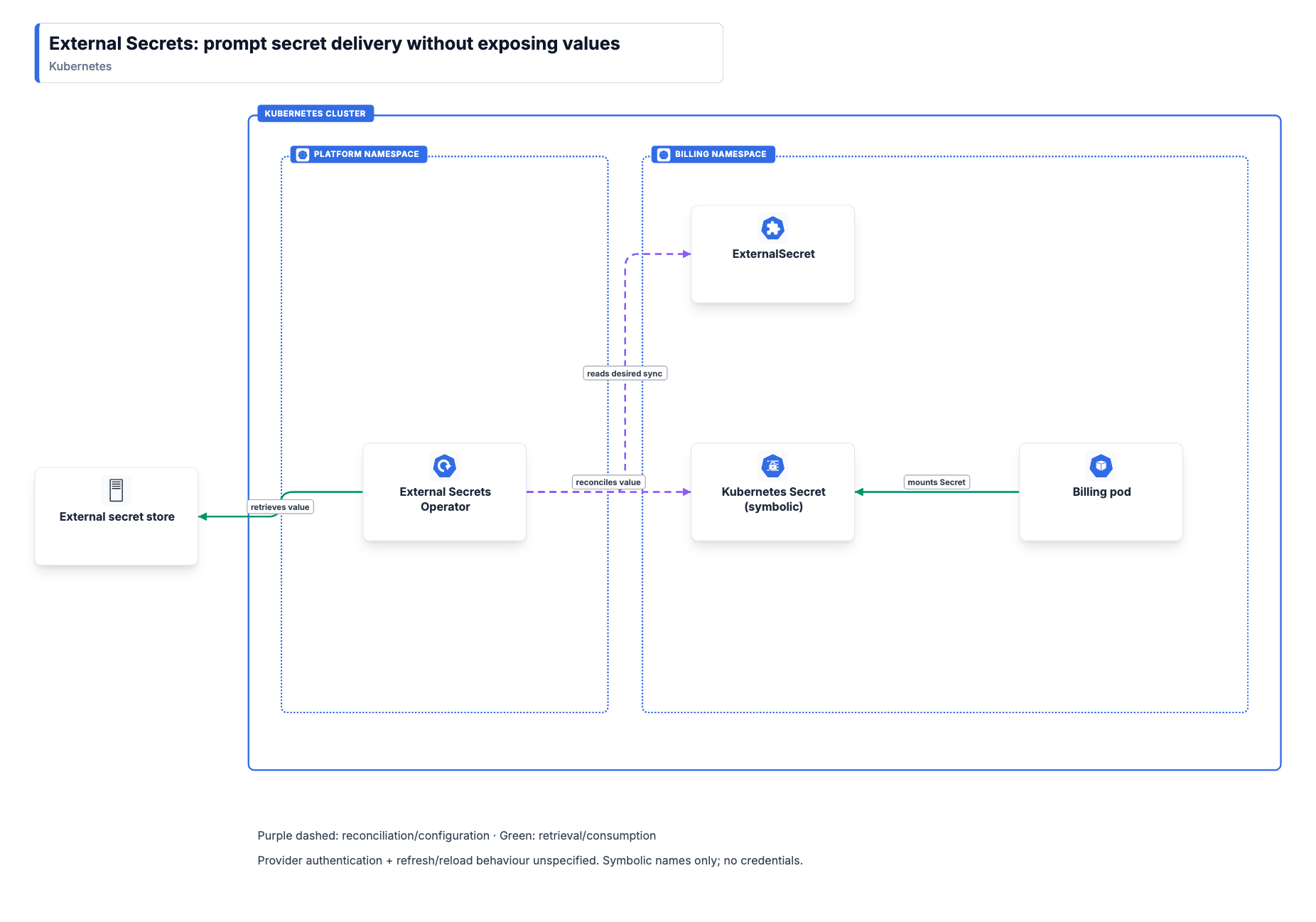 External Secrets: prompt secret delivery without exposing valuesA Kubernetes External Secrets diagram should explain how an application receives a value without containing that value. This example draws the reconciliation and consumption paths using symbolic names, with authentication left explicit rather than guessed.