AZURE · SECURITY
Azure App Service baseline architecture, explained
On this page
- One public entry point: Application Gateway terminates TLS, applies WAF rules, and forwards privately.
- Private endpoints in, VNet integration out: App Service, SQL Database, Key Vault and Storage all refuse public traffic.
- Private DNS zones are what make the private addresses work; forget them and nothing resolves.
- Zone redundancy needs a minimum number of instances, and those instances cost money even at night.
The Azure App Service baseline architecture is Microsoft's answer to "what should a production web app on App Service look like?" It puts one public door in front, Application Gateway with a web application firewall, and keeps everything else (the app, its database, storage and secrets) off the public internet behind private endpoints, spread across availability zones. This post draws it, follows a request through it, and is frank about what it costs to run and deploy.
The problem: PaaS convenience without public exposure
App Service makes deploying a web app easy, and by default the app, its database and its storage all have public endpoints. For many organisations that is not acceptable: data services must not be reachable from the internet, every request must pass a firewall, and losing one data centre must not take the site down.
The design
The diagram shows one Azure region with a virtual network of three subnets (open the diagram).
Inbound: a request reaches the app
- The user calls the Application Gateway's public IP address.
- Application Gateway decrypts the request with a certificate it reads from Key Vault and checks it against the WAF rules. A request that breaks a rule is refused there.
- A private DNS zone linked to the virtual network maps the app's default domain to the private IP of App Service's private endpoint.
- Application Gateway re-encrypts the request and sends it through that private endpoint to an App Service instance.
Outbound: the app reaches its data
App Service sends its own traffic into the virtual network through VNet integration, using a dedicated subnet. Names such as the SQL server's resolve, again through private DNS zones, to private endpoints in a third subnet. SQL Database and Key Vault have public network access turned off, and the storage firewall denies everything by default, so only the private endpoints carry traffic.
Zones and instances
Microsoft's guidance is to run Application Gateway zone-redundant with a minimum of three instances, because a replacement instance can take six to seven minutes to start. App Service should run at least two instances, ideally one or more per zone plus spare, with health checks turned on so traffic avoids a sick instance. Storage uses zone-redundant replication, and SQL Database runs in a tier that supports zone redundancy.
Trade-offs, cost and security
- A fixed floor. Minimum instance counts for Application Gateway and App Service, plus private endpoints and DDoS protection on the network, are paid for around the clock. A quiet internal app pays nearly the same as a busy one.
- Deployment gets harder. With public access off, your pipeline cannot just push to the app. The reference uses self-hosted build agents inside the network, deploys a package to a staging slot, and swaps slots after smoke tests. Budget time for this.
- DNS is the most common failure. Each private endpoint needs its private DNS zone linked to the network. When something "cannot connect", check name resolution first.
- Identity. Use managed identities so the app holds no passwords for Key Vault or SQL. Microsoft recommends user-assigned identities, because system-assigned ones can trip infrastructure-as-code deployments on ordering.
- Encrypt the whole way. Keep HTTPS from Application Gateway to App Service, and set HTTPS-only on the app even though it is private.
- Keep the firewall blocking. Run the WAF policy in prevention mode with a managed rule set. Detection-only mode logs attacks and lets them through.
When not to use it
- Users are global and need low latency everywhere, or you need to survive a whole region failing: this is a single-region design. Start here and add a second region.
- A small internal tool with modest risk: the fixed cost and deployment work may outweigh the benefit; the simpler basic web app architecture it builds on may be enough.
- A purely static front end: it does not need VNet integration at all, as the guidance itself notes.
How to draw it in archhy
- In the Services drawer, choose the Azure pack. Azure icons come from Microsoft's own icon download, which you import in the palette; they stay in your browser and are never uploaded. Without the pack, the diagram still opens with generic icons and a note.
- Place a Region container, a Virtual network inside it, and three Subnet containers stacked inside that.
- Put Application Gateway in the first subnet, a node for VNet integration in the second, and a private endpoint per service in the third. Keep App Service, SQL, Key Vault and Storage outside the network but inside the region, which is where they really live.
- Colour inbound rails blue and outbound green; label each private endpoint with the service it fronts.
- Add an info box to App Service and Application Gateway with their minimum instance counts, then download an SVG for your design review.
Related: a secured web app on Google Cloud Run and a static site on AWS.
Frequently asked questions
Why put Application Gateway in front of App Service?
It gives one public entry point with a web application firewall and TLS termination, so App Service itself can accept traffic only through a private endpoint.
What is the difference between a private endpoint and VNet integration?
A private endpoint brings a service into your network for inbound calls. VNet integration lets App Service send its outbound calls through your network.
How many App Service instances do I need for zone redundancy?
At least two, and Microsoft suggests at least one per availability zone plus spare capacity for a zone failure.
How do I deploy to App Service when public access is disabled?
Run build agents inside the virtual network, deploy to a staging slot, test, then swap slots.
based on Redrawn and discussed from Baseline highly available zone-redundant web application in the Azure Architecture Center (Microsoft Learn, updated December 2025). The diagram and commentary are archhy's own.
more on azure
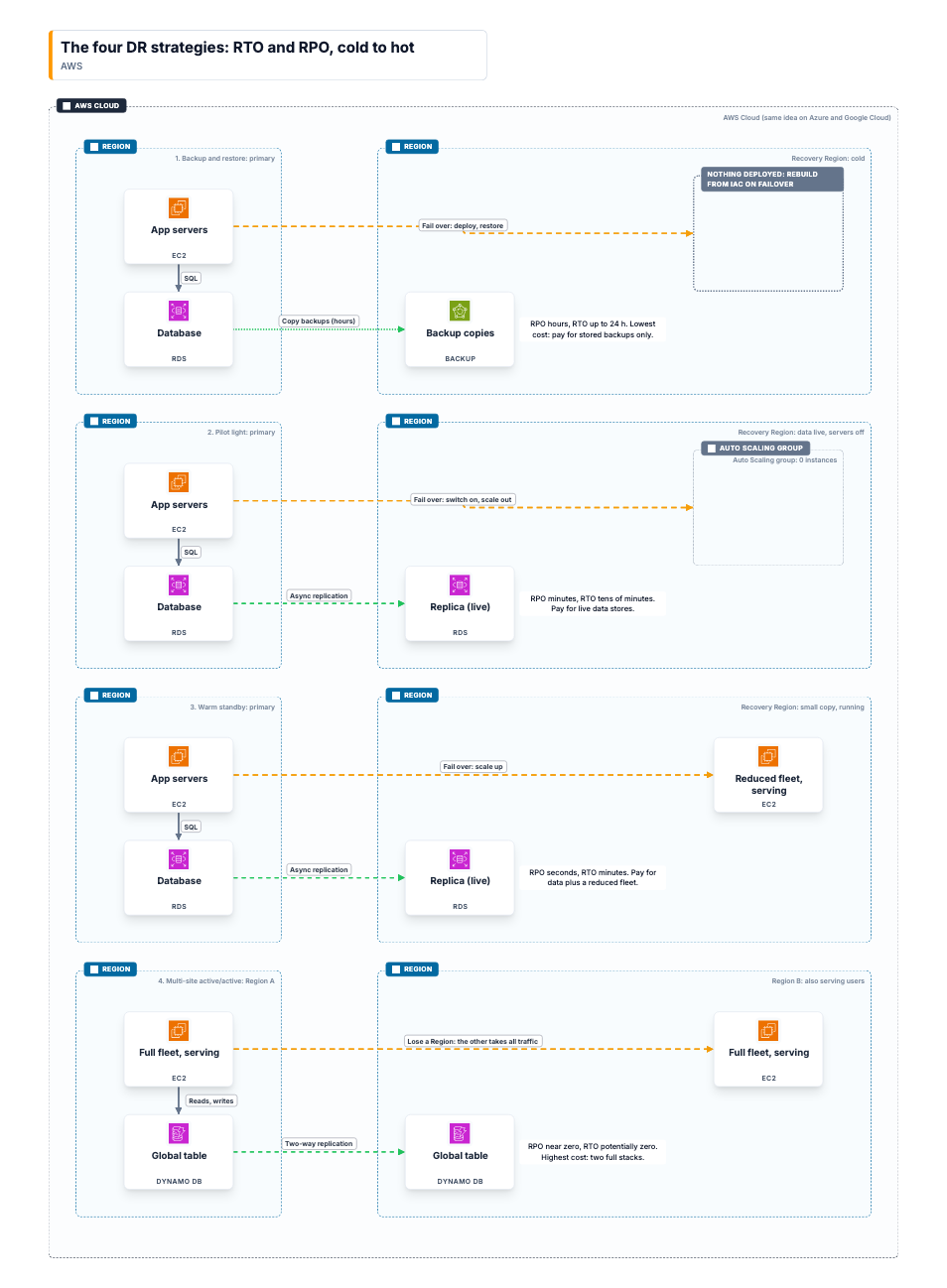 RTO and RPO explained: the four disaster recovery strategiesWhat RTO and RPO mean, with a worked example, and the four disaster recovery strategies from backup and restore to active/active: what runs, what it costs, and how to choose.Azure, Google Cloud and Kubernetes icons for everyoneAzure, Google Cloud and Kubernetes icons are now built in for everyone, one diagram can mix every cloud, and icon packs you import stay in your browser.
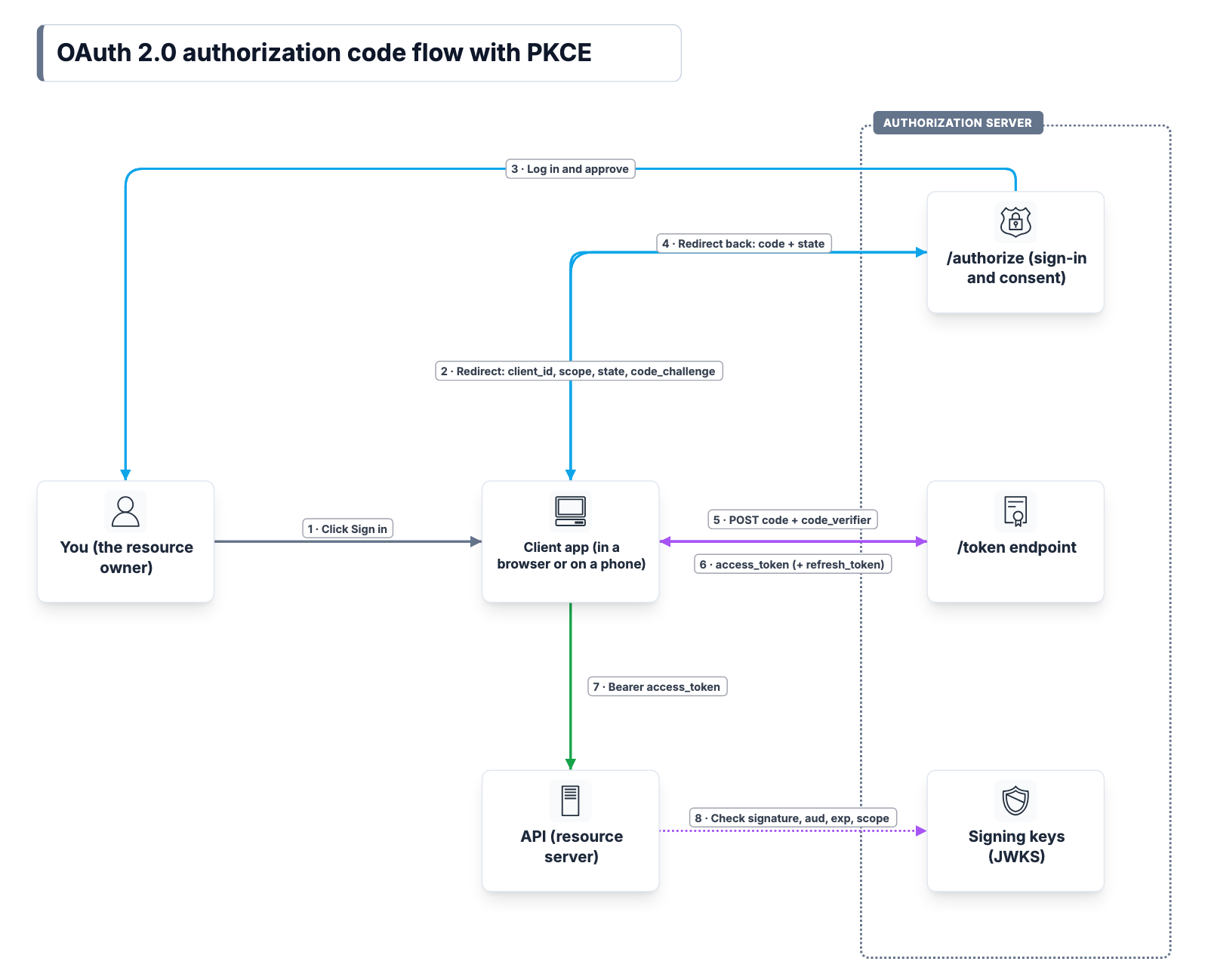 How OAuth 2.0 works: every flow, drawn outOAuth 2.0 lets an app act for you without seeing your password. Here is every flow drawn step by step: authorization code with PKCE, with and without a client secret, the retired implicit flow, client credentials and the device flow, and which one to use.