// diagrams › kubernetes
WordPress and MySQL on Kubernetes with persistent volumes
The official WordPress and MySQL tutorial on Kubernetes, drawn object by object: Deployments, Services, PersistentVolumeClaims and a Secret, then what to change before real visitors arrive.
Opens a copy in the editor, in a new tab, ready to change. No account needed.
What’s in this diagram
services and parts
- Visitors
- mysql-pass Secret (kustomize secretGenerator)
- wordpress-mysql Deployment (Recreate)
- wordpress Service (LoadBalancer, port 80)
- wordpress Deployment (Recreate)
- WordPress pod (wordpress:6.2.1-apache)
- wordpress-mysql Service (headless, 3306)
- MySQL pod (mysql:8.0)
- wp-pv-claim (20Gi, ReadWriteOnce)
- Default StorageClass
- mysql-pv-claim (20Gi, ReadWriteOnce)
groups
- Kubernetes cluster
- Namespace
Key points
- Two Deployments, two Services, two PersistentVolumeClaims and one Secret make the whole application.
- WordPress finds MySQL by the Service's name, not by a pod address.
- Each volume is ReadWriteOnce, so each Deployment can run only one pod: this design cannot scale out as drawn.
- For production, the tutorial itself points to a packaged Helm chart; we also suggest a managed database.
The whole story, step by step: WordPress on Kubernetes: from tutorial to production.
More diagrams
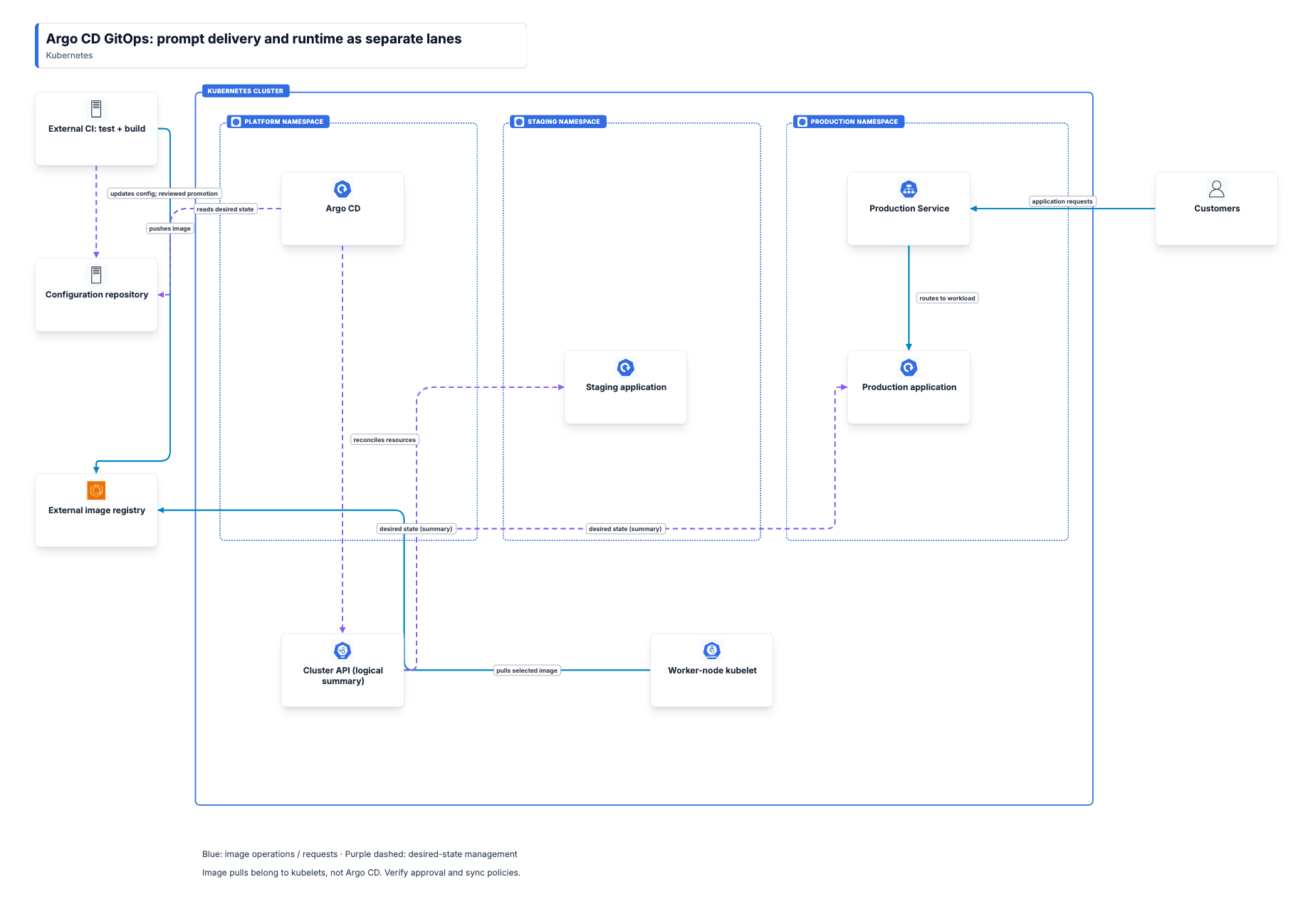 KubernetesArgo CD GitOps: prompt delivery and runtime as separate lanesAn Argo CD GitOps diagram should show how desired state reaches the cluster while keeping customer traffic separate. This example draws a short delivery chain and makes production promotion a repository change that a reviewer can identify.
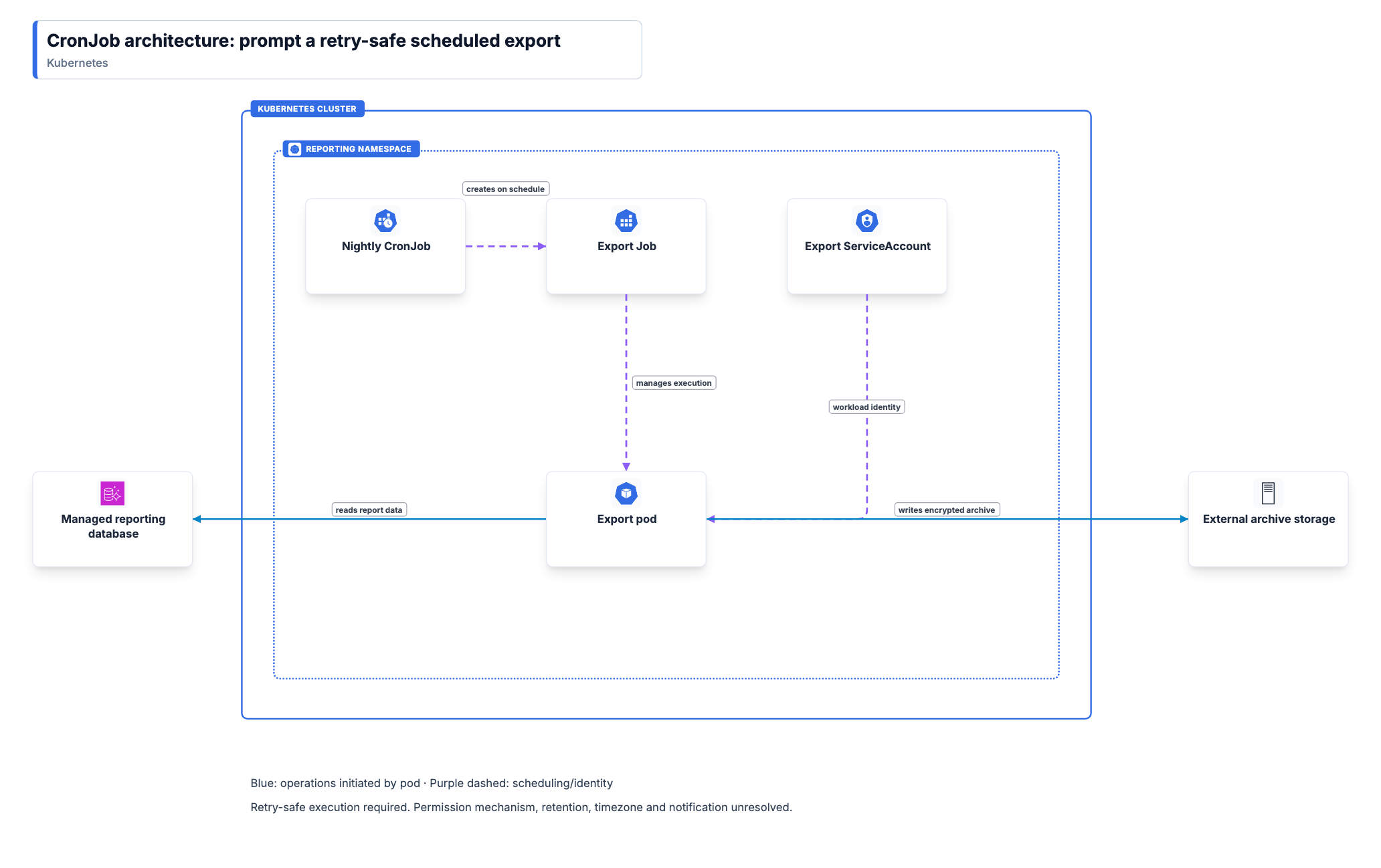 KubernetesCronJob architecture: prompt a retry-safe scheduled exportA Kubernetes CronJob diagram can explain more than a clock pointing at a pod. This example follows a reporting export from its schedule to an archive, while showing where permissions and recovery assumptions belong.
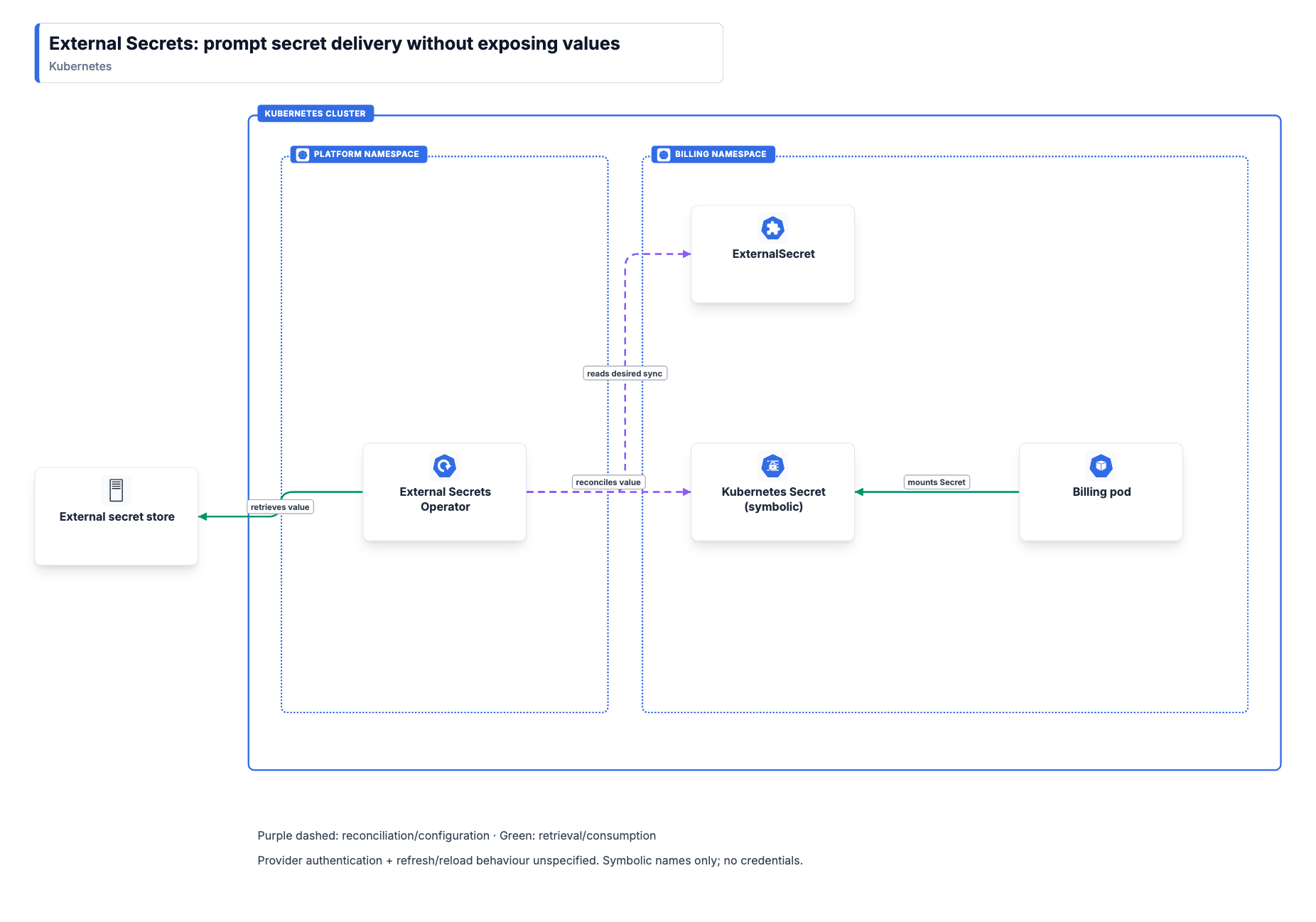 KubernetesExternal Secrets: prompt secret delivery without exposing valuesA Kubernetes External Secrets diagram should explain how an application receives a value without containing that value. This example draws the reconciliation and consumption paths using symbolic names, with authentication left explicit rather than guessed.