// blog › kubernetes
KUBERNETES · USING ARCHHY
CronJob architecture: prompt a retry-safe scheduled export
On this page
- Separate CronJob, Job and the actual export pod.
- Show the database read and archive write in their real directions.
- Treat idempotency, retention and notification as requirements to verify.
A Kubernetes CronJob diagram can explain more than a clock pointing at a pod. This example follows a reporting export from its schedule to an archive, while showing where permissions and recovery assumptions belong.
Part 5 of our Kubernetes prompting series. The diagram below is an authored Archhy example of the brief, not a claimed output from a particular AI model. Open it in the editor to inspect and adapt the native objects.
The prompt
Create an operations view of a nightly reporting export. In namespace reporting, a CronJob creates a Job which runs an export pod. The pod reads a managed database outside Kubernetes and writes an encrypted archive to external object storage. Show a ServiceAccount and its permission relationship separately. Add notes for retry-safe execution, retention and failure notification; leave their unspecified implementations as notes.
On a computer, use AI → Generate with AI, Cloud: Auto, then Generate and Save. On a phone, AI → Generate applies the result with Undo available. Keep a copy of existing work before generating. Use an available configured model; results need inspection and may differ from this authored example.
Follow one execution
The CronJob creates a Job, and that Job manages an export pod in reporting. The pod queries a managed database outside Kubernetes and writes an archive to external object storage. Those two solid arrows describe operations initiated by the pod. They do not mean that the database pushes a backup through the scheduler. The archive is a reporting export, with its own contents and limitations.
Keep identity out of the data path
A ServiceAccount identifies the pod. The relationship is shown in the management lane, with storage access described as an implementation-specific permission requirement. This view does not invent cloud IAM roles or a federation mechanism. Those depend on the platform you choose. Replace the permission note with the actual mechanism only when you can check it against deployed configuration.
Ask about repeat execution
The schedule is not a promise of exactly one successful run. Our prompt asks for retry-safe execution as an application requirement. In a review, decide how archive names, partial uploads and repeated database reads behave. The diagram marks retention and failure notification as notes, because no product or operator has been selected to implement them. Adding a notification logo would conceal that unresolved work.
Distinguish exports from recovery
A report archive is not automatically a recoverable database backup. If recovery is the question, request a separate restore workflow with its source, destination, verification and ownership. For this article, keep the export focused: what runs, what it reads, what it writes, and how someone learns it failed. That produces a diagram an operations colleague can challenge with concrete questions.
An operations handover should also name the person or team that checks export completeness. Ask what a successful archive contains and where an incomplete run is visible. Put those answers in notes once agreed. A green line to object storage only explains the destination; it does not prove completeness, encryption settings or successful recovery.
Check the result
- No database traffic passes through the CronJob object.
- The archive label says reporting export rather than replication.
- Unknown retention, scheduling timezone and alert implementation remain visible questions.
Inspect every arrowhead at both canvas and exported size. Solid blue rails show the operation named by their labels; dashed purple rails show management or configuration. Other colours are explained by the diagram legend. A rail describes a logical relationship, not necessarily a literal network hop.
Try one precise edit
Keep the runtime path. Add notes for scheduling timezone unspecified, retry-safe archive naming required, and notification owner to be assigned. Do not add new services.
Use Edit with AI with Preserve layout on. Check the result against the previous diagram, undo if needed, then save the native version you want to keep. The diagram is an explanation aid, not executable configuration or a deployment check.
Continue the series
All ten prompts and the prompting method. Previous: StatefulSet diagrams: prompt pod identity and per-pod storage. Next: Argo CD GitOps: prompt delivery and runtime as separate lanes.
Frequently asked questions
Is every CronJob run guaranteed to execute exactly once?
No. Design the job to handle repeat or missed execution and verify the actual schedule configuration.
Is a reporting export a backup strategy?
Not by itself. Recovery needs a separate design and a tested restore process.
based on Original Archhy teaching example, informed by official kubernetes.io documentation. The example assumptions are named in the article and diagram; it is not a reproduction of a reference deployment.
more on kubernetes
How to prompt archhy: 10 Kubernetes diagram examplesWrite clearer architecture briefs in archhy, then try ten original Kubernetes prompts covering traffic, scaling, GitOps, storage and multi-cluster views.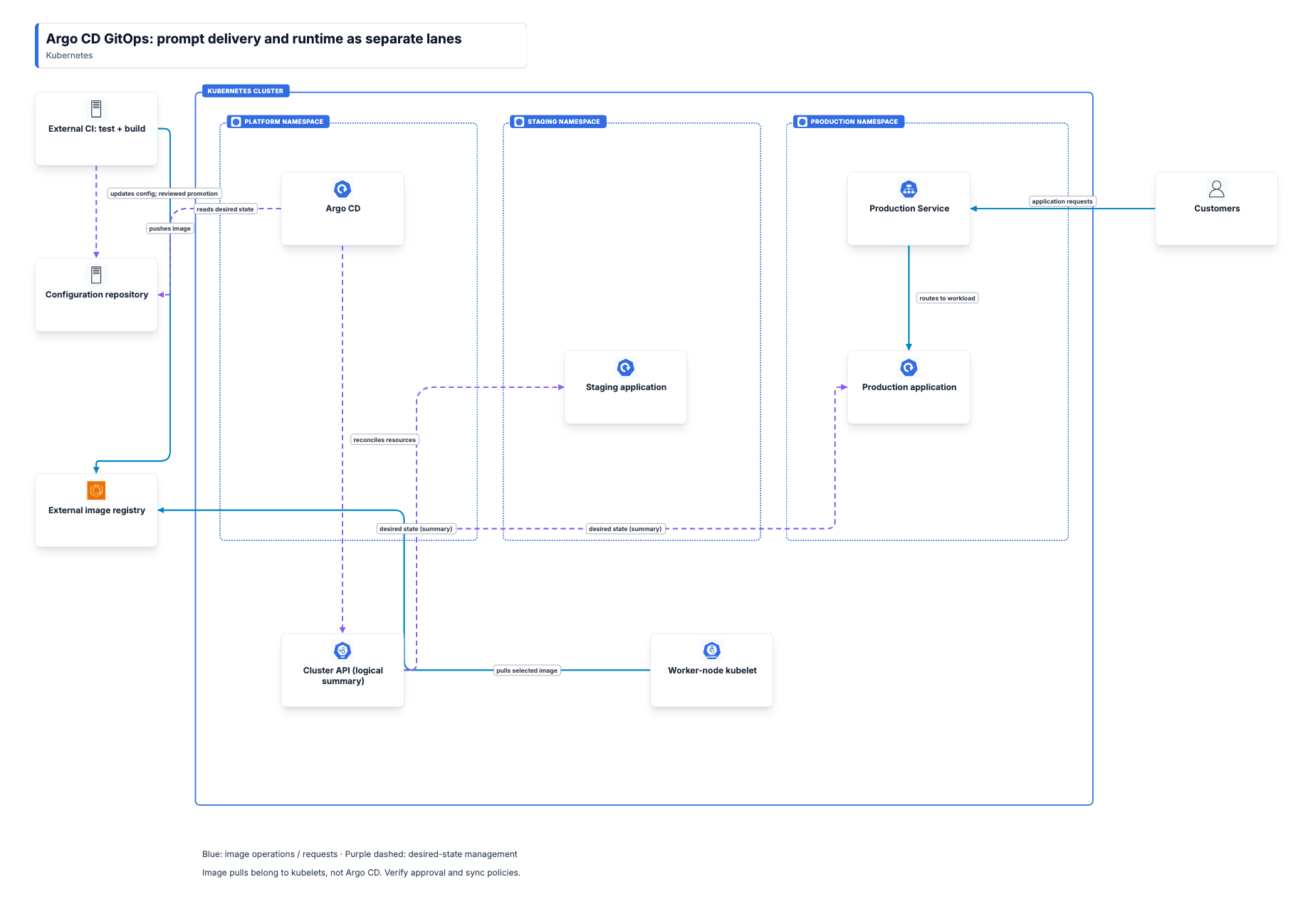 Argo CD GitOps: prompt delivery and runtime as separate lanesAn Argo CD GitOps diagram should show how desired state reaches the cluster while keeping customer traffic separate. This example draws a short delivery chain and makes production promotion a repository change that a reviewer can identify.
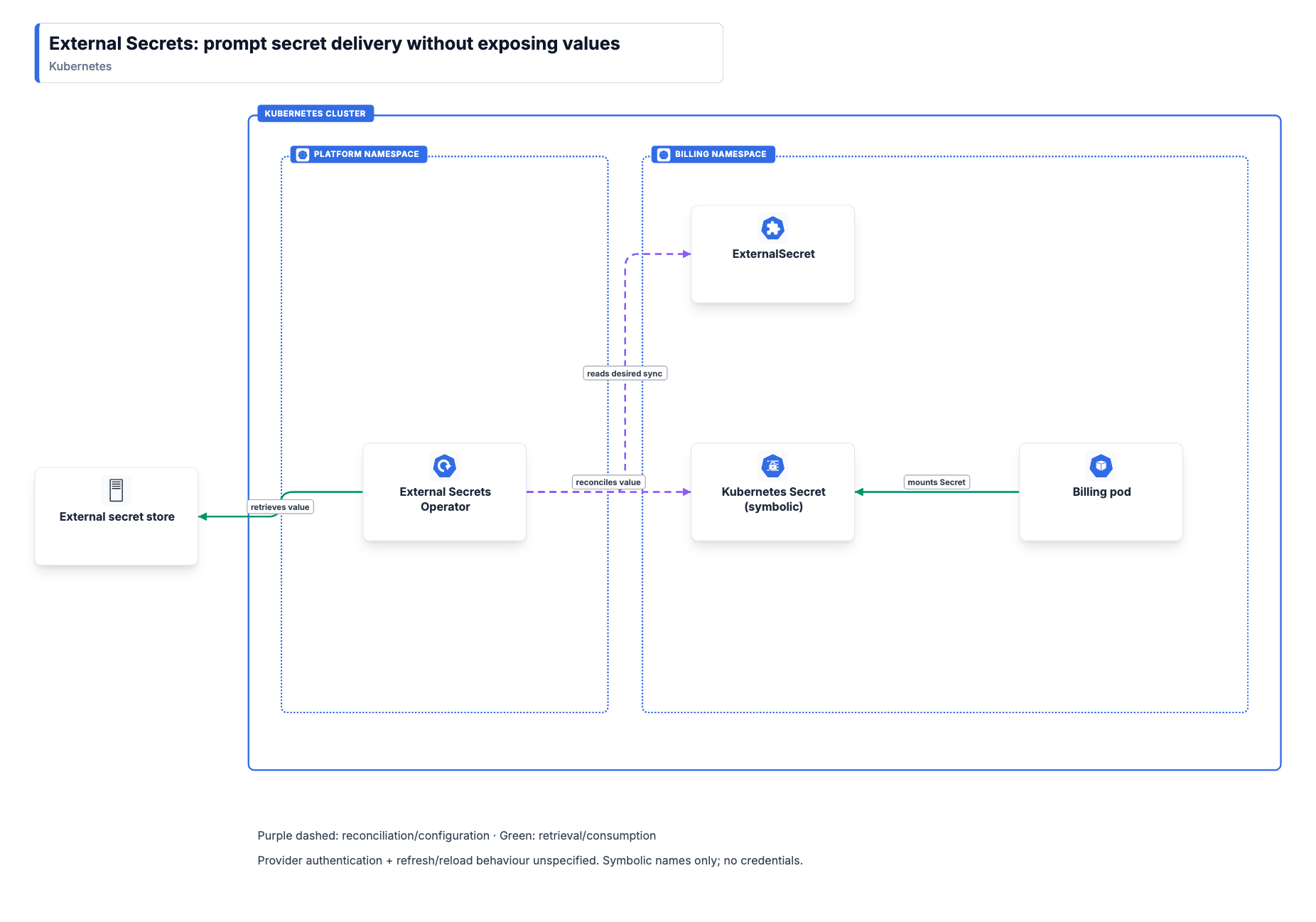 External Secrets: prompt secret delivery without exposing valuesA Kubernetes External Secrets diagram should explain how an application receives a value without containing that value. This example draws the reconciliation and consumption paths using symbolic names, with authentication left explicit rather than guessed.