// blog › kubernetes
KUBERNETES · SECURITY · NETWORKING
Kubernetes NetworkPolicy: prompt boundaries and allowed traffic
On this page
- Namespace containers make ownership clear but do not enforce isolation.
- Keep policy relationships separate from permitted application traffic.
- Show DNS as an explicit dependency rather than an invisible exception.
A Kubernetes NetworkPolicy diagram should explain which traffic is intended to be allowed, without making a namespace look like a firewall appliance. This example uses a booking application to distinguish visual grouping, workload selection and the connections an operator needs to verify.
Part 2 of our Kubernetes prompting series. The diagram below is an authored Archhy example of the brief, not a claimed output from a particular AI model. Open it in the editor to inspect and adapt the native objects.
The prompt
Diagram a booking application with frontend, reservations and data namespaces. Show browser traffic reaching frontend, frontend calling the reservations Service, and reservations querying the database. Annotate default-deny ingress and egress policies, explicit application allowances and DNS egress. Assume a NetworkPolicy-capable network plugin. Draw policy callouts beside the affected workloads, not as proxy boxes in the traffic path.
On a computer, use AI → Generate with AI, Cloud: Auto, then Generate and Save. On a phone, AI → Generate applies the result with Undo available. Keep a copy of existing work before generating. Use an available configured model; results need inspection and may differ from this authored example.
Follow the booking request
The runtime lane moves from a browser to frontend, the reservations Service and its pods, then the database Service and database pod. Each namespace gets its own boundary. Those Service names are logical destinations; the diagram does not claim a particular kube-proxy or network-plugin forwarding implementation. All ports remain unspecified until the application specification supplies them.
Policies belong beside workloads
The policy row names default-deny ingress and egress plus explicit allowances. Dashed relationships identify the workload scope. These boxes are not packet-processing hops. DNS appears below the application lane so name resolution is part of the conversation. The drawing assumes a NetworkPolicy-capable plugin; otherwise the policy objects alone cannot demonstrate enforcement. Inspect actual selectors and policies before describing an arrow as permitted.
Ask a narrower question first
A useful prompt asks which cross-namespace calls the booking flow needs. It should not ask the model to invent a complete secure network. Separate identity and application authorization from reachability: allowing a connection says nothing about whether its request is authorized. The diagram leaves TLS, user login and admission controls outside its scope. Add those only in a view whose audience needs them.
Use the picture during review
Read each application connection aloud, naming source, destination and the service or port involved. Compare it with the intended allowance and confirm DNS dependencies for every caller that needs them. If a label cannot be verified, use an explicit unknown rather than supplying a guessed port. A follow-up can focus solely on reservations egress, including external APIs that are absent from this small example.
For a concrete review, bring the relevant selectors and a list of expected callers. Walk through an allowed request and an intentionally denied request separately, using your actual policy definitions. Record the evidence beside the diagram rather than changing a line colour to imply that a connectivity test has already passed.
Check the result
- No request travels through a NetworkPolicy card.
- The legend distinguishes traffic from policy scope.
- Namespace names and selectors match the real policy configuration.
Inspect every arrowhead at both canvas and exported size. Solid blue rails show the operation named by their labels; dashed purple rails show management or configuration. Other colours are explained by the diagram legend. A rail describes a logical relationship, not necessarily a literal network hop.
Try one precise edit
Keep all nodes. Replace unspecified ports only with the ports I provide: frontend to reservations TCP 8080; reservations to database TCP 5432. Leave other labels unchanged.
Use Edit with AI with Preserve layout on. Check the result against the previous diagram, undo if needed, then save the native version you want to keep. The diagram is an explanation aid, not executable configuration or a deployment check.
Continue the series
All ten prompts and the prompting method. Previous: Kubernetes web app: prompt the request path with Gateway API. Next: KEDA queue workers: prompt scaling without confusing message flow.
Frequently asked questions
Does drawing a namespace isolate its workloads?
No. A namespace boundary is visual grouping; enforcement depends on the network implementation and applicable policies.
Is this a complete network security design?
No. It is a review view of intended connections, with identity, encryption and other controls outside its scope.
based on Original Archhy teaching example, informed by official kubernetes.io documentation. The example assumptions are named in the article and diagram; it is not a reproduction of a reference deployment.
more on kubernetes
How to prompt archhy: 10 Kubernetes diagram examplesWrite clearer architecture briefs in archhy, then try ten original Kubernetes prompts covering traffic, scaling, GitOps, storage and multi-cluster views.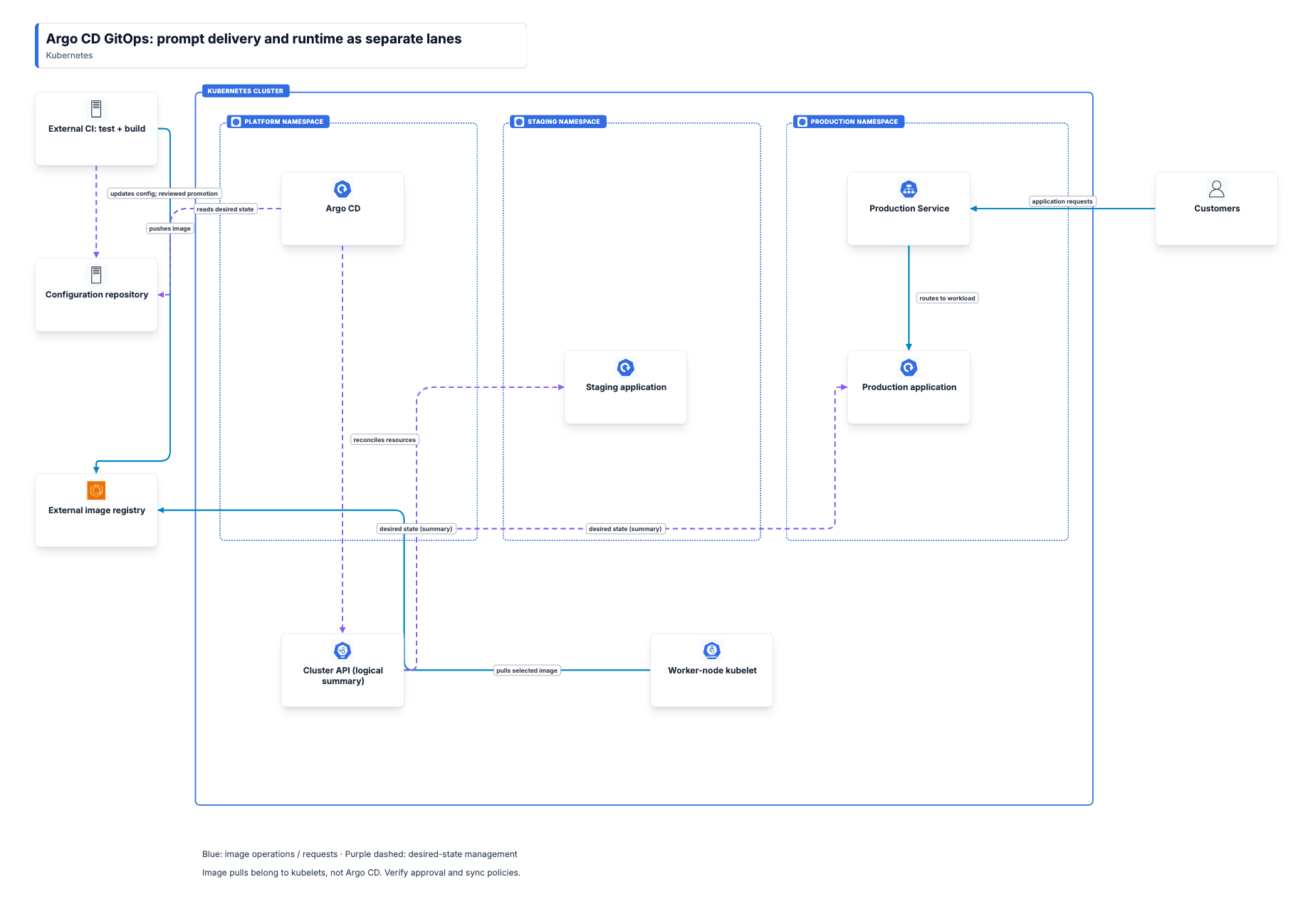 Argo CD GitOps: prompt delivery and runtime as separate lanesAn Argo CD GitOps diagram should show how desired state reaches the cluster while keeping customer traffic separate. This example draws a short delivery chain and makes production promotion a repository change that a reviewer can identify.
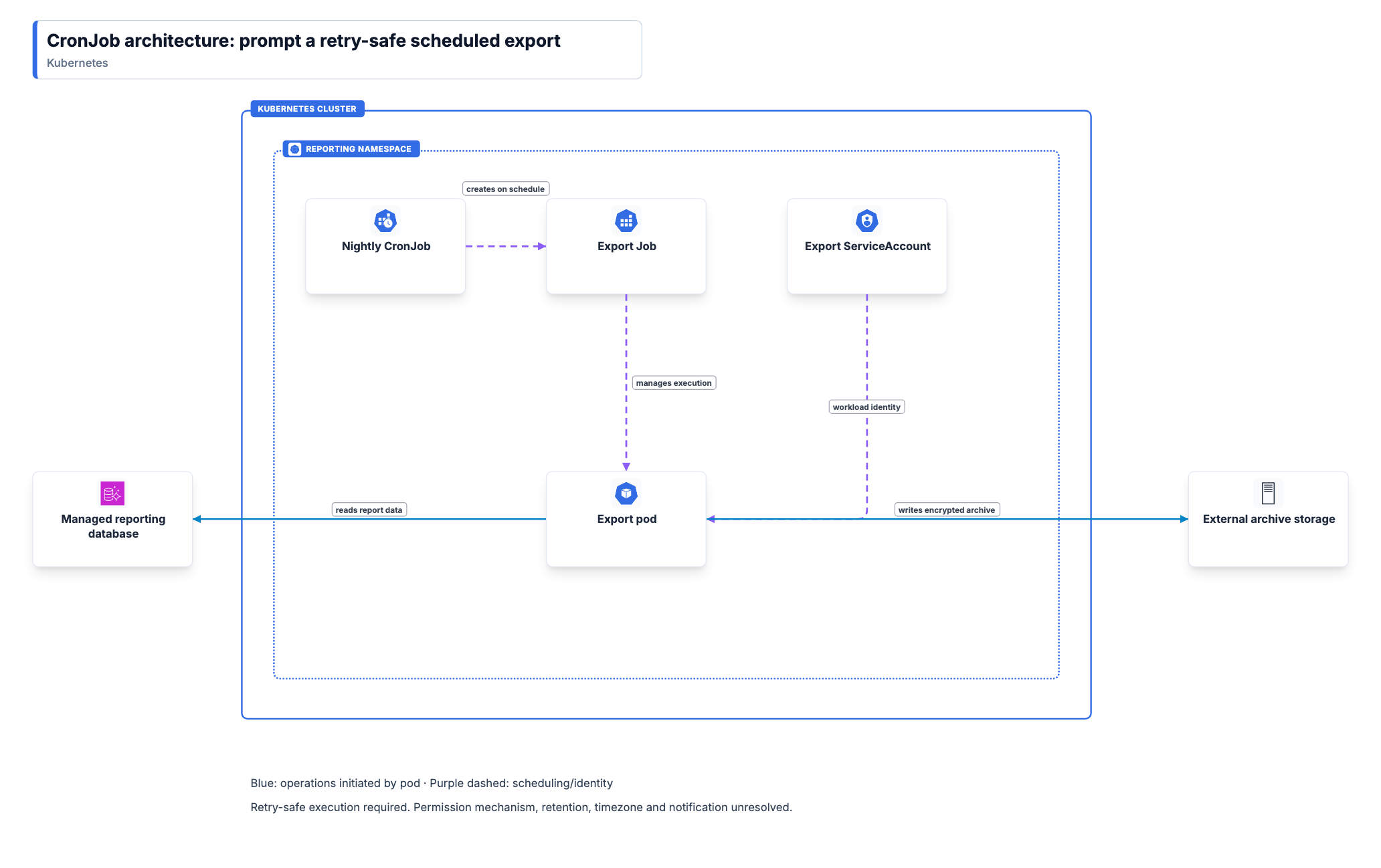 CronJob architecture: prompt a retry-safe scheduled exportA Kubernetes CronJob diagram can explain more than a clock pointing at a pod. This example follows a reporting export from its schedule to an archive, while showing where permissions and recovery assumptions belong.