// blog › kubernetes
KUBERNETES · USING ARCHHY
KEDA queue workers: prompt scaling without confusing message flow
On this page
- Messages flow between the queue and workers, not through KEDA.
- ScaledObject and HPA describe scaling relationships.
- Retries, duplicate handling and dead-letter behaviour need explicit assumptions.
A KEDA Kubernetes diagram needs two stories: workers processing jobs and controllers deciding how many workers should exist. This example keeps the queue, object store and failure destination outside the cluster, and makes scaling a separate management relationship.
Part 3 of our Kubernetes prompting series. The diagram below is an authored Archhy example of the brief, not a claimed output from a particular AI model. Open it in the editor to inspect and adapt the native objects.
The prompt
Show an image-processing worker Deployment in namespace media consuming jobs from an external queue and writing results to object storage. Add KEDA, a ScaledObject and the generated HPA as labelled management relationships. Show zero workers when idle and a maximum of twelve. Include a dead-letter queue for exhausted retries. Use separate arrows for consuming jobs, storing results and reading queue metrics.
On a computer, use AI → Generate with AI, Cloud: Auto, then Generate and Save. On a phone, AI → Generate applies the result with Undo available. Keep a copy of existing work before generating. Use an available configured model; results need inspection and may differ from this authored example.
Read the processing path
An external producer publishes jobs to a queue. Workers in the media namespace consume jobs and write results to object storage. The dead-letter destination receives exhausted jobs under an explicitly labelled queue redrive assumption. The picture is deliberately provider-neutral: replace the queue labels with your actual product and delivery behaviour. A queue-to-worker arrow represents message delivery, not the direction of a worker polling HTTP request.
Read the scaling path
KEDA observes the queue metric and reconciles the scaling setup from a ScaledObject. Activation from zero and HPA-driven scaling are represented as different roles. The upper lane reaches the worker Deployment, which manages the representative workload card. Zero to twelve is an example policy, not a measured capacity recommendation. The diagram does not claim that twelve replicas will satisfy a throughput or latency target.
Make failure semantics visible
The prompt asks for a dead-letter queue but cannot determine who moves a message there. This example labels broker redrive after retries as an assumption. If workers publish failures themselves, change that relationship and describe acknowledgment behaviour. Put idempotency next to the worker rather than implying that scaling prevents duplicate processing. An architecture review can then ask about retries without mistaking the diagram for a delivery guarantee.
Refine with evidence
Add a known queue-depth threshold and processing-time note only after you have them. A focused follow-up might compare a quiet period with a burst, or show a single worker handling a retry. Avoid turning a simple scaling view into a full CI pipeline. Keep the same external boundary so readers can see what KEDA controls and what remains the queue provider or application responsibility.
Before adding thresholds, decide which metric describes outstanding work and who owns its interpretation. Keep measured queue depth, configured scaling target and maximum replica count distinct in labels. A diagram can state all three, but it should not imply that the example numbers were selected from a load test when none was performed.
Check the result
- KEDA is not between the queue and workers.
- The HPA and Deployment stay in the management lane.
- Redrive ownership, retry count and worker idempotency are stated or marked unknown.
Inspect every arrowhead at both canvas and exported size. Solid blue rails show the operation named by their labels; dashed purple rails show management or configuration. Other colours are explained by the diagram legend. A rail describes a logical relationship, not necessarily a literal network hop.
Try one precise edit
Keep every object. Annotate the worker with idempotent by job ID, an application requirement. Mark queue redrive as an assumption requiring verification.
Use Edit with AI with Preserve layout on. Check the result against the previous diagram, undo if needed, then save the native version you want to keep. The diagram is an explanation aid, not executable configuration or a deployment check.
Continue the series
All ten prompts and the prompting method. Previous: Kubernetes NetworkPolicy: prompt boundaries and allowed traffic. Next: StatefulSet diagrams: prompt pod identity and per-pod storage.
Frequently asked questions
Does KEDA process the messages?
No. The worker processes messages; KEDA uses event-source metrics to drive workload scaling.
Does scale-to-zero make the whole system free?
No. Queues, storage, cluster capacity and other services can still incur cost.
based on Original Archhy teaching example, informed by official keda.sh documentation. The example assumptions are named in the article and diagram; it is not a reproduction of a reference deployment.
more on kubernetes
How to prompt archhy: 10 Kubernetes diagram examplesWrite clearer architecture briefs in archhy, then try ten original Kubernetes prompts covering traffic, scaling, GitOps, storage and multi-cluster views.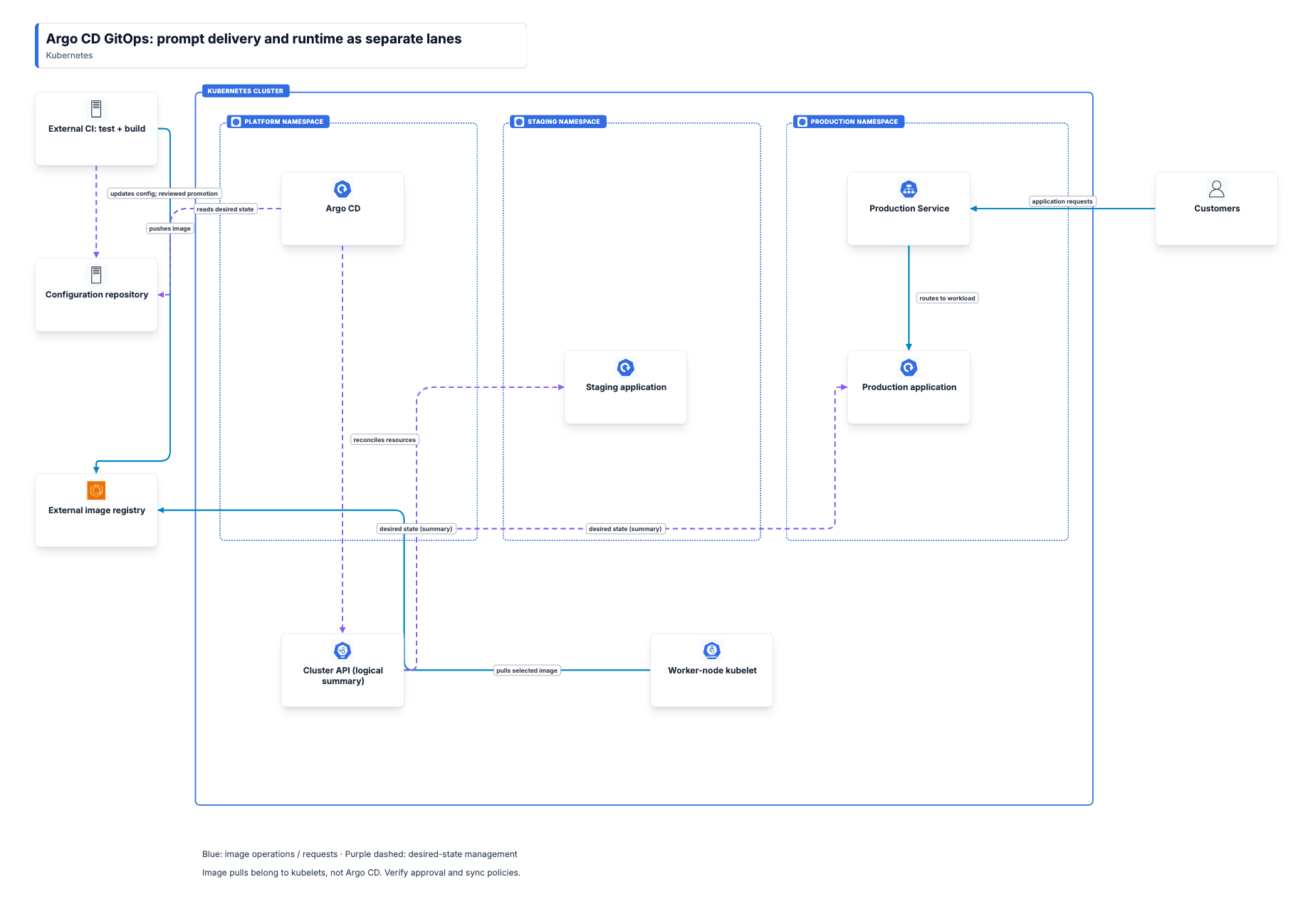 Argo CD GitOps: prompt delivery and runtime as separate lanesAn Argo CD GitOps diagram should show how desired state reaches the cluster while keeping customer traffic separate. This example draws a short delivery chain and makes production promotion a repository change that a reviewer can identify.
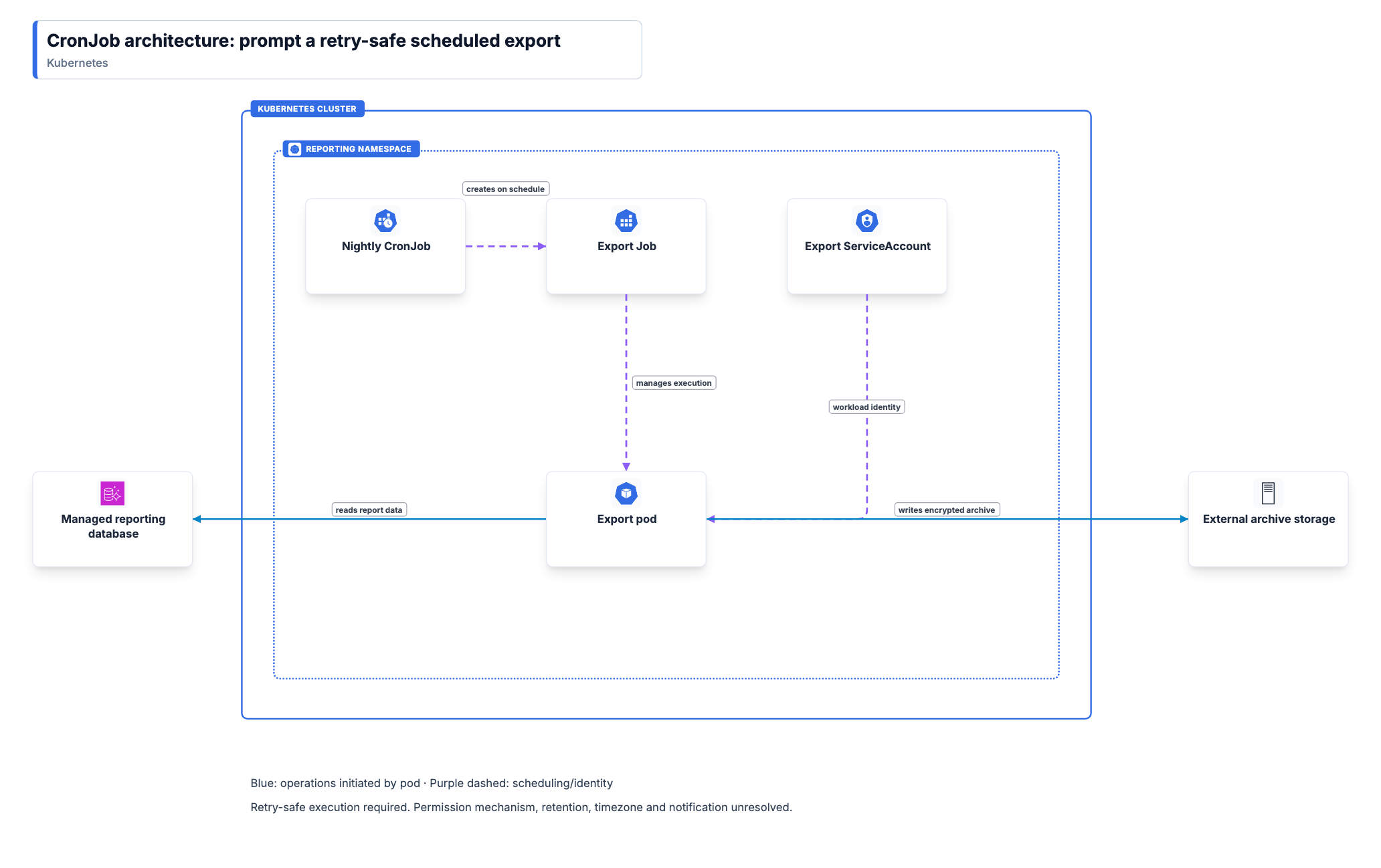 CronJob architecture: prompt a retry-safe scheduled exportA Kubernetes CronJob diagram can explain more than a clock pointing at a pod. This example follows a reporting export from its schedule to an archive, while showing where permissions and recovery assumptions belong.