// blog › kubernetes
KUBERNETES · NETWORKING · USING ARCHHY
Kubernetes web app: prompt the request path with Gateway API
On this page
- Trace the request through the load balancer, proxy, Service and pods.
- Gateway and HTTPRoute configure routing; Deployment and HPA manage workloads.
- Keep the managed database outside the cluster boundary.
A Kubernetes Gateway API diagram is most useful when the reader can trace a customer request without mistaking configuration for another network hop. This first example in our prompting series draws a small customer portal, then separates its runtime path from the objects that configure and scale it.
Part 1 of our Kubernetes prompting series. The diagram below is an authored Archhy example of the brief, not a claimed output from a particular AI model. Open it in the editor to inspect and adapt the native objects.
The prompt
Draw a customer portal in one Kubernetes cluster. Put a Gateway API controller and its proxy in namespace edge, and a ClusterIP Service with three web pods in portal. Show internet → external cloud load balancer → proxy → Service → pods → managed PostgreSQL through a private endpoint outside the cluster. Add Gateway and HTTPRoute as configuration relationships, plus a Deployment, ConfigMap, Secret and HPA targeting 65% CPU. Keep management arrows separate from traffic.
On a computer, use AI → Generate with AI, Cloud: Auto, then Generate and Save. On a phone, AI → Generate applies the result with Undo available. Keep a copy of existing work before generating. Use an available configured model; results need inspection and may differ from this authored example.
Read the runtime lane
Start at the internet on the left. The cloud load balancer sends requests to the gateway proxy, which routes to the portal Service and its web pods. The managed PostgreSQL endpoint stays outside the cluster. A private endpoint describes the intended connection; it is not evidence that DNS, firewall rules or routing have been configured correctly. The diagram uses one database connection from each representative pod so the application dependency remains visible.
Read the management lane
The upper row contains routing configuration, the Deployment and HPA. Dashed purple relationships mean configure, manage or scale, rather than carry requests. The three web cards are a visible starting replica count. The HPA target is 65% CPU utilisation, with a note that CPU requests and resource metrics must exist. The diagram is deliberately a logical view: EndpointSlices, individual nodes and the controller internals are omitted.
Why this prompt is specific
The brief names both namespaces and the external database before discussing appearance. That stops the cluster boundary from swallowing every cloud component. It names the actual verbs on the rails so a controller does not become a proxy. Gateway API is used for this new example because community ingress-nginx retired in March 2026; this does not mean all NGINX products retired. Choose and verify an implementation for your own environment before replacing these generic labels.
Adapt it to your application
Replace the portal label, replica count and database choice first. If TLS termination or authentication is the question, ask for a second, focused view showing those details. Do not add a certificate controller, service mesh and every worker node merely to make the picture look complete. Keep the existing layout while adding one relationship, and check that the new label names the operation rather than a vague dependency.
The routing resources also need correct namespace placement. In this example the HTTPRoute belongs to portal and attaches to the Gateway in edge, while its backend Service stays in portal. Cross-namespace attachment must be allowed by the Gateway configuration. Review that attachment separately; the line in a diagram cannot establish permission or implementation support.
Check the result
- The HTTPRoute is not in the blue request chain.
- Each pod reads configuration and credentials through distinct relationships.
- The HPA targets a Deployment; it does not receive customer traffic.
Inspect every arrowhead at both canvas and exported size. Solid blue rails show the operation named by their labels; dashed purple rails show management or configuration. Other colours are explained by the diagram legend. A rail describes a logical relationship, not necessarily a literal network hop.
Try one precise edit
Keep every node and position. Add a note beside the gateway proxy saying TLS termination is implementation-specific. Do not add a new traffic hop.
Use Edit with AI with Preserve layout on. Check the result against the previous diagram, undo if needed, then save the native version you want to keep. The diagram is an explanation aid, not executable configuration or a deployment check.
Continue the series
All ten prompts and the prompting method. Next: Kubernetes NetworkPolicy: prompt boundaries and allowed traffic.
Frequently asked questions
Is a Gateway object the same as a running proxy?
No. The configuration object and the data-plane implementation have different roles; show and label that distinction.
Does this diagram configure HPA or private connectivity?
No. It illustrates the intended relationships. Check resource requests, metrics and actual network configuration separately.
based on Original Archhy teaching example, informed by official gateway-api.sigs.k8s.io documentation, official kubernetes.io documentation, official kubernetes.io documentation. The example assumptions are named in the article and diagram; it is not a reproduction of a reference deployment.
more on kubernetes
How to prompt archhy: 10 Kubernetes diagram examplesWrite clearer architecture briefs in archhy, then try ten original Kubernetes prompts covering traffic, scaling, GitOps, storage and multi-cluster views.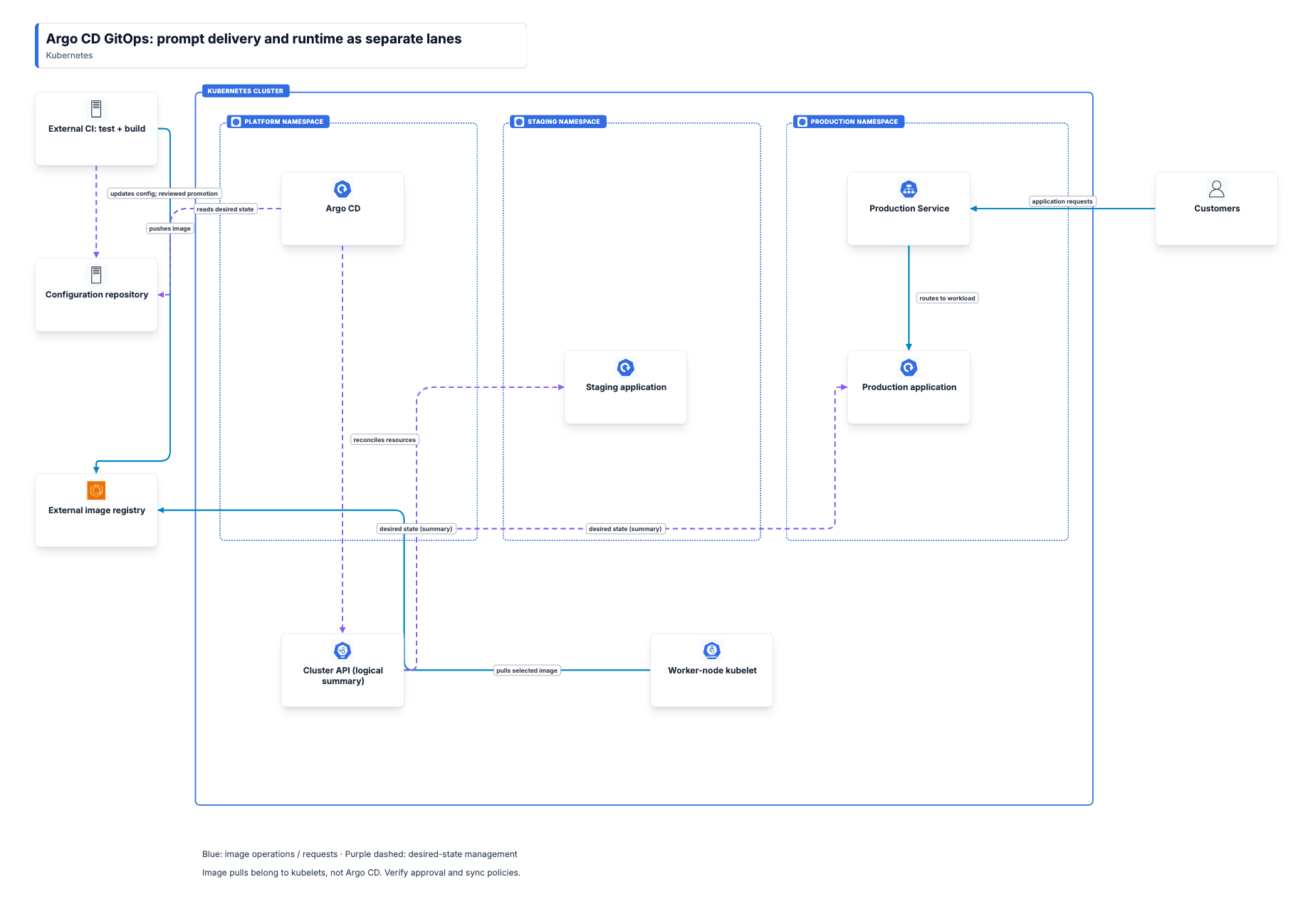 Argo CD GitOps: prompt delivery and runtime as separate lanesAn Argo CD GitOps diagram should show how desired state reaches the cluster while keeping customer traffic separate. This example draws a short delivery chain and makes production promotion a repository change that a reviewer can identify.
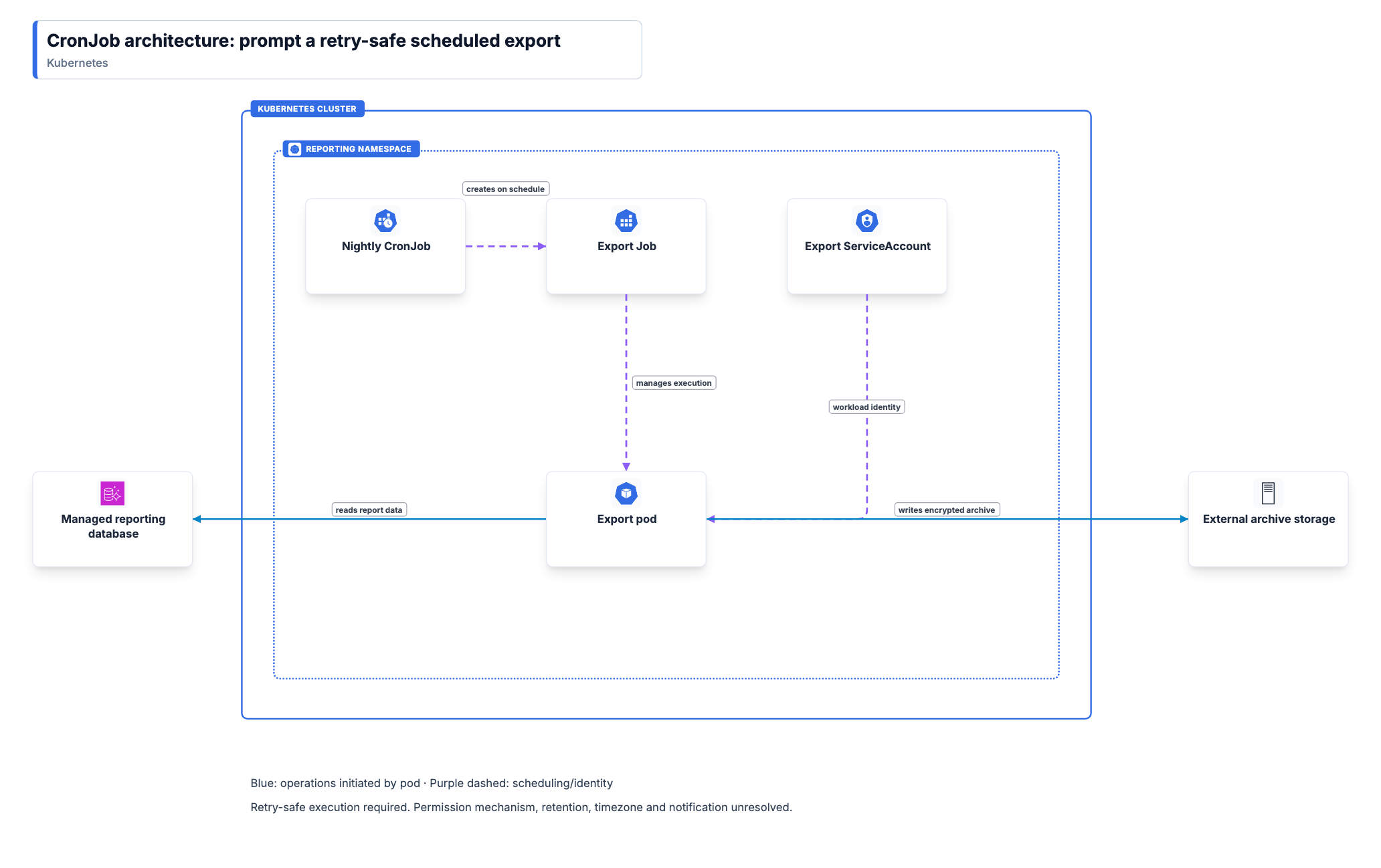 CronJob architecture: prompt a retry-safe scheduled exportA Kubernetes CronJob diagram can explain more than a clock pointing at a pod. This example follows a reporting export from its schedule to an archive, while showing where permissions and recovery assumptions belong.