// diagrams › kubernetes
Kubernetes web app: prompt the request path with Gateway API
A Kubernetes Gateway API diagram is most useful when the reader can trace a customer request without mistaking configuration for another network hop. This first example in our prompting series draws a small customer portal, then separates its runtime path from the objects that configure and scale it.
Opens a copy in the editor, in a new tab, ready to change. No account needed.
What’s in this diagram
services and parts
- Internet
- External load balancer
- Gateway
- Gateway proxy
- Portal ClusterIP Service
- Web Deployment: 3 replicas
- HPA: CPU target 65%
- Web pod 1
- Web pod 2
- Web pod 3
- Portal ConfigMap
- Database Secret
- Managed PostgreSQL (private endpoint)
- HTTPRoute (portal)
- Gateway controller
groups
- Kubernetes cluster
- edge namespace
- portal namespace
Key points
- Trace the request through the load balancer, proxy, Service and pods.
- Gateway and HTTPRoute configure routing; Deployment and HPA manage workloads.
- Keep the managed database outside the cluster boundary.
The whole story, step by step: Kubernetes web app: prompt the request path with Gateway API.
More diagrams
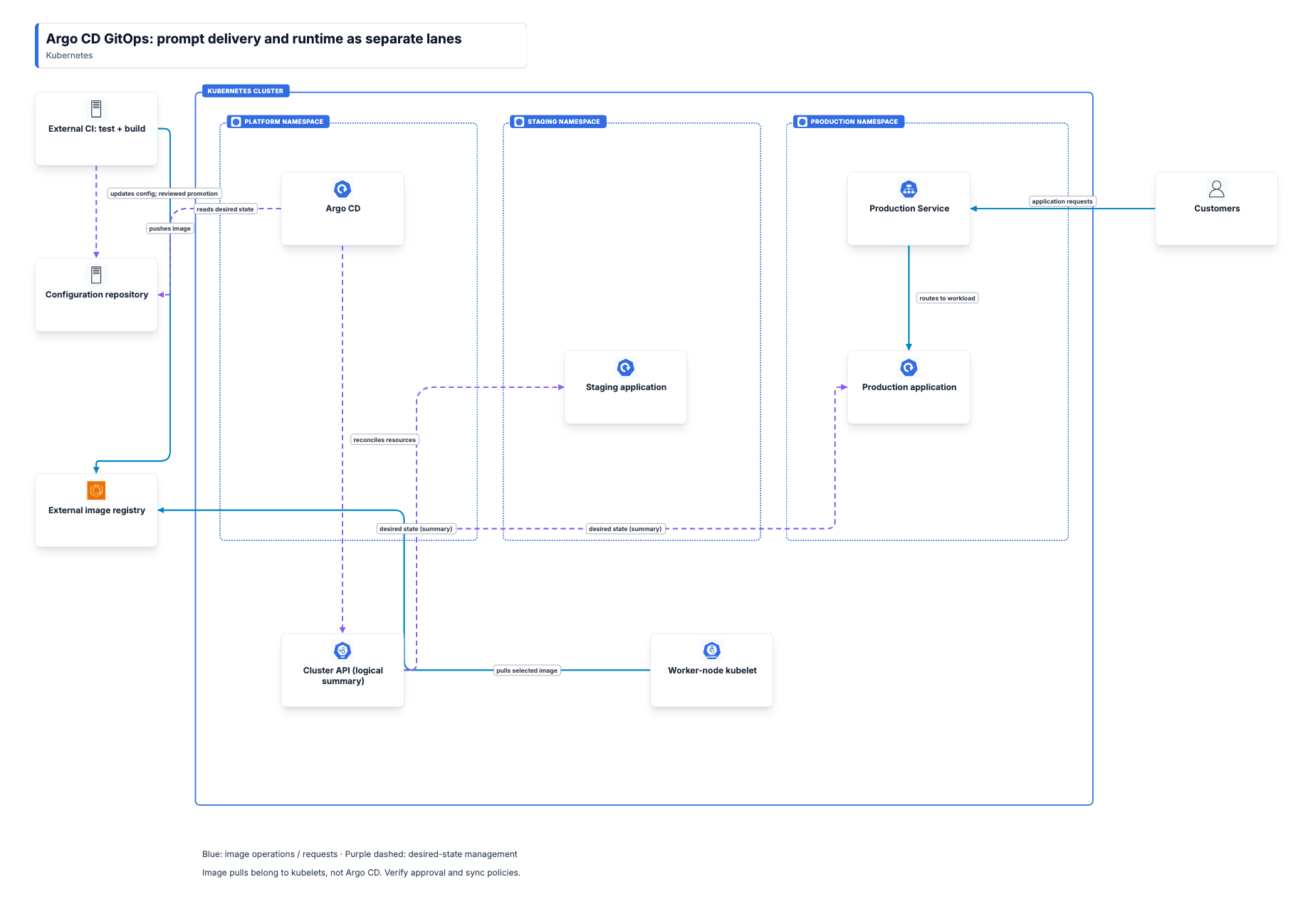 KubernetesArgo CD GitOps: prompt delivery and runtime as separate lanesAn Argo CD GitOps diagram should show how desired state reaches the cluster while keeping customer traffic separate. This example draws a short delivery chain and makes production promotion a repository change that a reviewer can identify.
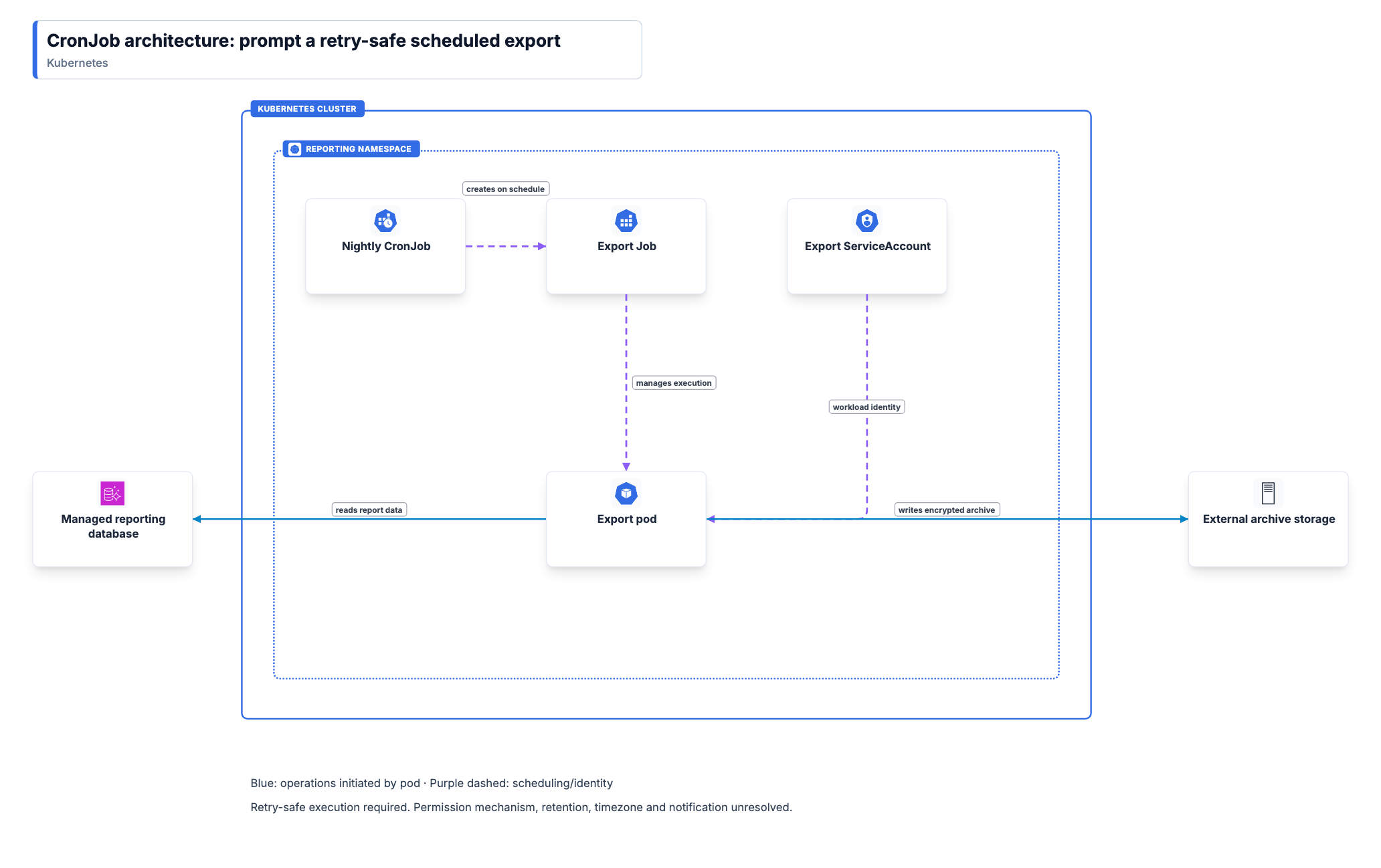 KubernetesCronJob architecture: prompt a retry-safe scheduled exportA Kubernetes CronJob diagram can explain more than a clock pointing at a pod. This example follows a reporting export from its schedule to an archive, while showing where permissions and recovery assumptions belong.
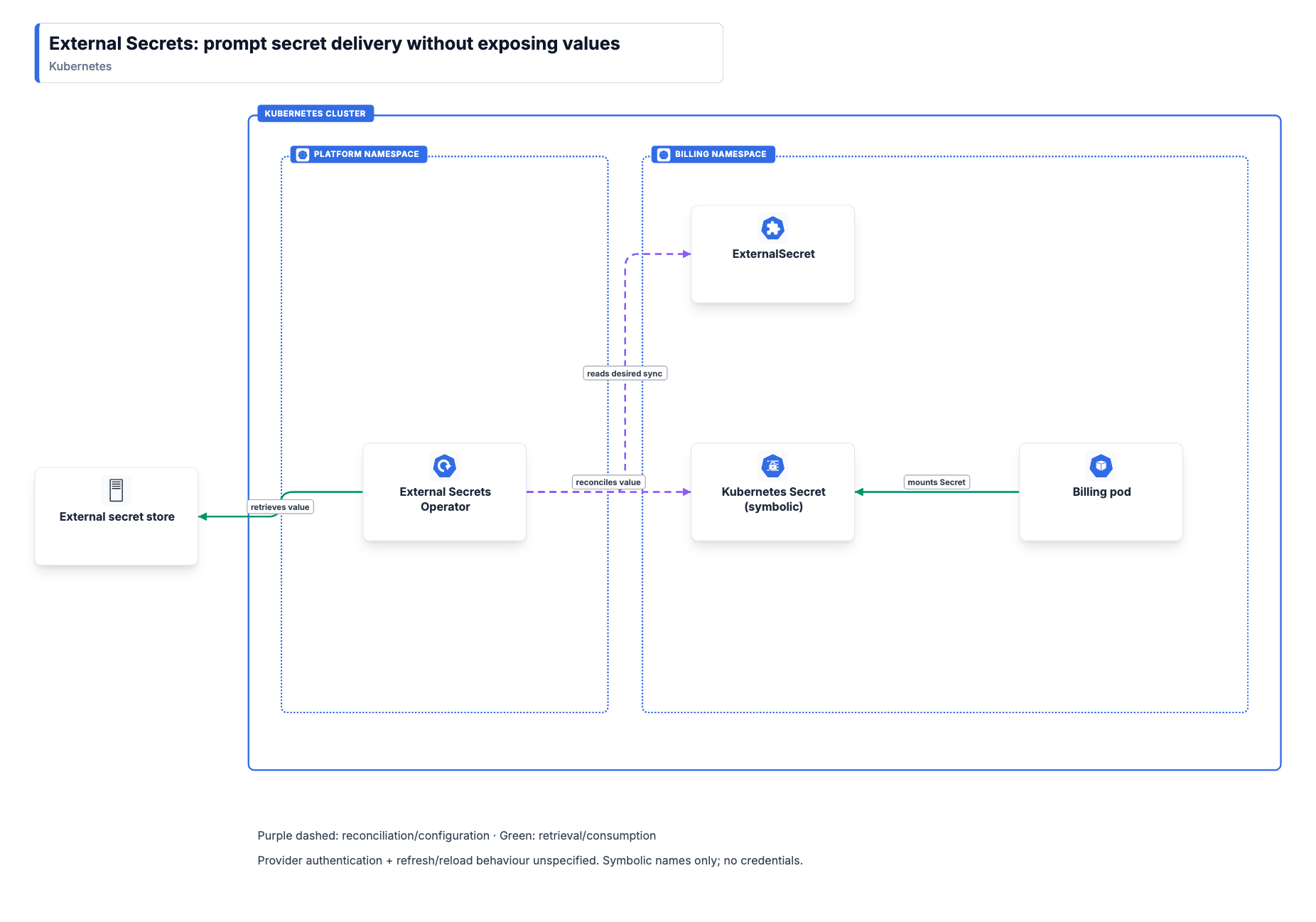 KubernetesExternal Secrets: prompt secret delivery without exposing valuesA Kubernetes External Secrets diagram should explain how an application receives a value without containing that value. This example draws the reconciliation and consumption paths using symbolic names, with authentication left explicit rather than guessed.