AWS · SERVERLESS · ARCHITECTURE PATTERNS
AWS event-driven architecture: a resilient invoice pipeline
On this page
- Split the process into stages and give each stage its own lane: topic, queue, dead-letter queue and consumer.
- Route centrally on one event bus, and keep an archive so you can replay.
- Every queue needs a dead-letter queue and an alarm on it; a stuck invoice is the failure that matters.
- Plan for duplicates. Retries happen at several layers, so consumers must be idempotent.
An AWS event-driven architecture lets each step of a business process run, fail and scale on its own, while someone can still see where every item is. This post redraws a design AWS published for tracking invoices through four stages at large scale, explains why each layer (API Gateway, EventBridge, SNS, SQS and Lambda) is there, and gives our view on where it is worth the complexity and where it is not.
The problem: a process nobody can see
Invoices pass through ingestion, reconciliation, authorisation and posting, often in different systems. When one stalls, finance finds out late. The AWS example handles more than 86 million events a day, with month-end surges of about 60,000 events a minute, and aims to show each event within two minutes. You may be far smaller, but the shape is the same: many producers, several stages, and a need to know what is stuck.
The design, layer by layer
The whole thing sits in a Regional cell: a self-contained copy you can repeat by Region or by account, so a fault stays inside one cell (open the diagram).
1. Producers call a REST API
Each stage has its own path on an API Gateway REST API. The API checks the event against a JSON schema, reshapes it into a standard form, and protects itself with API keys, usage plans, throttling and AWS WAF. Throttling is what stops one noisy caller from flooding the rest of the pipeline.
2. One event bus routes everything
A custom Amazon EventBridge bus receives every event and uses content-based rules to send it to the right stage. Keeping routing in one place keeps the rules readable. The bus's archive means that after a bad deployment you can replay the events you lost rather than ask producers to resend.
3. A topic per stage fans out
Each stage has an SNS topic. Its job is fan-out: more than one consumer can subscribe to a stage, each with a filter on what it receives, and SNS retries failed deliveries.
4. Queues decouple, functions process
Each stage's subscriber is an SQS FIFO queue with a dead-letter queue. Lambda functions read from the queue, transform the event, call downstream systems and record the result. Work too long for Lambda goes to AWS Fargate. The queue absorbs bursts; the dead-letter queue catches messages that fail too many times.
5. A timeline for people
Every stage writes its status to Amazon Timestream, and Amazon QuickSight dashboards show where invoices are. CloudWatch logs, custom metrics and X-Ray traces serve the engineers, and an alarm on each dead-letter queue says when something is stuck.
Trade-offs, cost and security
- Is the SNS layer needed? EventBridge can target a queue directly. The topic earns its place when a stage has, or will have, several consumers with different filters. If each stage only ever has one consumer, removing SNS removes a hop, a cost and something to monitor.
- Duplicates. The original post does not say how duplicates are handled. With retries in SNS and Lambda, assume a message can arrive twice and make each consumer safe to run again, for example by recording the invoice ID and stage before acting.
- Quotas before launch. The post's own headroom sums depend on per-Region service quotas for API Gateway, EventBridge, SNS, SQS and Lambda. Check yours and request increases before the first month end, not during it.
- Choosing the timeline store today. Timestream for LiveAnalytics closed to new customers on 20 June 2025, a month after the post. AWS suggests Timestream for InfluxDB instead; the diagram's box stays, its label changes.
- Fresh or fast dashboards. QuickSight's SPICE cache makes dashboards quick but refreshes on a schedule, which may miss a two-minute target. Querying Timestream directly is fresher but slower.
- Cost shape. Every layer here is billed per request or per message, so cost follows volume, and idle months are cheap. Provisioned concurrency on Lambda smooths latency for the steady load at a fixed price; size it for the baseline and let on-demand take the peaks.
- Security. Finance data deserves encryption at rest on the queues and tables, and least-privilege roles per function. Treat the API keys as a way to throttle callers, not to authenticate them.
When not to use it
- A short, strictly ordered workflow that must finish or roll back as one: an orchestrator such as Step Functions is easier to follow than choreographed events.
- Low volume with one consumer: a queue and a function, or even a scheduled job, will do.
- A team new to distributed systems: five services per stage is a lot to operate. Start with one lane and add the rest when it hurts.
How to draw it in archhy
- From the Services drawer (AWS pack), place an AWS Cloud and a Region, and rename the Region "Regional cell".
- In the Draw drawer, drag a dotted boundary for each stage partition. Draw one lane completely (SNS, SQS, a second SQS for the dead-letter queue, Lambda), then select it, duplicate it and rename the copy.
- EventBridge, WAF, Fargate, Timestream, QuickSight and CloudWatch have no palette item of their own: place Generic Resources, each with a clear name; their official AWS icons are not in the palette.
- Label every rail with what moves: "Rule: stage = posting", "Poll in batches". Make the dead-letter rails dashed and red, so failure paths stand out.
- Turn on animation for the happy path to show the direction of flow, then download an SVG or a GIF from the File menu.
Related: multi-tenant SaaS on AWS serverless and clickstream analytics on AWS.
Frequently asked questions
What is an event-driven architecture on AWS?
A design where services react to events rather than call each other directly, usually connected by EventBridge, SNS and SQS, so each part can fail and scale on its own.
Should I use EventBridge or SNS?
EventBridge suits central, content-based routing with replay. SNS suits fast fan-out of one topic to many subscribers. This design uses both: EventBridge to route, SNS to fan out.
Why does every SQS queue need a dead-letter queue?
So a message that keeps failing is set aside instead of retried for ever, and an alarm can tell someone it is stuck.
How do I stop duplicate processing?
Make consumers idempotent: record what has been processed, keyed by the business ID and stage, and skip repeats.
based on Redrawn and discussed from Implement event-driven invoice processing for resilient financial monitoring at scale by Grey Newell (AWS Architecture Blog, 12 May 2025). The diagram, the lane layout and the commentary are archhy's own.
more on aws
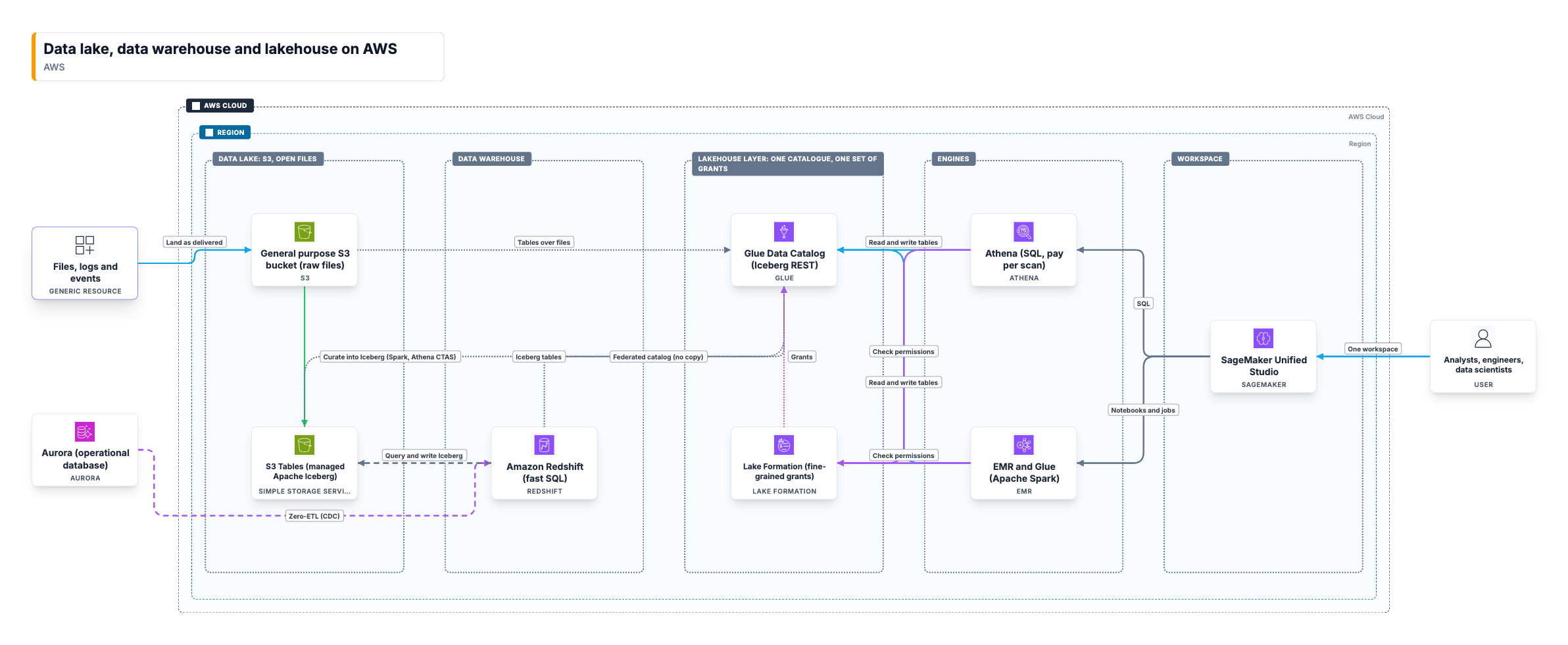 Data lake vs data warehouse vs lakehouse on AWSS3, Glue and Athena vs Amazon Redshift vs Apache Iceberg tables under one catalogue: what each is on AWS, where each fits in one diagram, and which to start with.
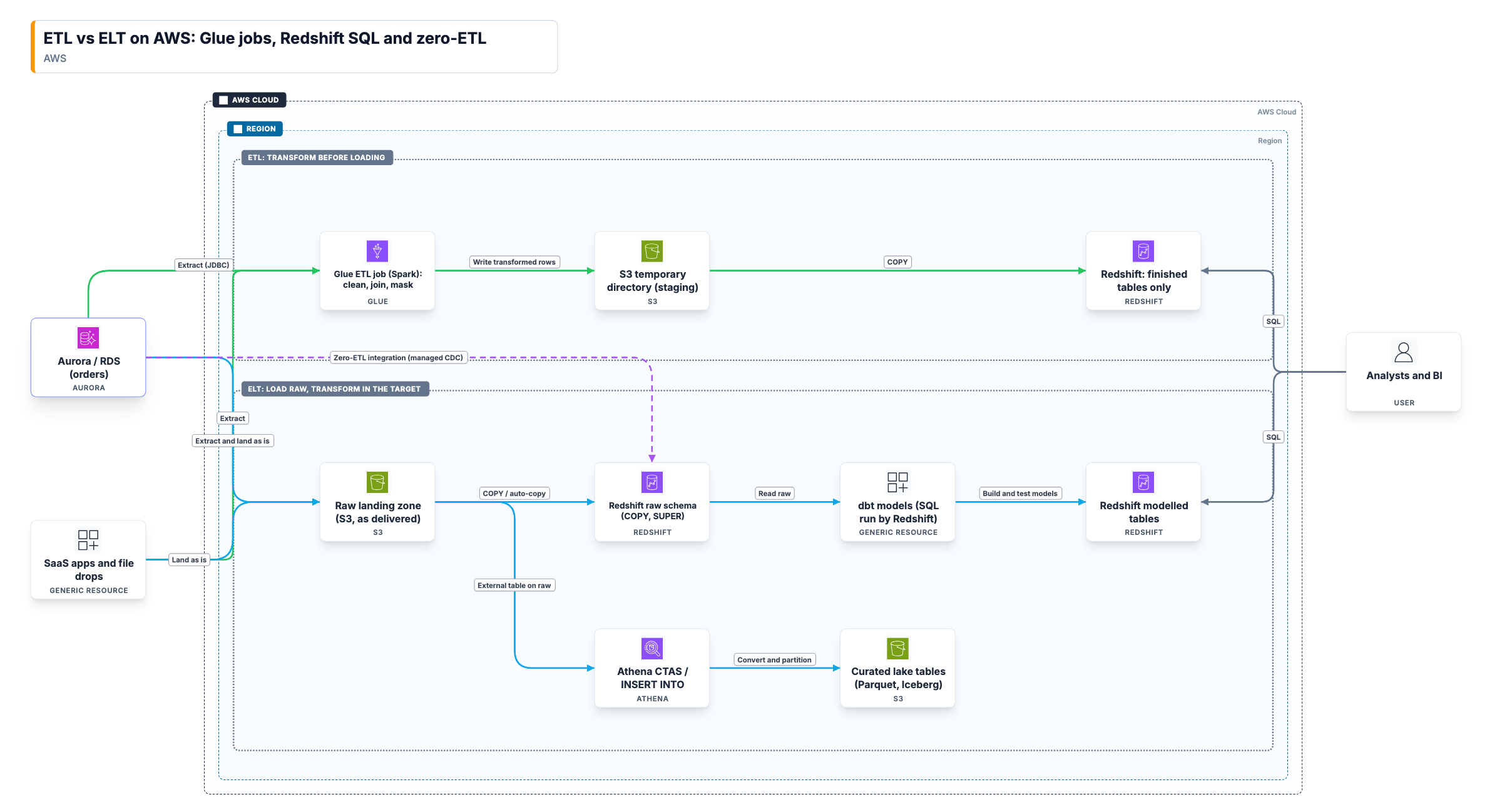 ETL vs ELT on AWS: Glue jobs, Redshift SQL and zero-ETLETL vs ELT on AWS, drawn side by side: Glue Spark jobs that transform before loading, raw loads transformed in Redshift or with Athena, and where zero-ETL fits.
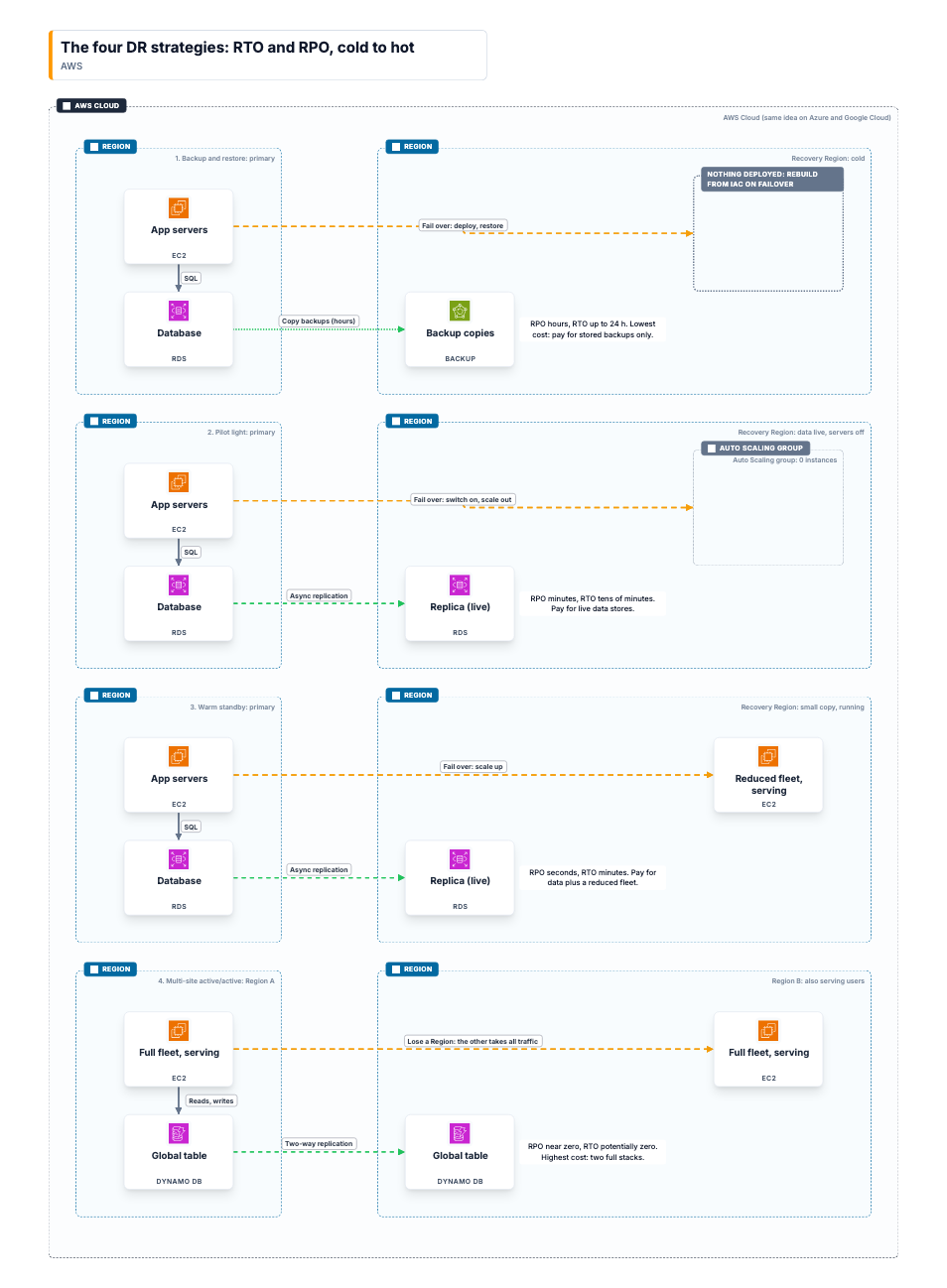 RTO and RPO explained: the four disaster recovery strategiesWhat RTO and RPO mean, with a worked example, and the four disaster recovery strategies from backup and restore to active/active: what runs, what it costs, and how to choose.