AWS · DATA AND ANALYTICS
Clickstream analytics on AWS: a serverless pipeline
On this page
- Collect, stream, store, then query: each stage is a managed service with no servers to run.
- The stream in the middle exists so more than one consumer can read the same clicks, such as a recommendation engine.
- Firehose's one-minute buffer makes this near real-time, not real-time.
- Raw JSON is easy to land and expensive to query at scale. Plan for a tidier, partitioned copy.
Clickstream analytics on AWS turns every page view and tap in your website or app into data you own and can query, instead of numbers locked in a third-party tool. AWS described a serverless pipeline for this, built for a large retailer, that collects events through API Gateway and Lambda, streams them through Kinesis, lands them in S3 and serves dashboards from Athena and QuickSight. This post redraws it, explains the choices, and shows where it gets expensive.
The problem: behaviour data you can actually use
Marketing wants to know which products people look at but do not buy; product teams want to see where a journey breaks. Off-the-shelf analytics answer the common questions, but the raw events often stay in someone else's system and are hard to join with orders or stock. Owning the stream lets you answer your own questions and feed other systems, such as recommendations.
The design
Follow one click through the diagram (open the diagram):
- The website or app sends each event to an Amazon API Gateway endpoint.
- API Gateway invokes a Lambda function that standardises the record into one schema.
- The function writes it to Amazon Kinesis Data Streams, so the caller does not wait for anything downstream.
- Amazon Data Firehose reads the stream, buffers records for a minute, and writes them to S3 as files.
- Amazon Athena runs SQL over the files in S3, and Amazon QuickSight builds dashboards on top.
- Optionally, a second consumer on the stream formats events for Amazon Personalize to drive recommendations.
In AWS's example, the retailer's repository takes in millions of records a day, and the team built and shipped the pipeline in three weeks.
Why each piece is there
- API Gateway and Lambda give you an endpoint you control, where you can validate events, strip anything you should not keep, and add server-side fields such as the arrival time.
- Kinesis Data Streams decouples collection from storage and lets several consumers read the same events. If storage is your only consumer, Firehose can take records directly and you can drop the stream.
- Firehose turns a flood of tiny records into fewer, larger files, which S3 and Athena both handle far better.
- S3, Athena and QuickSight mean you pay to query when someone asks a question, rather than running a warehouse all day.
Trade-offs and cost
- One request per click adds up. API Gateway and Lambda are charged per request. Batching several events into one call from the browser or app cuts both, at the price of losing the last few events if a tab closes.
- Query cost follows data scanned. Athena over raw JSON reads every byte each time. A scheduled job that writes a columnar, date-partitioned copy (Parquet, for example) makes common queries far cheaper and faster.
- Freshness. With a one-minute buffer, plus query time, dashboards are a few minutes behind. For alerts in seconds, add a stream processor such as Amazon Managed Service for Apache Flink as another consumer.
- Stream capacity. Size the stream for your busiest hour, not your average, or use on-demand capacity and watch the bill.
Security and privacy notes
- Clickstream data is personal data when it can be tied to a person. Collect only what you need, honour consent choices before sending events, and set a retention period on the bucket.
- Do not put email addresses or names in events. Use an opaque ID and keep the mapping elsewhere.
- The collection endpoint is public by nature. Throttle it, validate payloads, and expect junk traffic.
- Encrypt the stream and the bucket, and grant analysts access to curated tables, not the raw bucket.
When not to use it
- You only need standard web metrics: an analytics product is cheaper than building a pipeline.
- You need per-event decisions in milliseconds, such as fraud checks: that belongs in the request path or a stream processor, not in S3.
- Your traffic is small and steady: writing events straight to a database you already run may be enough.
How to draw it in archhy
- From the Services drawer (AWS pack), place an AWS Cloud and a Region, then three dotted boundaries from the Draw drawer: Ingest, Store and analyse, and Optional: recommendations.
- Place API Gateway, Lambda and S3 from the palette. Kinesis, Firehose, Athena, QuickSight and Personalize have no palette item of their own: use Generic Resources, each with a clear name; their official AWS icons are not in the palette.
- Animate the ingest rails so the direction of flow is obvious, and make the query rails dashed, since they run on demand.
- Colour the optional Personalize branch differently and keep it in its own boundary, so readers see it is an add-on.
- Add an info box to Firehose with its buffer interval, then download a PNG or GIF from the File menu.
Related: a governed data lake on AWS and IoT monitoring on AWS.
Frequently asked questions
What is a clickstream pipeline?
A system that collects user interactions, such as page views and clicks, from a website or app, and stores them for analysis and for other systems to use.
Do I need Kinesis Data Streams and Firehose?
Firehose alone can deliver events to S3. Add Kinesis Data Streams when more than one consumer needs to read the same events.
Is this real-time analytics?
Near real-time. Firehose buffers for about a minute before writing, so dashboards lag by minutes. Use a stream processor for second-level alerts.
How do I keep Athena costs down?
Query a columnar, partitioned copy of the data instead of raw JSON, and filter on the partition columns, so each query scans less.
based on Redrawn and discussed from Driving Business Outcomes with Clickstream Data by Pritam Bedse, Christin Carter and Jared Warren (AWS for Industries Blog, 17 July 2023). The diagram and commentary are archhy's own.
more on aws
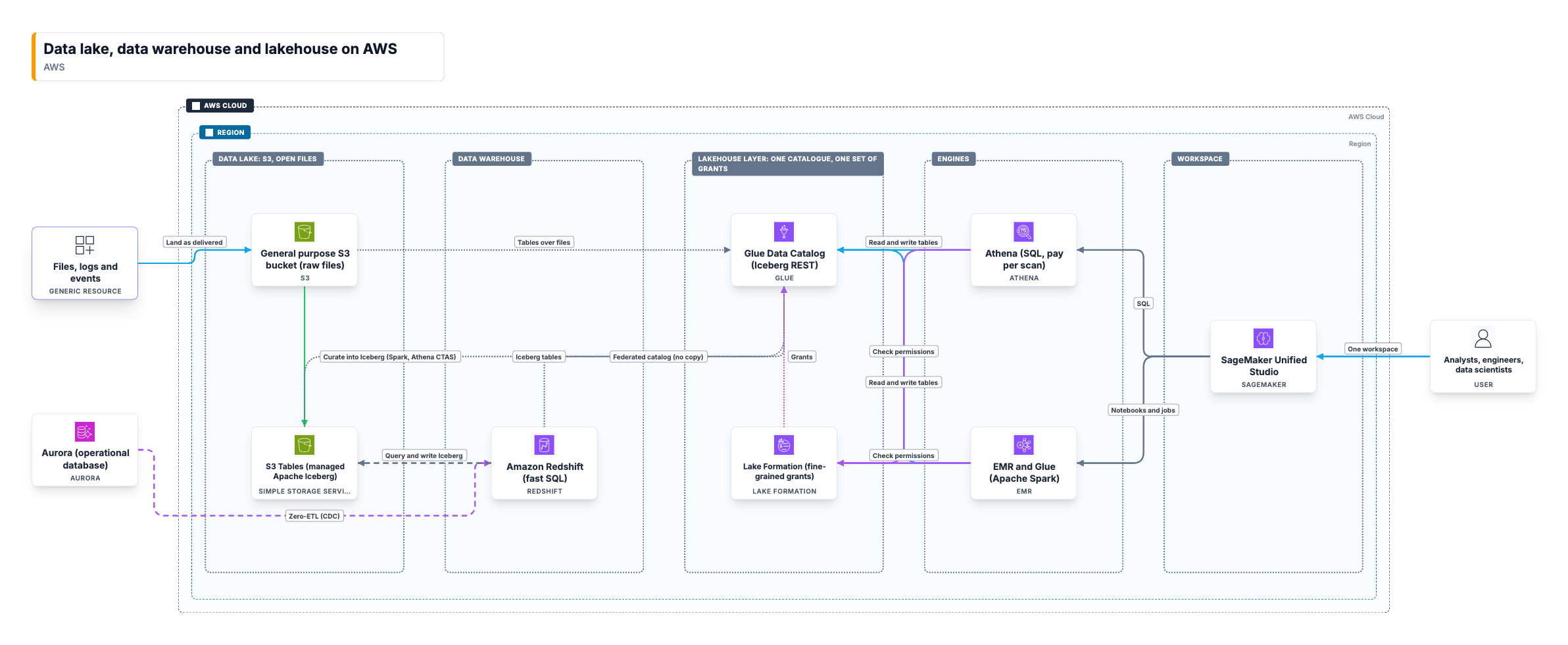 Data lake vs data warehouse vs lakehouse on AWSS3, Glue and Athena vs Amazon Redshift vs Apache Iceberg tables under one catalogue: what each is on AWS, where each fits in one diagram, and which to start with.
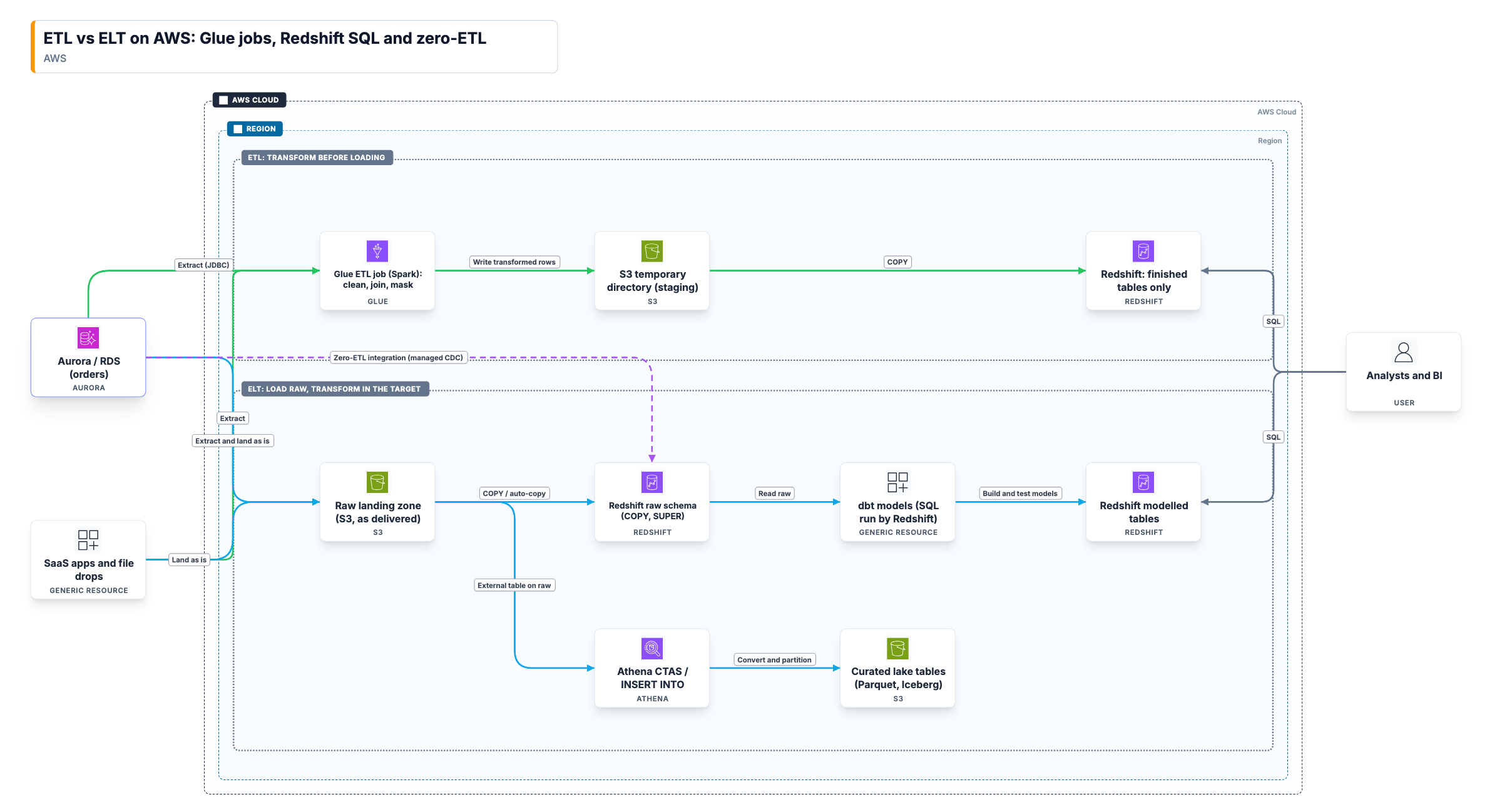 ETL vs ELT on AWS: Glue jobs, Redshift SQL and zero-ETLETL vs ELT on AWS, drawn side by side: Glue Spark jobs that transform before loading, raw loads transformed in Redshift or with Athena, and where zero-ETL fits.
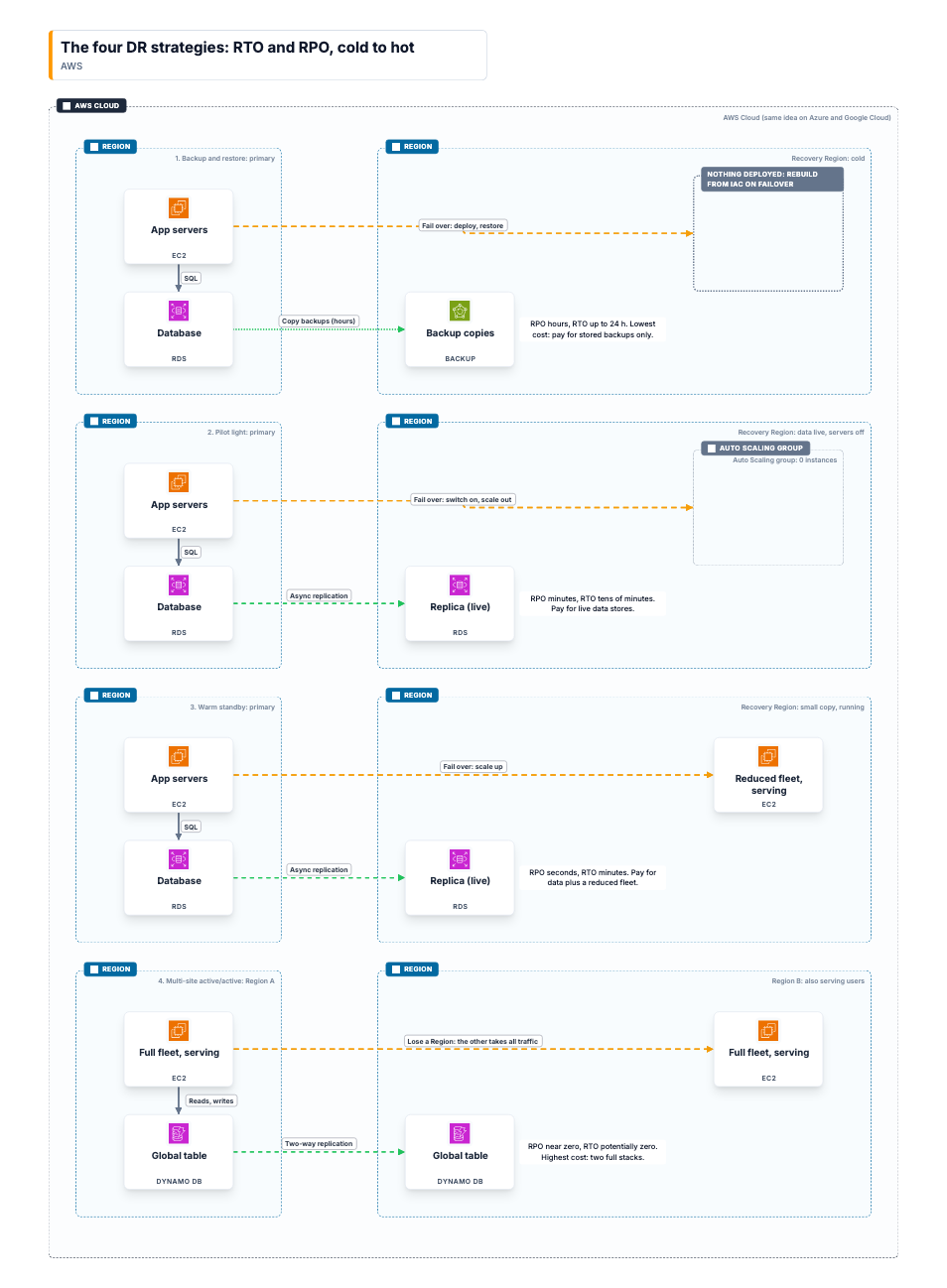 RTO and RPO explained: the four disaster recovery strategiesWhat RTO and RPO mean, with a worked example, and the four disaster recovery strategies from backup and restore to active/active: what runs, what it costs, and how to choose.