AWS · DATA AND ANALYTICS · ARCHITECTURE PATTERNS
Data lake vs data warehouse vs lakehouse on AWS
On this page
- A data lake is open files in S3 with a catalogue, readable by many engines. A data warehouse is Redshift: its own storage, tuned for fast, concurrent SQL.
- A lakehouse gives lake files table behaviour with Apache Iceberg: transactions, updates and deletes, schema evolution, time travel.
- On AWS, the lakehouse is one catalogue and one set of Lake Formation grants across S3, S3 Tables and Redshift.
- It is rarely either/or. Most teams keep the lake for breadth and the warehouse for their busiest dashboards.
The data lake vs data warehouse AWS question used to have a tidy answer: files in Amazon S3 for breadth and low cost, Amazon Redshift for fast SQL. Open table formats blurred the line, and AWS now offers the combination as a lakehouse. This post sets the three side by side, draws where each sits in one picture, and says which to start with.
Three answers to one question
Data lake: S3, the Glue Data Catalog and Athena
Data lands in S3 in whatever format it arrives in, and you apply a schema when you read it. The AWS Glue Data Catalog turns files into tables, and Amazon Athena queries them in SQL, charging by data scanned ($5 per TB in AWS's pricing examples), so columnar, partitioned files pay for themselves. Nothing is provisioned and storage is cheap. The catch: plain files suit appends, not changes. Updating one customer's rows means rewriting files, and two writers can trip over each other. Our hub post, AWS data lake architecture, draws the governed version.
Data warehouse: Amazon Redshift
Redshift keeps structured data in its own managed storage and is built for complex joins and many users at once. Tables are designed up front and loaded by COPY or zero-ETL. AWS's own lakehouse guidance names three reasons to keep data in the warehouse: high-concurrency BI, predictable performance targets, and complex SQL with many joins and large aggregations. Redshift Serverless charges nothing while idle. The catch: data in managed storage is in Redshift's own format, so other tools reach it through Redshift rather than by reading files.
Lakehouse: Iceberg tables and one catalogue
A lakehouse keeps data in open files but gives it table behaviour. Apache Iceberg adds ACID transactions, record-level insert, update and delete, schema and partition evolution, and time travel. On AWS you can keep Iceberg in two places. In a general purpose S3 bucket you manage it yourself, including compaction and clean-up. In Amazon S3 Tables, a table bucket, S3 runs compaction, snapshot management and unreferenced-file removal for you. Athena reads and writes Iceberg, and Redshift has been able to create and write Iceberg tables too since late 2025.
The name to know: AWS's documentation calls the umbrella the lakehouse architecture of Amazon SageMaker; you will also see SageMaker Lakehouse. It stretches the Glue Data Catalog and AWS Lake Formation across S3, S3 Tables and Redshift Managed Storage, and adds an Apache Iceberg REST endpoint, so Iceberg-compatible engines outside AWS can read the same tables. Existing Redshift warehouses join as federated catalogs, with no data moved. Amazon SageMaker Unified Studio is the workspace on top: one place for SQL, notebooks, jobs and workflows.
The design
One picture shows where each fits (open the diagram). The first column on its own is a data lake. The second on its own is a data warehouse. The lakehouse is the whole picture: both stores registered in one catalogue, with grants decided once in Lake Formation and checked by every engine that reads.
- Storage. Raw files in a general purpose bucket, curated Iceberg tables in S3 Tables, modelled tables in Redshift.
- Catalogue and grants. The Glue Data Catalog lists every table, wherever it is stored; Lake Formation decides who sees which columns and rows.
- Engines. Athena for SQL, Apache Spark on Amazon EMR or AWS Glue for heavy processing, Redshift for its own tables and for Iceberg.
How to choose
- Mostly structured data and busy dashboards: start with Redshift. Add a lake when raw files, long history or machine learning appear.
- Lots of raw, semi-structured or rarely queried data, cost first: a lake with Athena. Convert to Parquet or Iceberg early.
- Updates, deletes for privacy requests, change data capture merges, or several engines on the same tables: Iceberg, which is to say a lakehouse. Choose S3 Tables unless you want to tune maintenance yourself.
- Strict response times for the busiest reports: keep that curated subset in Redshift, even inside a lakehouse.
Trade-offs, cost and security
- Iceberg needs upkeep. Self-managed tables slow down as small files pile up unless you schedule compaction. S3 Tables does it for you, but you do not choose when.
- Engines differ. "Any engine" has small print: Athena, for example, cannot run DDL on Iceberg tables registered with Lake Formation. Check each engine's limits before you promise them.
- Every copy costs twice. A table copied from the lake into the warehouse is more storage and one more thing to keep in step. Copy only what the dashboards need.
- One permission model. Grant on catalogue objects, not buckets. The lake's raw zone still needs the tightest grants of all.
How to draw it in archhy
- Place an AWS Cloud and a Region, then five dotted boundaries from the Draw drawer: lake, warehouse, lakehouse layer, engines, workspace.
- From the Services drawer, search the AWS pack for S3, Redshift, Glue, Lake Formation, Athena, EMR and SageMaker.
- Select the boundaries and use Align top and Space evenly, so the layers read as columns.
- Draw every engine's rail to the catalogue, and the permission rails in purple: that shared middle column is what makes it a lakehouse.
More in the Data on AWS series: ETL vs ELT on AWS, Athena vs Redshift Spectrum vs Redshift, S3 zones, formats and Iceberg and a data mesh with Lake Formation and DataZone.
Frequently asked questions
What is the difference between a data lake and a data warehouse on AWS?
A data lake is files in Amazon S3, catalogued in AWS Glue and queried by engines such as Athena. A data warehouse is Amazon Redshift, which stores structured data in its own format and answers complex SQL quickly for many users.
What is a lakehouse on AWS?
Apache Iceberg tables on S3 or S3 Tables, plus Redshift, under one Glue Data Catalog and one set of Lake Formation permissions. AWS calls it the lakehouse architecture of Amazon SageMaker.
Should I use S3 Tables or Iceberg in a normal S3 bucket?
S3 Tables if you want compaction and clean-up handled for you. A general purpose bucket if you want to control maintenance yourself and have the engineers to run it.
Do I still need Redshift if I have a lakehouse?
Often, yes, for high-concurrency dashboards and complex joins with predictable response times. Keep a curated subset there and the rest in the lake.
based on Redrawn and discussed from Navigating architectural choices for a lakehouse using Amazon SageMaker by Lakshmi Nair and Saman Irfan (AWS Big Data Blog, 12 January 2026). Names and capabilities were checked in November 2026 against the lakehouse architecture of Amazon SageMaker user guide, the S3 Tables guide and the Athena and Redshift documentation. The diagram and the commentary are archhy's own.
more on aws
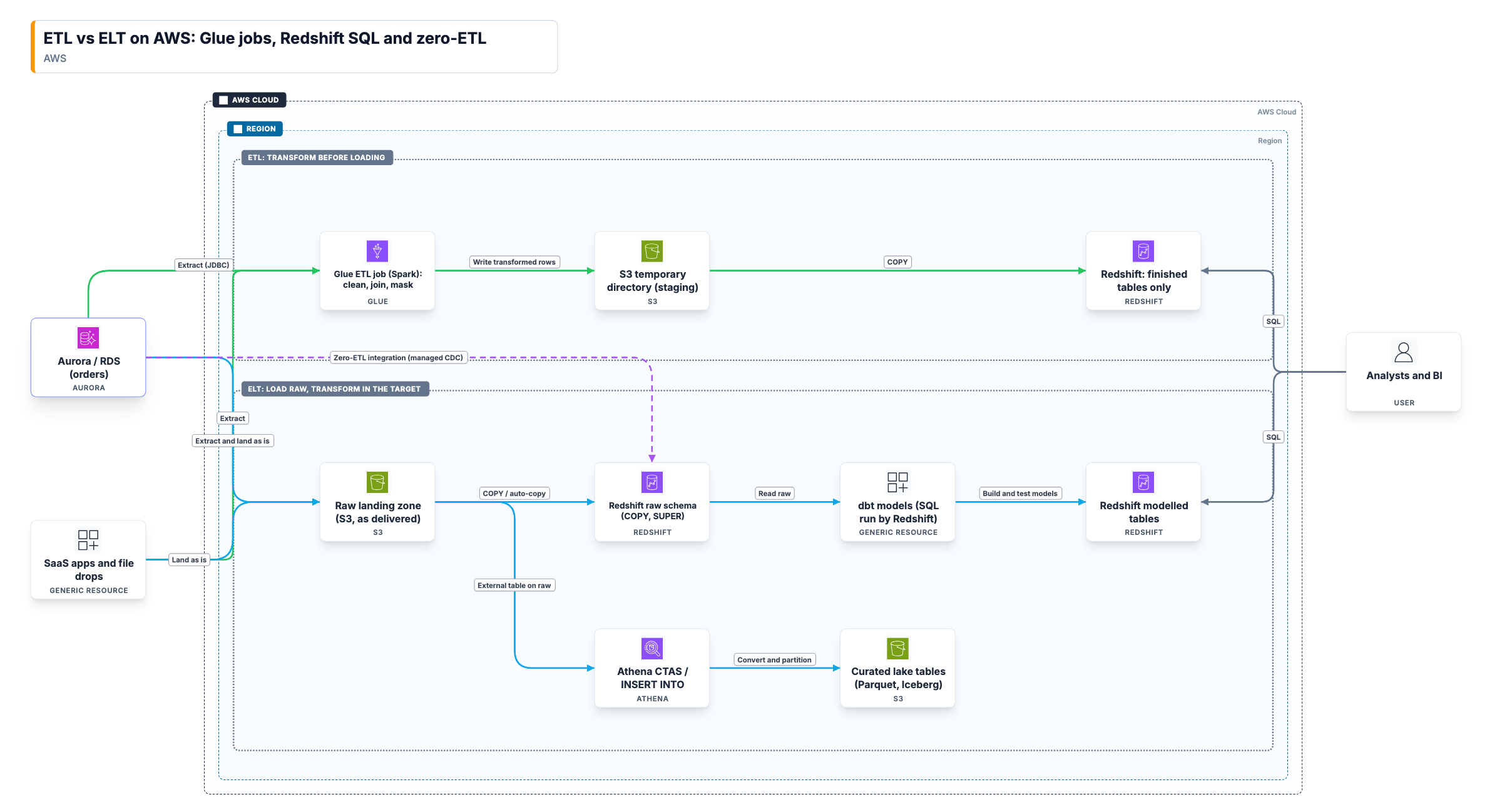 ETL vs ELT on AWS: Glue jobs, Redshift SQL and zero-ETLETL vs ELT on AWS, drawn side by side: Glue Spark jobs that transform before loading, raw loads transformed in Redshift or with Athena, and where zero-ETL fits.
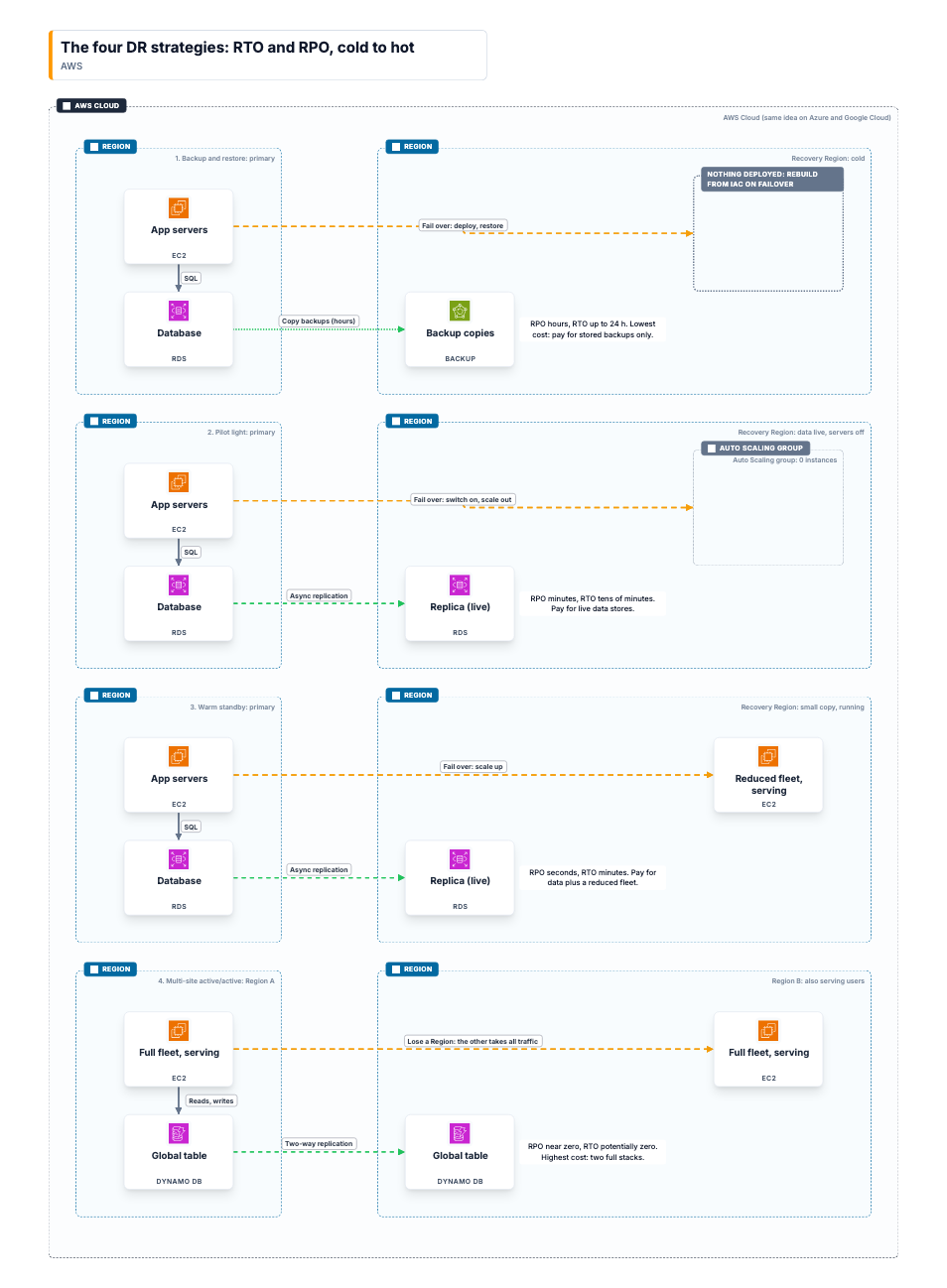 RTO and RPO explained: the four disaster recovery strategiesWhat RTO and RPO mean, with a worked example, and the four disaster recovery strategies from backup and restore to active/active: what runs, what it costs, and how to choose.
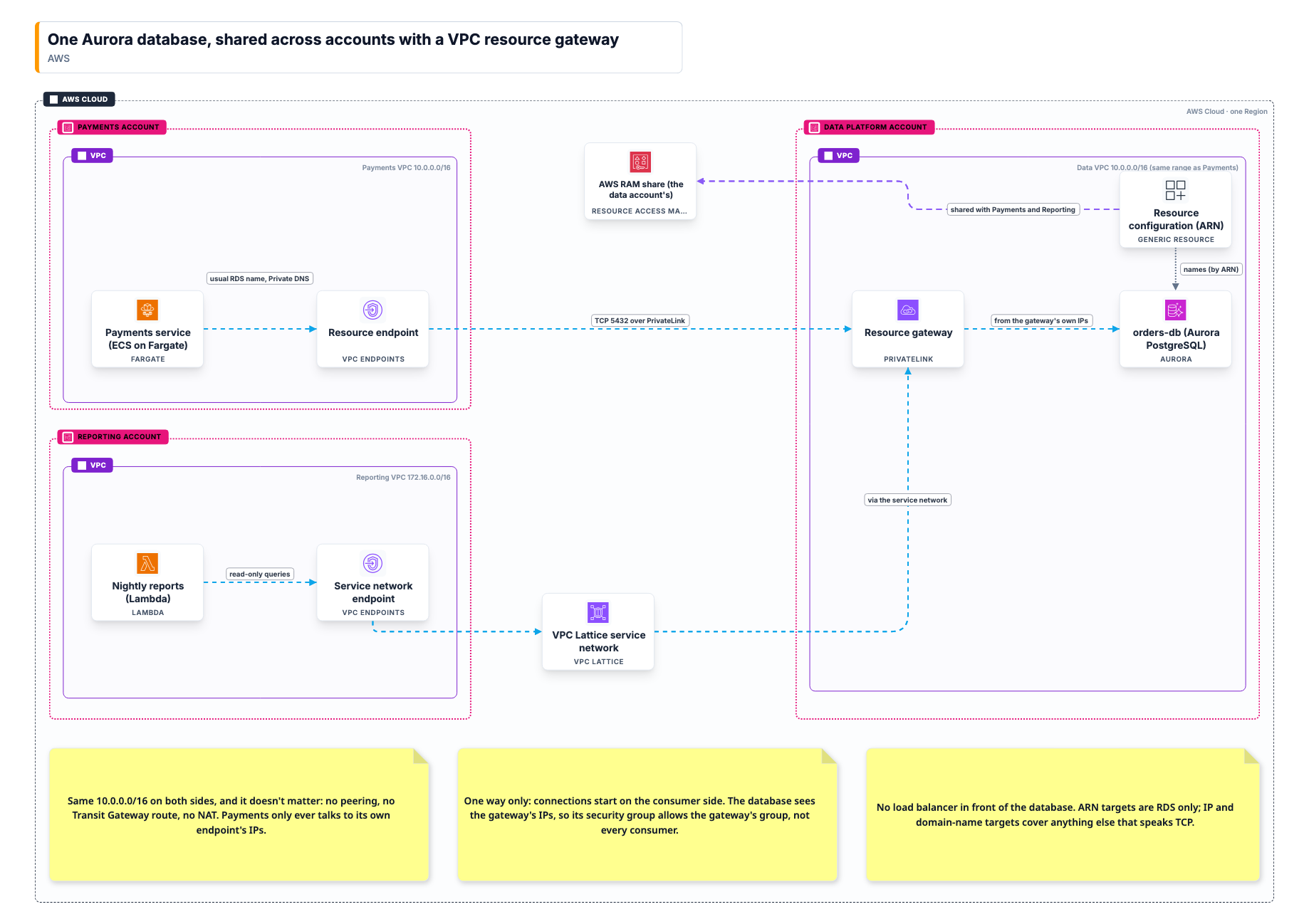 Share an RDS database across VPCs with a PrivateLink resource gatewayOne Aurora database reached from two AWS accounts, without VPC peering, a Transit Gateway or a load balancer: how resource gateways, resource configurations and resource endpoints fit together, even with overlapping CIDRs.