SECURITY
How OAuth 2.0 works: every flow, drawn out
On this page
- The four parties
- Authorization code flow with PKCE, step by step
- With a secret or without: confidential and public clients
- Implicit versus explicit: why the implicit flow was retired
- Client credentials: no user at all
- Device authorization: TVs, consoles and CLIs
- The password grant: don't
- Refresh tokens
- Which flow should I use?
- Draw your own
- OAuth 2.0 is about authorization: what an app may do for you. Who you are is OpenID Connect's job.
- For any app with a user, use the authorization code flow with PKCE. It works with or without a client secret.
- The implicit flow and the password grant are retired. Don't build new apps on them.
- Use client credentials for service-to-service calls with no user, and the device flow for TVs and command-line tools.
How OAuth 2.0 works is easier to see than to read. OAuth lets an app act for you without ever seeing your password: you sign in at a server you trust, and the app gets a short-lived access token with limited rights. There are several ways (grants, or flows) to get that token, for apps with a secret, apps without one, apps with no user at all and devices with no keyboard. This guide draws each one, step by step, and says which to use today.
The four parties
Every OAuth flow has the same cast. The resource owner is you, the person whose data it is. The client is the app that wants access. The authorization server signs you in, asks your consent and issues tokens. The resource server is the API that holds your data and accepts tokens. In a real system the authorization server is often a product such as Microsoft Entra ID, Okta, Auth0, Amazon Cognito or Keycloak.
Messages travel two ways. The front channel goes through your browser as redirects, so the URL bar sees them; those are blue in the diagrams. The back channel is a direct server-to-server HTTPS call that the browser never sees; those are purple. Green is the app calling the API with its token. Anything that can leak through a URL belongs on the back channel.
Authorization code flow with PKCE, step by step
This is the flow in the diagram above and the one to reach for first.
- You click Sign in. The app makes a random secret, the
code_verifier(43 to 128 characters), and hashes it with SHA-256 into acode_challenge. - The app redirects your browser to the server's
/authorizeendpoint with itsclient_id, thescopeit wants, a randomstateand thecode_challenge. - You log in at the authorization server, not in the app, and approve what the app asked for.
- The server redirects back to the app's registered
redirect_uriwith a one-time authorization code and the samestate. The app checks thatstatematches, which stops a forged callback. - The app posts the code and the original
code_verifierto the/tokenendpoint on the back channel. - The server hashes the verifier, checks that it matches the challenge from step 2, and returns an access token and, often, a refresh token.
- The app calls the API with
Authorization: Bearer <access_token>. - The API checks the token: its signature against the server's published keys (JWKS) and its audience, expiry and scopes. For opaque tokens, the API asks the server's introspection endpoint instead.
Why PKCE? The code in step 4 passes through the browser, so someone could intercept it. Without the verifier, which never left the app, a stolen code is useless. That is why the current security best practice (RFC 9700) requires PKCE for public clients and recommends it for every client.
With a secret or without: confidential and public clients
Every client has a client_id. It is an identifier, not a secret: it appears in every redirect URL. The real difference between flows is whether the client can also keep a client_secret (or a private key) hidden.
A confidential client runs on a server you control, such as a traditional web app backend. It sends its secret with the code at the token step, so the server knows the right app is redeeming it. The tokens stay on the server, and the browser only gets a session cookie.
A public client is anything that runs on the user's device: a single-page app, a mobile app, a desktop app or a CLI. Anything shipped to a device can be unpacked, so it cannot hold a secret. It uses the same flow with PKCE standing in for the secret. That is the "with an ID only" case: client_id plus PKCE, no secret.
Implicit versus explicit: why the implicit flow was retired
Early single-page apps could not make cross-origin calls to a token endpoint, so OAuth offered a shortcut. With response_type=token the server skipped the code and put the access token straight into the redirect URL's fragment. People call the code flow "explicit" to contrast it with this one.
The token in the URL can leak through browser history, logs and referrer headers. It can be injected by an attacker, and there is no back-channel step where PKCE or a secret could protect it. RFC 9700 says clients should not use it, and the OAuth 2.1 draft leaves it out altogether. Browsers now support CORS, so a single-page app can run the code flow with PKCE instead.
Client credentials: no user at all
When a backend job calls another service on its own behalf, there is no person to log in. The client authenticates directly at the token endpoint, with a secret or better a signed JWT (private_key_jwt) or mutual TLS, and receives an access token. There is no redirect, no consent screen and usually no refresh token: the client just asks again.
Device authorization: TVs, consoles and CLIs
A smart TV or a terminal has no comfortable browser, so the device flow (RFC 8628) moves the login to your phone. The device asks the /device_authorization endpoint for a device_code and a short user_code, and shows you the code and a URL. You enter the code on your phone and approve. Meanwhile the device polls the token endpoint with the grant type urn:ietf:params:oauth:grant-type:device_code. It gets authorization_pending until you approve, and slow_down if it polls too fast.
The password grant: don't
The resource owner password credentials grant lets an app collect your username and password and trade them for a token. It teaches users to type passwords into apps and breaks multi-factor sign-in and single sign-on. RFC 9700 says it must not be used.
Refresh tokens
Access tokens should be short-lived, often minutes. A refresh token lets the client get a new access token from the token endpoint without sending you back through the login. Because it lives longer, it is the more valuable thing to steal. For public clients the refresh token must either be sender-constrained (bound to a key the client holds, as DPoP does) or rotated, so each use returns a new one and replaying an old one is detected.
Which flow should I use?
- Web app with a backend: authorization code with PKCE and a client secret or private key.
- Single-page app: authorization code with PKCE. Better still, a small backend-for-frontend that keeps the tokens off the browser.
- Mobile or desktop app: authorization code with PKCE, through the system browser, never an embedded web view.
- Service to service: client credentials.
- TV, console or CLI: device authorization.
- Signing users in: any of the user flows plus OpenID Connect, covered in OpenID Connect explained.
Draw your own
Every diagram here is an archhy diagram you can open, change and export: swap the generic authorization server for your own identity provider and label the scopes your API really uses. The colours carry the same meaning in each one: blue through the browser, purple server to server, green to the API.
video course This article is taught step by step in OAuth 2.0 and OpenID Connect, Drawn Out.
Frequently asked questions
Is OAuth 2.0 authentication or authorization?
Authorization. It gives an app limited access to an API for you. To learn who the user is, add OpenID Connect, which adds an ID token on top of OAuth.
Is the client ID a secret?
No. The client ID is a public identifier that appears in redirect URLs. Only confidential clients, which run on a server, also hold a client secret or private key.
Do I still need PKCE if my app has a client secret?
It is recommended. RFC 9700 requires PKCE for public clients and recommends it for confidential ones, because it also protects against authorization code injection.
Can I still use the implicit flow?
You should not for new apps. RFC 9700 says clients should not use it, and the OAuth 2.1 draft removes it. Use the authorization code flow with PKCE instead.
based on Original archhy explainer and diagrams, checked against RFC 9700, OAuth 2.0 Security Best Current Practice, RFC 7636 (PKCE), RFC 8628 (Device Authorization Grant) and the OAuth 2.1 draft (work in progress).
more on security
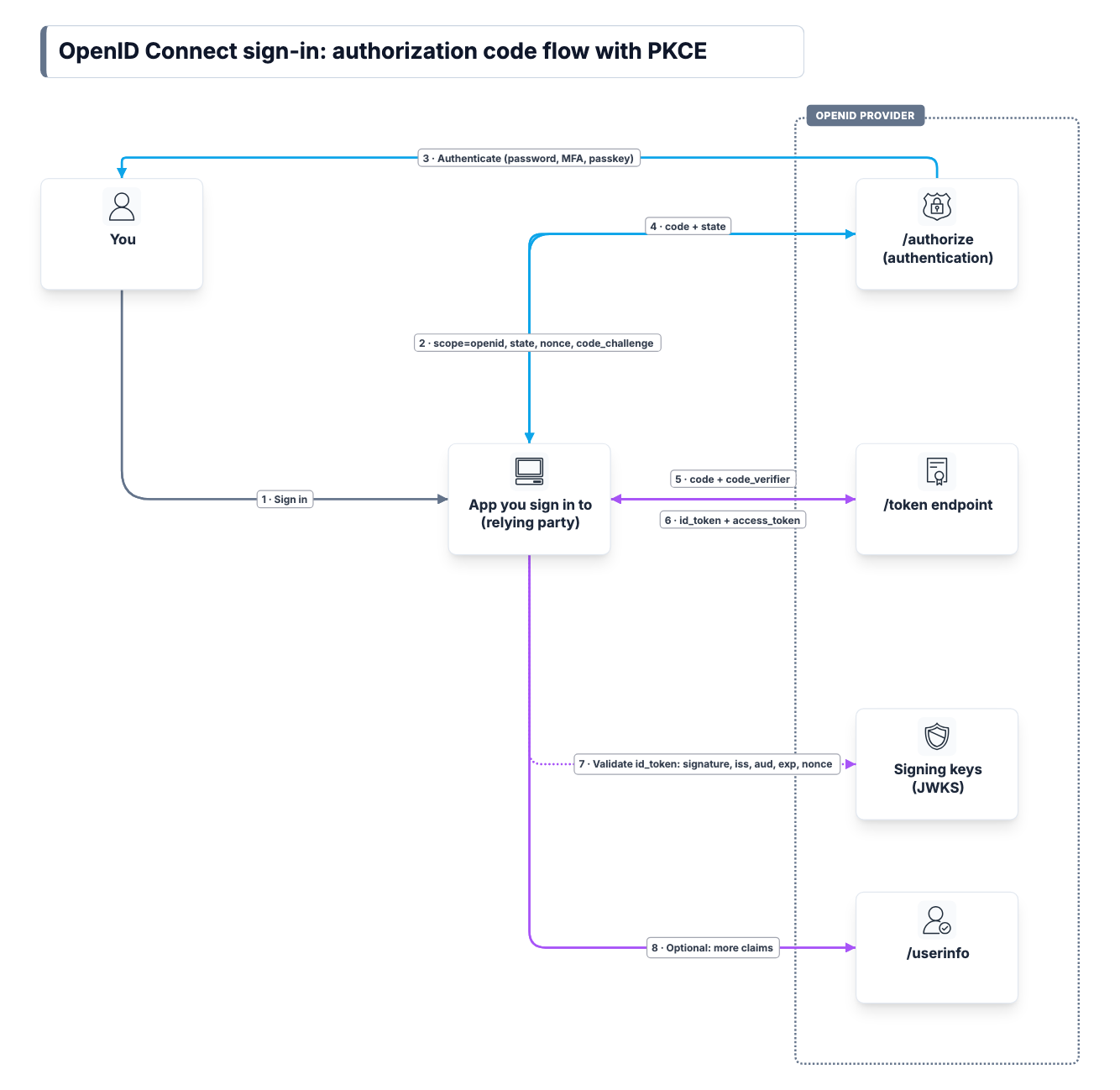 OpenID Connect explained: ID tokens, flows and when to use OIDCOpenID Connect adds identity to OAuth 2.0: a signed ID token that tells an app who signed in. The sign-in flow drawn step by step, what is inside an ID token and how to validate it, which token goes where, logout, and when to use OIDC, OAuth or SAML.
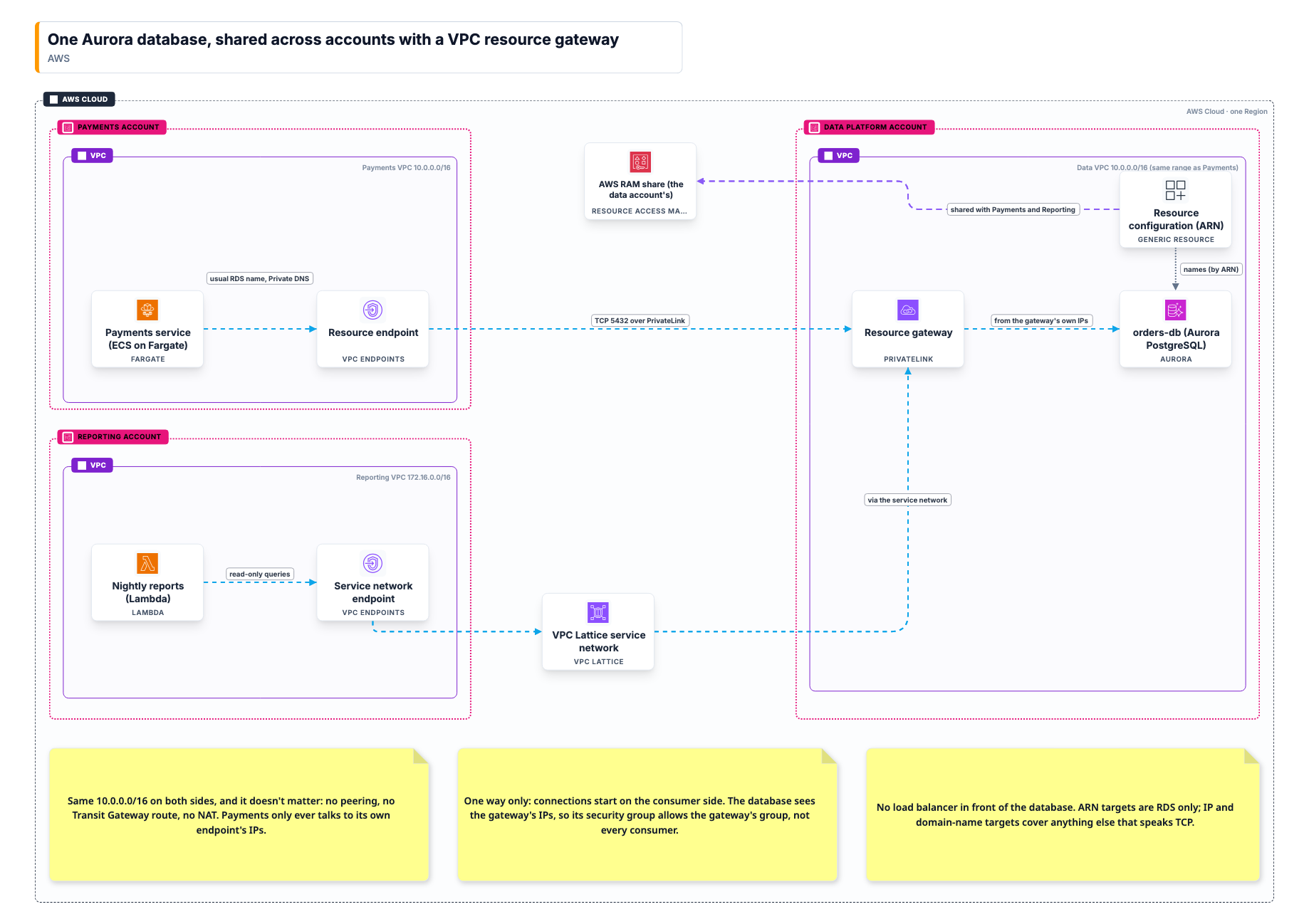 Share an RDS database across VPCs with a PrivateLink resource gatewayOne Aurora database reached from two AWS accounts, without VPC peering, a Transit Gateway or a load balancer: how resource gateways, resource configurations and resource endpoints fit together, even with overlapping CIDRs.
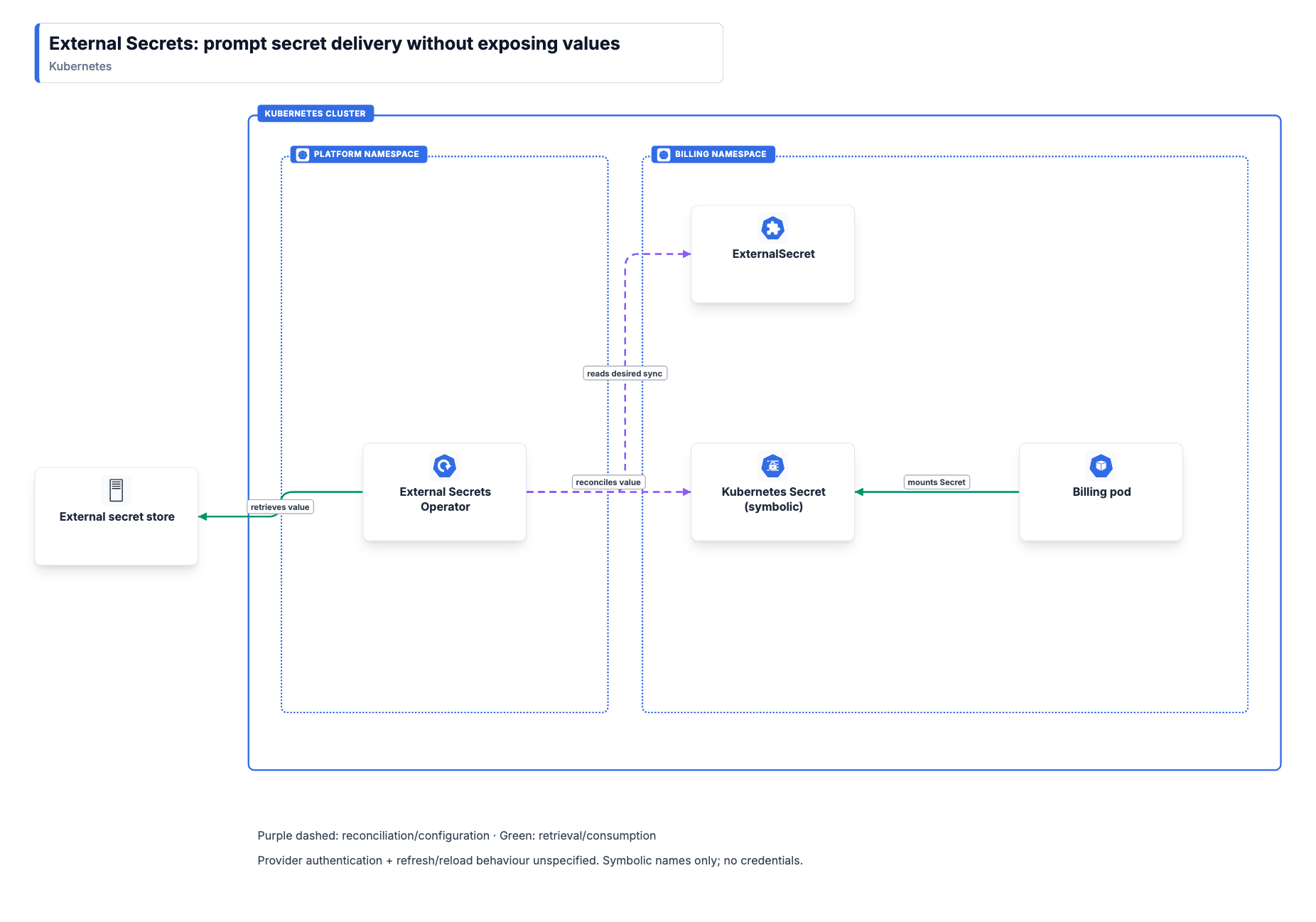 External Secrets: prompt secret delivery without exposing valuesA Kubernetes External Secrets diagram should explain how an application receives a value without containing that value. This example draws the reconciliation and consumption paths using symbolic names, with authentication left explicit rather than guessed.