// blog › kubernetes
KUBERNETES · SERVERLESS · USING ARCHHY
Knative Serving: prompt warm requests and cold starts
On this page
- Draw warm and cold-start request paths as alternatives.
- Keep Knative Service and Revision configuration out of the packet chain.
- Scale-to-zero applies to the workload, not every cluster cost.
A Knative Serving diagram should make the conditional cold-start path clear. This example separates platform resources from the application, then shows how the request path changes when application replicas have scaled down.
Part 10 of our Kubernetes prompting series. The diagram below is an authored Archhy example of the brief, not a claimed output from a particular AI model. Open it in the editor to inspect and adapt the native objects.
The prompt
Draw a Knative Serving request view for a document-preview function. Separate application resources from platform components in knative-serving. Show the Knative Service, Revision and workload relationship. Distinguish the warm request path from the cold-start path through Activator. Show autoscaler metrics and scaling as management arrows. Annotate zero application replicas when idle and reduced idle workload consumption, without claiming that the cluster itself costs nothing.
On a computer, use AI → Generate with AI, Cloud: Auto, then Generate and Save. On a phone, AI → Generate applies the result with Undo available. Keep a copy of existing work before generating. Use an available configured model; results need inspection and may differ from this authored example.
Start with the warm path
A request reaches the configured network layer and can reach the ready Revision workload through its queue-proxy. The diagram uses a blue arrow labelled warm path when directly routed. This wording matters: the view illustrates a possible path rather than asserting that Activator is always bypassed. The workload is represented as a pod containing queue-proxy and the user container.
Read the cold path separately
The cold-start branch goes from the network layer to Activator, then to the ready workload. Activator buffers requests while capacity becomes available. The autoscaler receives request metrics and drives scaling through a separate management relationship. Do not join the warm and cold rails into one mandatory chain; they are alternatives whose exact routing depends on configuration and state.
Keep API objects above runtime
The Knative Service and Revision cards describe the application configuration and revision relationship. Dashed arrows connect them to the workload summary. Platform components sit in knative-serving; application resources sit in previews. This prevents a misleading diagram where requests pass through a Service API object and then a Revision API object as though both were runtime proxies.
Explain the limit of the saving
The idle note says application replicas may reach zero. Platform controllers, networking and cluster capacity still exist, so the picture makes no zero-cost promise. Event-driven delivery is a separate follow-up rather than another crowded lane in this Serving view. If you add Kafka Broker and Trigger, name the required Eventing implementation and broker infrastructure, and inspect the new delivery path independently.
Use the diagram to ask what happens to a request while no application replica is ready. Keep buffering, readiness and timeout expectations as separate questions until the implementation supplies values. Do not invent a cold-start duration. The useful output is an agreed sequence and a list of conditions to test, rather than an unsupported performance promise.
Check the result
- Warm and cold-start arrows are conditional alternatives.
- Activator and autoscaler have different roles and rail styles.
- No label claims the whole Kubernetes platform scales to zero cost.
Inspect every arrowhead at both canvas and exported size. Solid blue rails show the operation named by their labels; dashed purple rails show management or configuration. Other colours are explained by the diagram legend. A rail describes a logical relationship, not necessarily a literal network hop.
Try one precise edit
Keep the two request branches. Add a note that Activator can remain in the request path depending on configuration. Keep Eventing out of this Serving view.
Use Edit with AI with Preserve layout on. Check the result against the previous diagram, undo if needed, then save the native version you want to keep. The diagram is an explanation aid, not executable configuration or a deployment check.
Continue the series
All ten prompts and the prompting method. Previous: Multi-cluster Kubernetes: prompt an overview readers can follow.
Frequently asked questions
Is Activator always absent from warm requests?
No. Its presence depends on routing and capacity configuration; label the diagram as a conditional example.
Is a Knative Service a Kubernetes Service?
They are different API resources. Label them explicitly rather than assuming the same name means the same role.
based on Original Archhy teaching example, informed by official knative.dev documentation, official knative.dev documentation. The example assumptions are named in the article and diagram; it is not a reproduction of a reference deployment.
more on kubernetes
How to prompt archhy: 10 Kubernetes diagram examplesWrite clearer architecture briefs in archhy, then try ten original Kubernetes prompts covering traffic, scaling, GitOps, storage and multi-cluster views.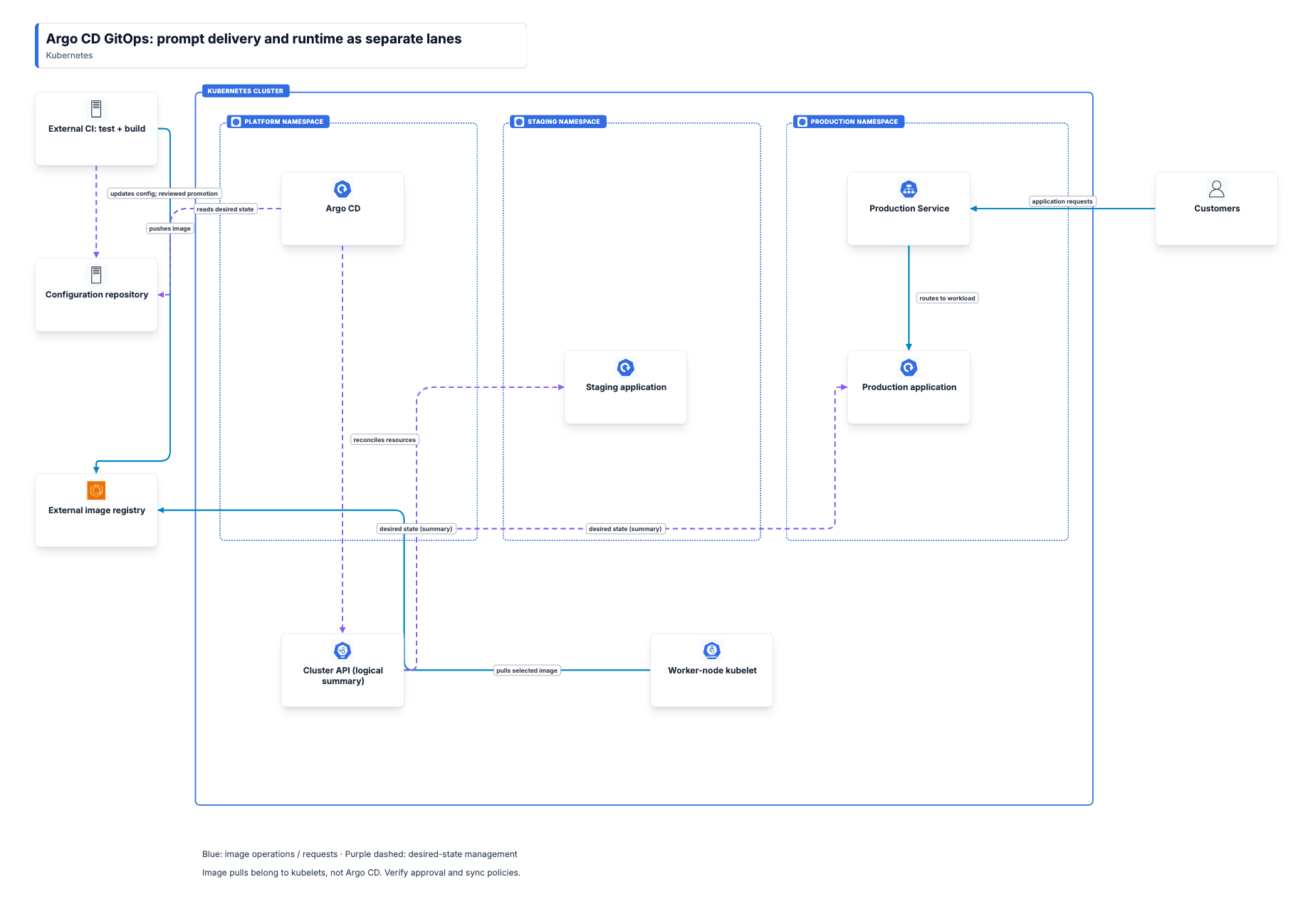 Argo CD GitOps: prompt delivery and runtime as separate lanesAn Argo CD GitOps diagram should show how desired state reaches the cluster while keeping customer traffic separate. This example draws a short delivery chain and makes production promotion a repository change that a reviewer can identify.
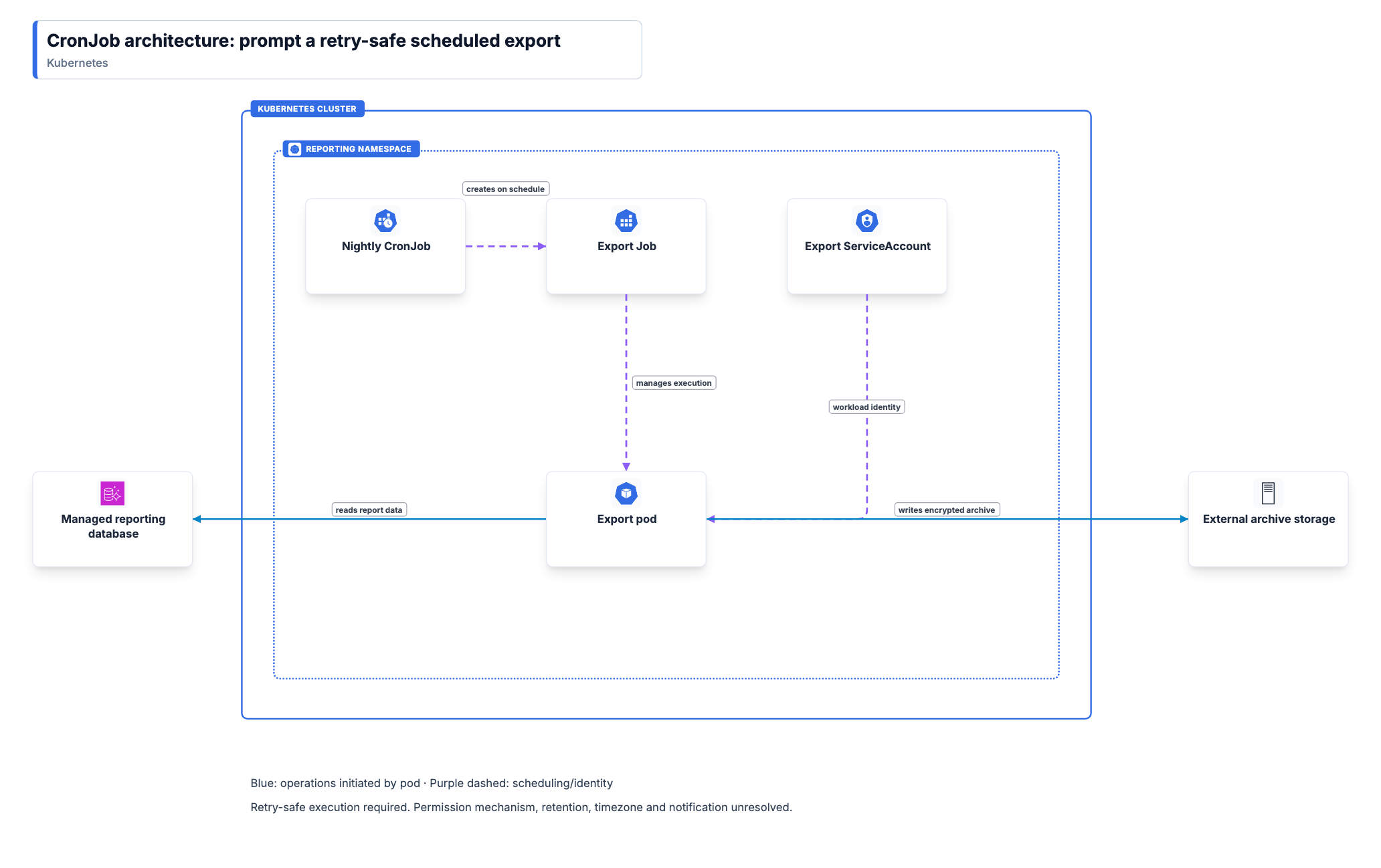 CronJob architecture: prompt a retry-safe scheduled exportA Kubernetes CronJob diagram can explain more than a clock pointing at a pod. This example follows a reporting export from its schedule to an archive, while showing where permissions and recovery assumptions belong.