AWS · DISASTER RECOVERY · ARCHITECTURE PATTERNS
Pilot light vs warm standby: AWS disaster recovery diagram
On this page
- Data is handled the same way in both, so recovery point objectives are similar. Recovery time is what differs.
- Pilot light: infrastructure in place, no running servers. Cheaper, slower to recover.
- Warm standby: a small working copy that can take traffic at once. Costs more, recovers faster, and can be tested every day.
- Replication is not backup. Keep continuous backups in the recovery Region as well.
Pilot light vs warm standby is the choice most teams face once they decide a second AWS Region is worth paying for. Both keep your data live in the recovery Region and both are active/passive. The difference is how much of the application is already running when disaster strikes, and that decides how fast you recover and what you pay every month while nothing is wrong. This post draws both on one diagram and gives a way to choose.
The problem: a Region-wide failure
Multi-AZ design protects you from losing a data centre. It does not protect you from a failure that affects a whole Region, or from a bad change that takes your application down everywhere at once. If the business cannot wait for the Region to recover, you need a copy somewhere else, and a plan for moving traffic to it.
One diagram, two strategies
The diagram shows a primary Region on the left and a recovery Region on the right, with Amazon Route 53 above both (open the diagram). The recovery side is drawn as warm standby. Set its Auto Scaling group to zero and the same picture becomes pilot light.
What both strategies share
- Live data. Databases and tables (Amazon RDS, Amazon DynamoDB) replicate from the primary into the recovery Region, ready to serve.
- Continuous backups in the recovery Region too. If someone deletes or corrupts data, replication faithfully copies the damage; a backup lets you go back.
- Infrastructure already deployed in the recovery Region: the VPC and its subnets and routes, load balancers and Auto Scaling groups.
- One name, two endpoints. Route 53 holds an endpoint for each Region under the same domain name, and a routing policy decides which one receives traffic.
Pilot light
The recovery Region has everything configured but no instances running. It cannot serve a single request until you deploy and scale out the application. That is the saving and the risk in one sentence.
Warm standby
The recovery Region runs a working copy at reduced capacity, for example one instance per tier. It can take some traffic the moment you fail over, then scale up. Because it is running, you can send synthetic transactions through it to prove it works. A full-size copy is called hot standby.
Recovering: detect, restore, fail over
- Detect. A server answering pings is not proof the workload is healthy. Alarm on what users feel: API error rates and latency, CloudWatch Synthetics canaries that check real responses, and business numbers such as order rate.
- Restore. Scale the recovery Region up. AWS's example uses one CloudFormation template with an "active or passive" parameter that sets the desired instance count, so failing over is a stack update, not a rebuild.
- Fail over. Change which endpoint Route 53 sends traffic to.
How to choose
- Start from recovery time. If the business can tolerate the time it takes to launch and warm a fleet, pilot light is enough. If not, warm standby.
- Count the hidden work in pilot light. Scaling from zero during an incident depends on launch templates, images, service quotas and capacity in the recovery Region, all exercised rarely. Rehearse it on a schedule, or it will fail when you need it.
- Warm standby is easier to trust. A copy that serves synthetic traffic every day tells you it works; a cold one only tells you on the day.
- Cost. Both pay for replicated databases and storage. Warm standby adds the reduced fleet running all the time. Price both against what an hour of outage costs you.
Trade-offs and security notes
- Decide in advance who can declare a disaster, and whether failover is automatic or a person's decision. An automatic failover on a false alarm is an outage of its own.
- DNS answers are cached by clients for their time to live, so traffic moves gradually after a change. Keep TTLs on the failover records short.
- The recovery Region needs the same security baseline: IAM roles, encryption keys, logging and guardrails. A forgotten key or policy is a common reason recovery stalls.
- Plan the way back. Failing back to the primary is a second migration, with data flowing the other way.
When not to use either
- Your recovery time objective is measured in hours or days: backup and restore into another Region is far cheaper.
- You need near-zero downtime and writes in both Regions: that is active/active, a different design.
- The workload is not yet resilient within one Region. Fix Multi-AZ first.
How to draw it in archhy
- From the Services drawer (AWS pack), place an AWS Cloud, then two Region containers side by side, each with a VPC, public and private subnets and an Auto Scaling group.
- Draw the primary Region completely, then duplicate the Region and rename it. Delete one instance from the copy's Auto Scaling group to show the reduced fleet.
- Put Route 53 above both Regions and draw two rails to the load balancers. Make the failover rail dashed.
- Colour the replication rails green and animate them, so the data flow stands apart from user traffic.
- Add an info box to each Auto Scaling group with its desired count, then download a PNG for the runbook from the File menu.
Related: multi-tenant SaaS on AWS and hub-and-spoke inspection with Transit Gateway.
The series
This post is part of Disaster recovery across AWS, Azure and Google Cloud:
- RTO, RPO and the four disaster recovery strategies
- Backup and restore (cold DR) on AWS
- Pilot light vs warm standby on AWS (this post)
- Multi-site active/active on AWS
- Warm standby on Azure with Site Recovery
- Active/active on Azure with Front Door and Cosmos DB
- Cold, warm and hot DR on Google Cloud
- From your data centre to the cloud: DR into AWS, Azure and Google Cloud
- DR building blocks compared: AWS vs Azure vs Google Cloud
Frequently asked questions
What is the difference between pilot light and warm standby?
Pilot light keeps data and infrastructure ready in the recovery Region with no servers running. Warm standby also runs a small working copy, so it can serve traffic immediately and recovers faster.
Which has the lower RTO, pilot light or warm standby?
Warm standby, because part of the application is already running. Their RPO is similar, as both replicate data the same way.
Is warm standby the same as active/passive?
It is one form of active/passive: the recovery Region takes production traffic only after failover.
Do I still need backups if I replicate data?
Yes. Replication copies deletions and corruption too; backups let you restore to a point before the damage.
based on Redrawn and discussed from Disaster Recovery (DR) Architecture on AWS, Part III: Pilot Light and Warm Standby by Seth Eliot (AWS Architecture Blog, 14 May 2021). The diagram, the choosing guide and the commentary are archhy's own.
more on aws
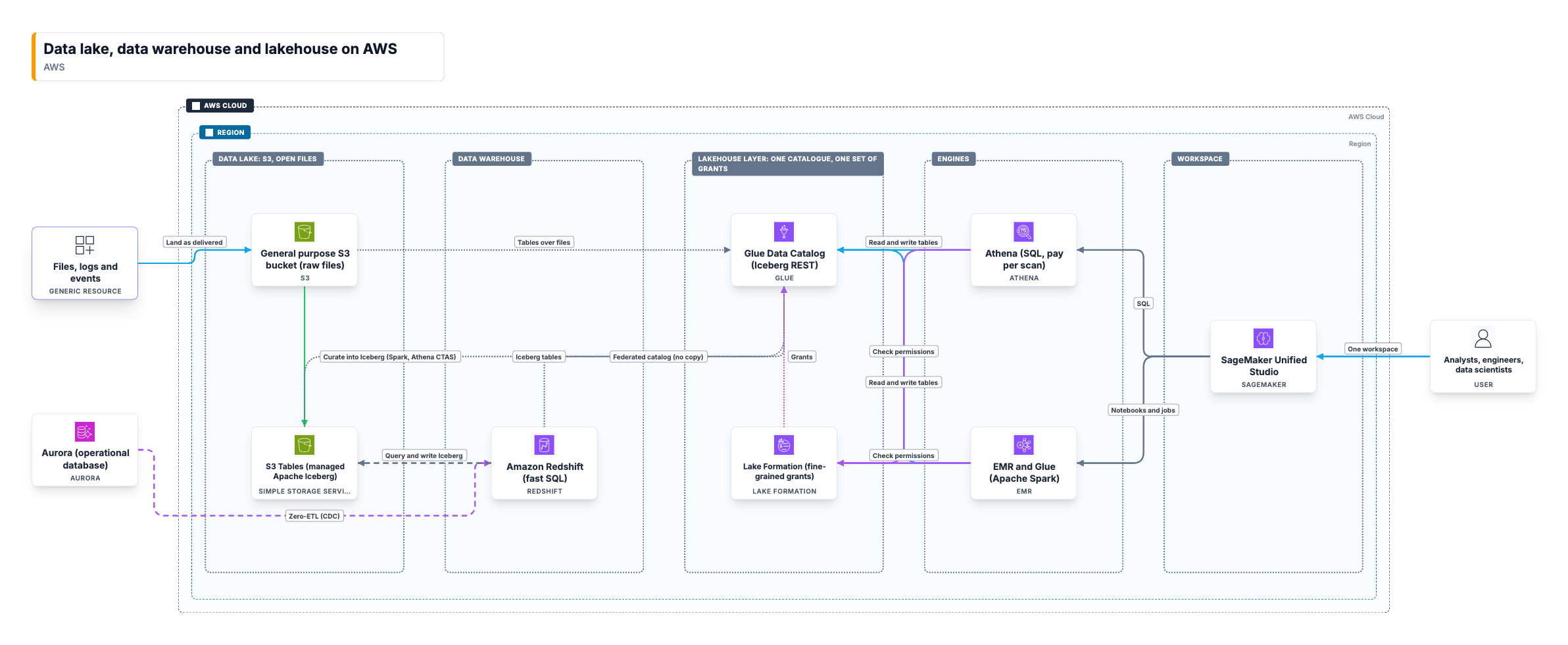 Data lake vs data warehouse vs lakehouse on AWSS3, Glue and Athena vs Amazon Redshift vs Apache Iceberg tables under one catalogue: what each is on AWS, where each fits in one diagram, and which to start with.
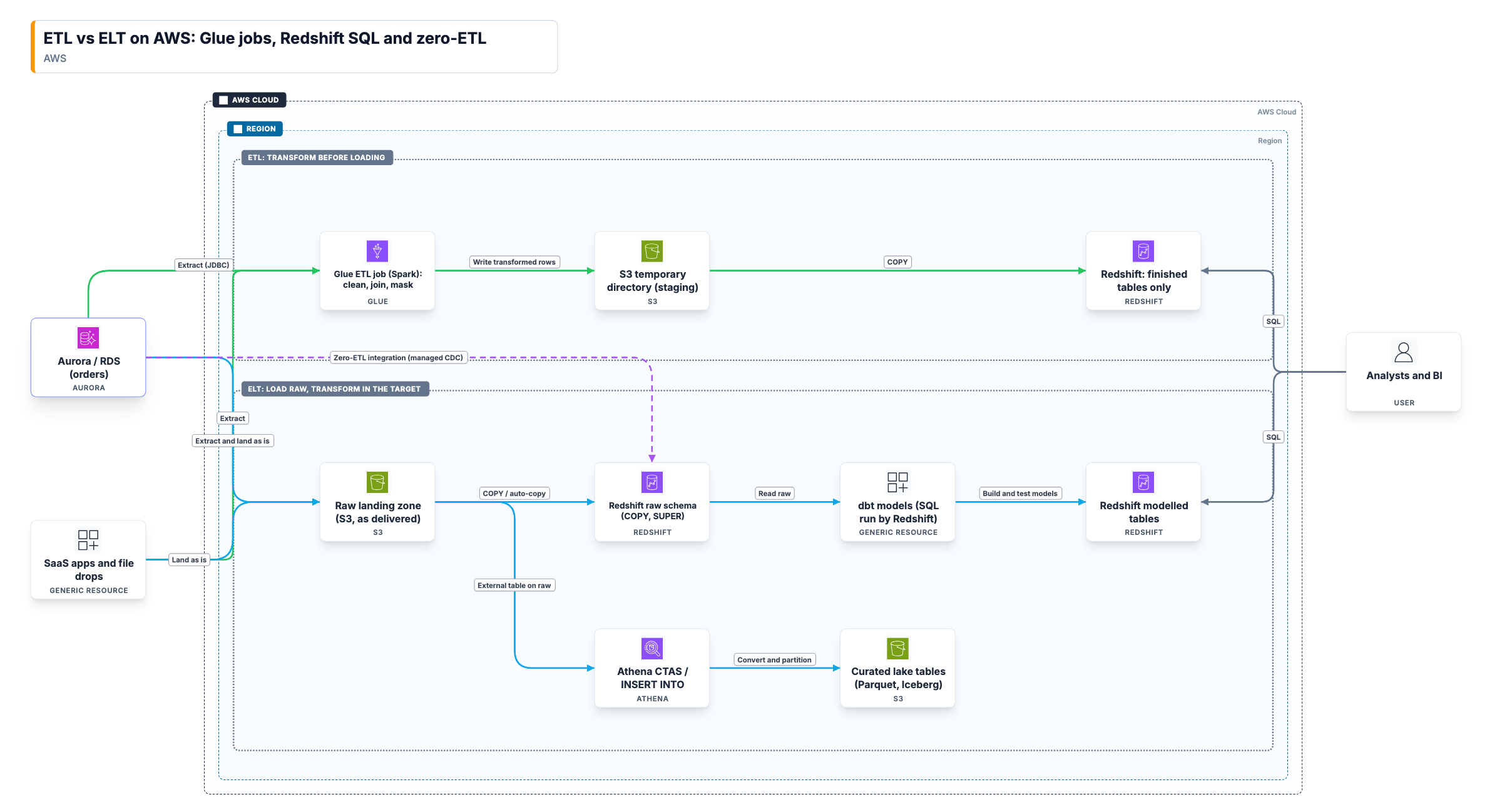 ETL vs ELT on AWS: Glue jobs, Redshift SQL and zero-ETLETL vs ELT on AWS, drawn side by side: Glue Spark jobs that transform before loading, raw loads transformed in Redshift or with Athena, and where zero-ETL fits.
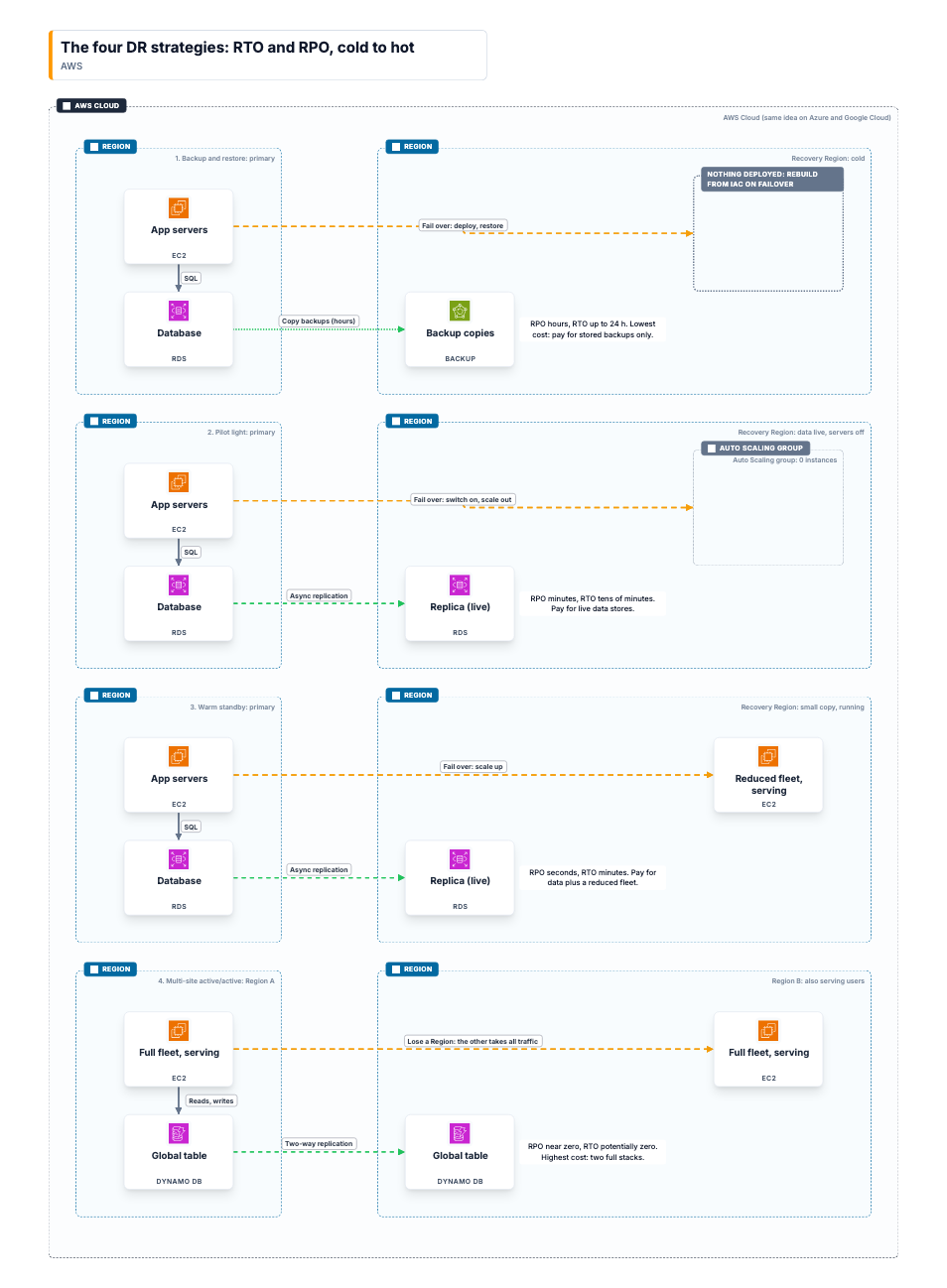 RTO and RPO explained: the four disaster recovery strategiesWhat RTO and RPO mean, with a worked example, and the four disaster recovery strategies from backup and restore to active/active: what runs, what it costs, and how to choose.