Governed data lake on AWS: S3, Glue and Lake Formation
How to build a data lake on AWS: ingest with Glue, store in S3 zones in Parquet or Iceberg, catalogue and govern with Lake Formation, then query with Athena, Redshift Spectrum and EMR under one set of permissions.
Opens a copy in the editor, in a new tab, ready to change. No account needed.
What’s in this diagram
services and parts
- RDS and on-premises databases (JDBC)
- Streaming sources
- Analysts and data scientists
- Blueprints (Glue workflows)
- Glue ETL jobs
- Glue crawlers
- Raw zone
- Curated zone (Parquet, partitioned)
- Glue Data Catalog
- Lake Formation permissions (table, column, row, cell; LF-Tags)
- CloudTrail audit log
- Athena
- Redshift Spectrum
- EMR (Apache Spark)
groups
- AWS Cloud
- Region
- Ingest and prepare
- Store (S3, open formats)
- Catalogue and govern
- Consume
Key points
- Four layers: ingest, store, catalogue and govern, consume. Draw them as columns and the design explains itself.
- Store data in open formats in your own S3 buckets, so no single tool owns it.
- Grant access on tables and columns in Lake Formation, not on buckets and prefixes in IAM.
- Every query engine checks the same permissions, and CloudTrail records each access.
The whole story, step by step: Data lake on AWS: S3, Glue and Lake Formation architecture.
More diagrams
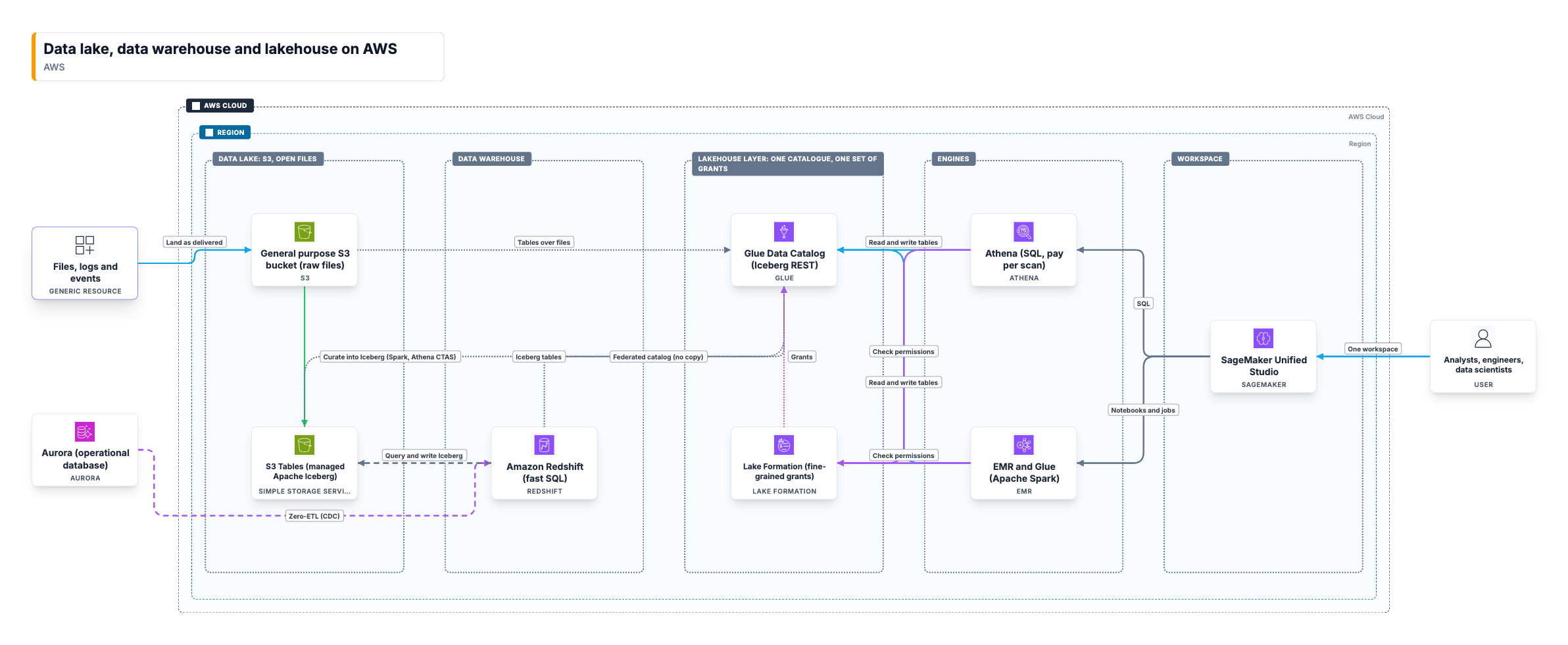 AWSData lake, data warehouse and lakehouse on AWSS3, Glue and Athena vs Amazon Redshift vs Apache Iceberg tables under one catalogue: what each is on AWS, where each fits in one diagram, and which to start with.
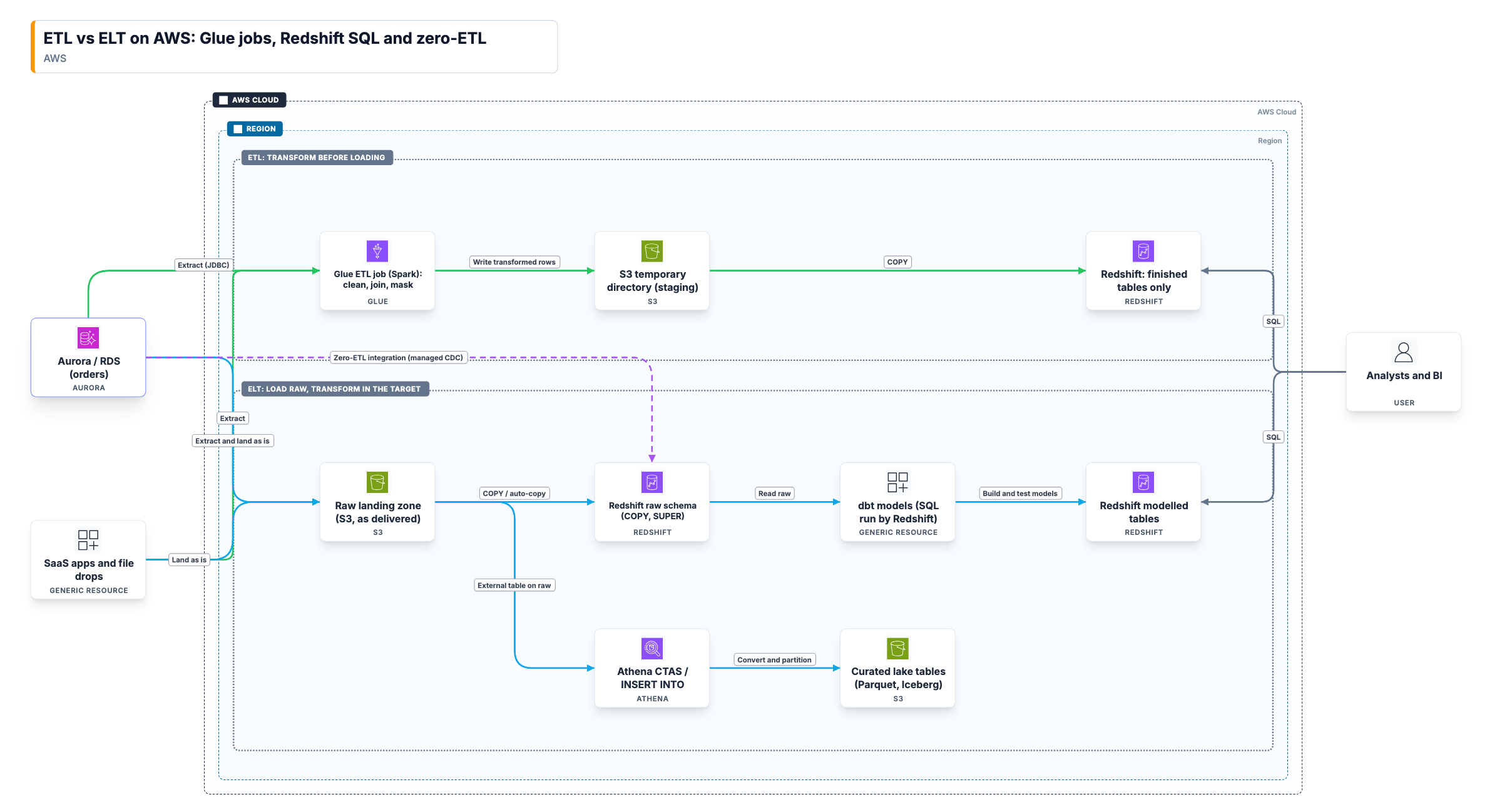 AWSETL vs ELT on AWS: Glue jobs, Redshift SQL and zero-ETLETL vs ELT on AWS, drawn side by side: Glue Spark jobs that transform before loading, raw loads transformed in Redshift or with Athena, and where zero-ETL fits.
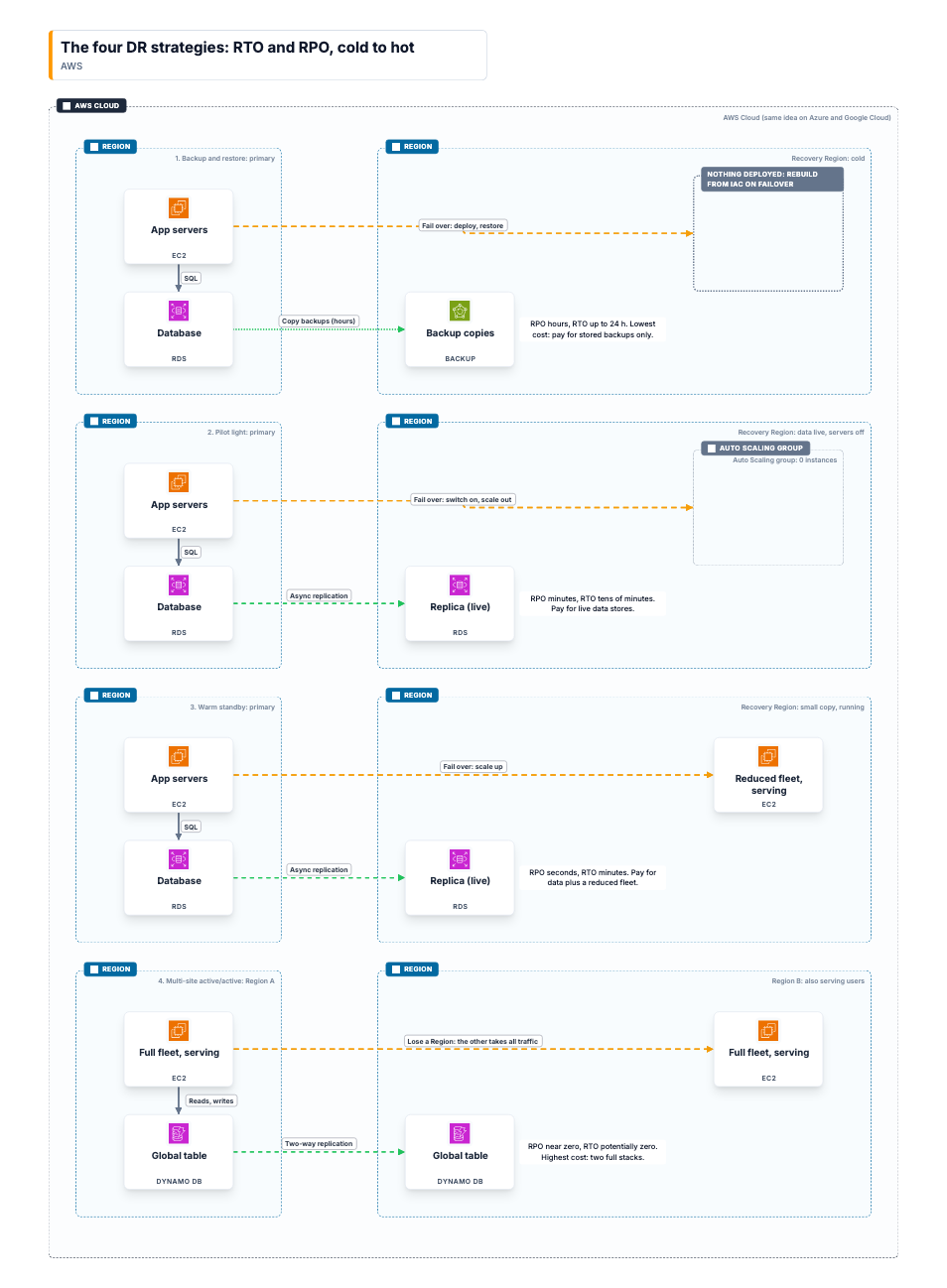 AWS · Azure · Google CloudThe four DR strategies: RTO and RPO, cold to hotWhat RTO and RPO mean, with a worked example, and the four disaster recovery strategies from backup and restore to active/active: what runs, what it costs, and how to choose.